How to choose an API client: three questions, not a button catalogue
Most reviews start with a list of buttons. That is a bad entry point: everyone has a Send button, everyone has a JSON tree, everyone has a dark theme. The real argument is elsewhere — where the request collection physically lives, and what happens when the team gets a fifth member instead of a fourth.
Below are the three questions that are enough to rule out nine clients out of ten without a single comparison table. A full table by product, roles for QA / developer / DevOps, and an import breakdown live in the separate March 2026 long read.
1. Where do collections live
- Vendor cloud — shared team out of the box, version history and tokens sit on someone else's server, a team seat is usually paid past some size.
- Files in Git — review like code, full offline, but you need a client that actually does this (Bruno and its close relatives). PolyApiIDE does not have this yet — a Git folder on disk is on the roadmap, and for point-in-time sharing today there is collection patch export and apply.
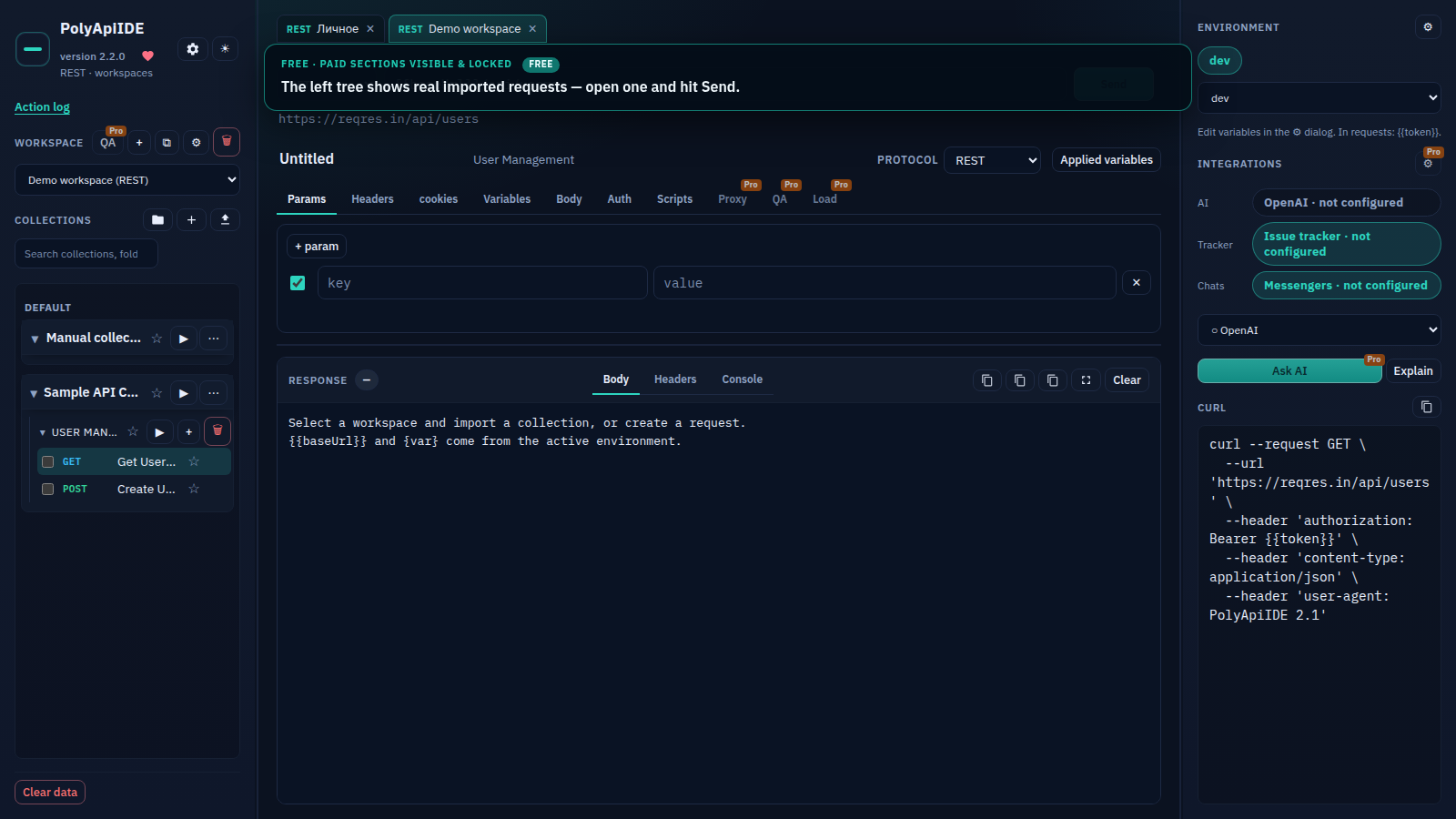
- Browser / extension — nothing to install, collections live in browser storage on one machine (
chrome.storagein our case), and sharing happens through collection export, a change patch, or cloud backup. The neighbour in this slot is Hoppscotch. - Editor — the collection sits next to the branch if you already live in VS Code (Thunder Client, REST Client, httpYac).
This is not an aesthetic question. The storage model decides who can walk away with the collection, what happens when someone leaves the team, and whether you need a separate account just to press Send.
2. Who pays for working together
After spring 2026, a free "team in the cloud" from the big platforms is no longer a safe default. From there you have three paths: pay for a seat in someone else's cloud, run your own host, or everyone works locally and you agree on an export exchange. Do not compare a single person's price to a ten-person team's price — those are different budget lines, and a freelancer's answer almost never scales to a department of ten QA engineers.
Pricing numbers in articles go stale fast, so this stays structural rather than a sales page. PolyApiIDE has three paid plans on top of a free tier: a monthly subscription, a yearly one discounted against the monthly price, and a one-time Lifetime purchase with no subscription at all (fixes to the current line ship free, major upgrades are a separate future decision). Free is capped at three collections, three folders, and one load-test run — enough to tell whether the storage model fits before you pay for anything. Check current numbers in the pricing block on the site, not in this text: it will outlive one pricing grid.
What this looks like on a live example
A team of four: a lead, two backend engineers, one QA. Everyone already has a 40-request collection exported from Postman.
- If the deciding criterion is "see a teammate's edit in real time" — neither Git files nor a browser extension give you that, only a cloud platform with a shared workspace. PolyApiIDE is not a candidate here, and that is not our slot.
- If the deciding criterion is "the collection lives in the same pull request as the feature" — that is Bruno or something like it, because only there does a request actually sit as a file next to the code.
- If the deciding criterion is "QA runs a scenario, finds a negative case, attaches a PDF report to the ticket, and nobody pays for a cloud seat" — that is us: the paid plan gives branching QA scenarios, automatic negative-case generation, and a PDF report per run, and sharing a collection between four people works through a section patch with conflicts highlighted, or a plain file export — up to five active sessions per key covers the whole team in this example.
The point: there is no single correct answer to "where do collections live" for a four-person team — there are three different answers to three different actual requirements, and it is worth naming which one applies before opening any vendor's site.
3. Do you need a desktop
If the machine already groans under two open Electron apps, the browser slot makes sense — an extension lives in an already-open tab and does not add a separate process with its own window. If you already live in an editor, do not drag in another window; a collection in VS Code is closer to the work. If you need a CLI in a pipeline, the UI question is not even a criterion — get Newman, bru, or a test framework, because no browser client, ours included, runs from GitLab CI.
How not to choose
- by the phrase "best client 2026" in someone else's headline;
- by the number of protocols you do not use — if you never touch gRPC, do not count it as a plus;
- by a promised feature a product does not actually have right now — every tool, ours included, has a current feature set and a roadmap, and the two are worth telling apart; what PolyApiIDE has today and what is in progress is in the roadmap post;
- by one comparison column labelled "us", where every cell is green — that never happens for anyone.
I build PolyApiIDE. Our slot is a Chrome or Firefox tab with no account required to Send, QA scenarios, load profiles, and team sharing through patches on the paid plan, checkout on the site rather than inside the extension window. If your three answers point to a repository with full Git today, that is Bruno — though a collection patch already covers part of the same job, and the Git folder itself is on our roadmap. If they point to a shared cloud workspace with roles for fifty people, look at Postman or a similar platform.
The author builds PolyApiIDE. That is stated in the articles, not hidden in a footer.