← PolyApiIDE

PolyApiIDE — Free vs paid

Live IDE walkthroughs with on-screen commentary: what Free includes and what payment unlocks. After purchase the key is emailed.
Buy Videos

Free — no key

A clean desk: requests, environments, scripts, cURL. Paid sections stay hidden so nothing distracts.

PolyApiIDE screenshot

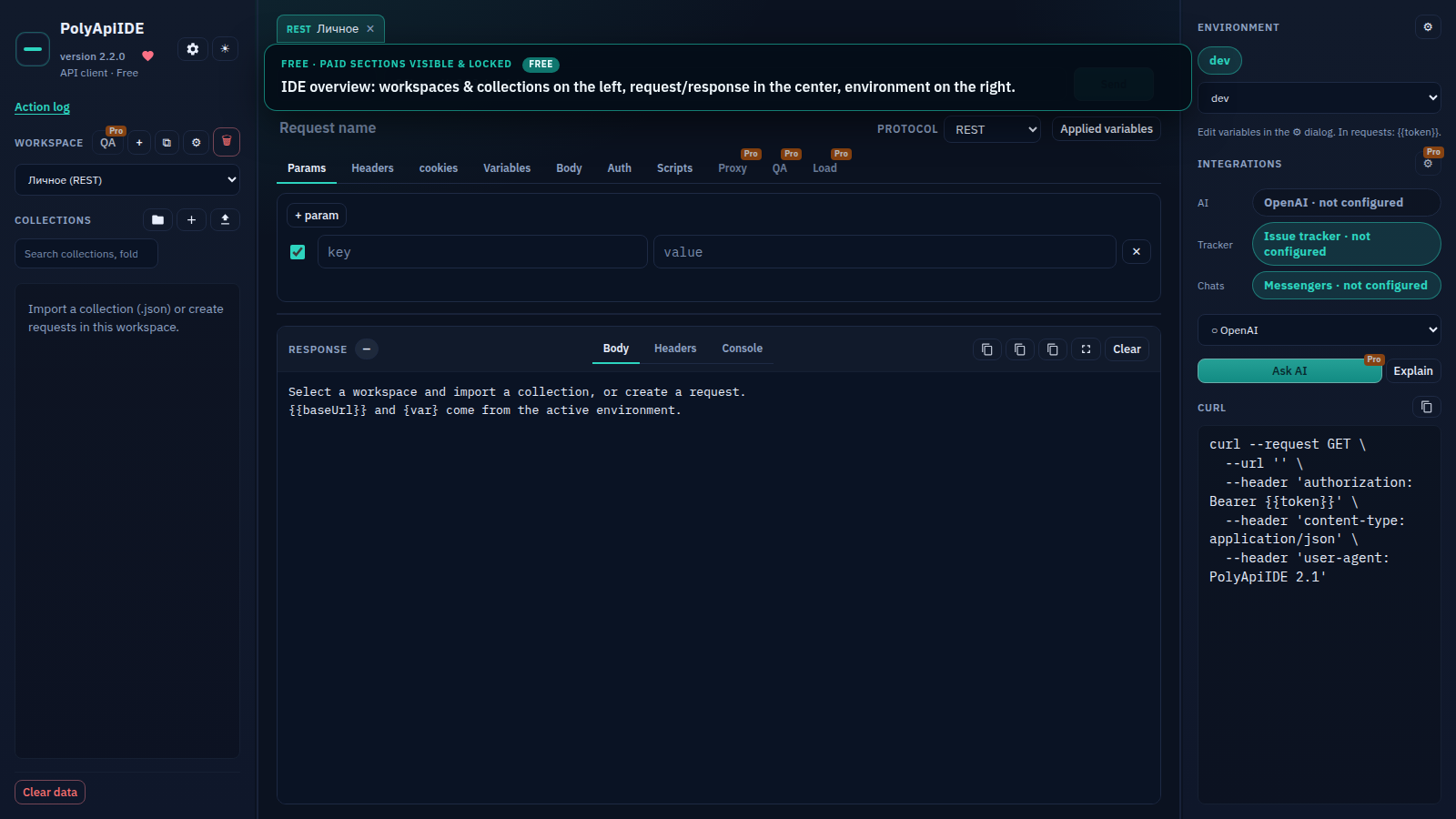
IDE overview
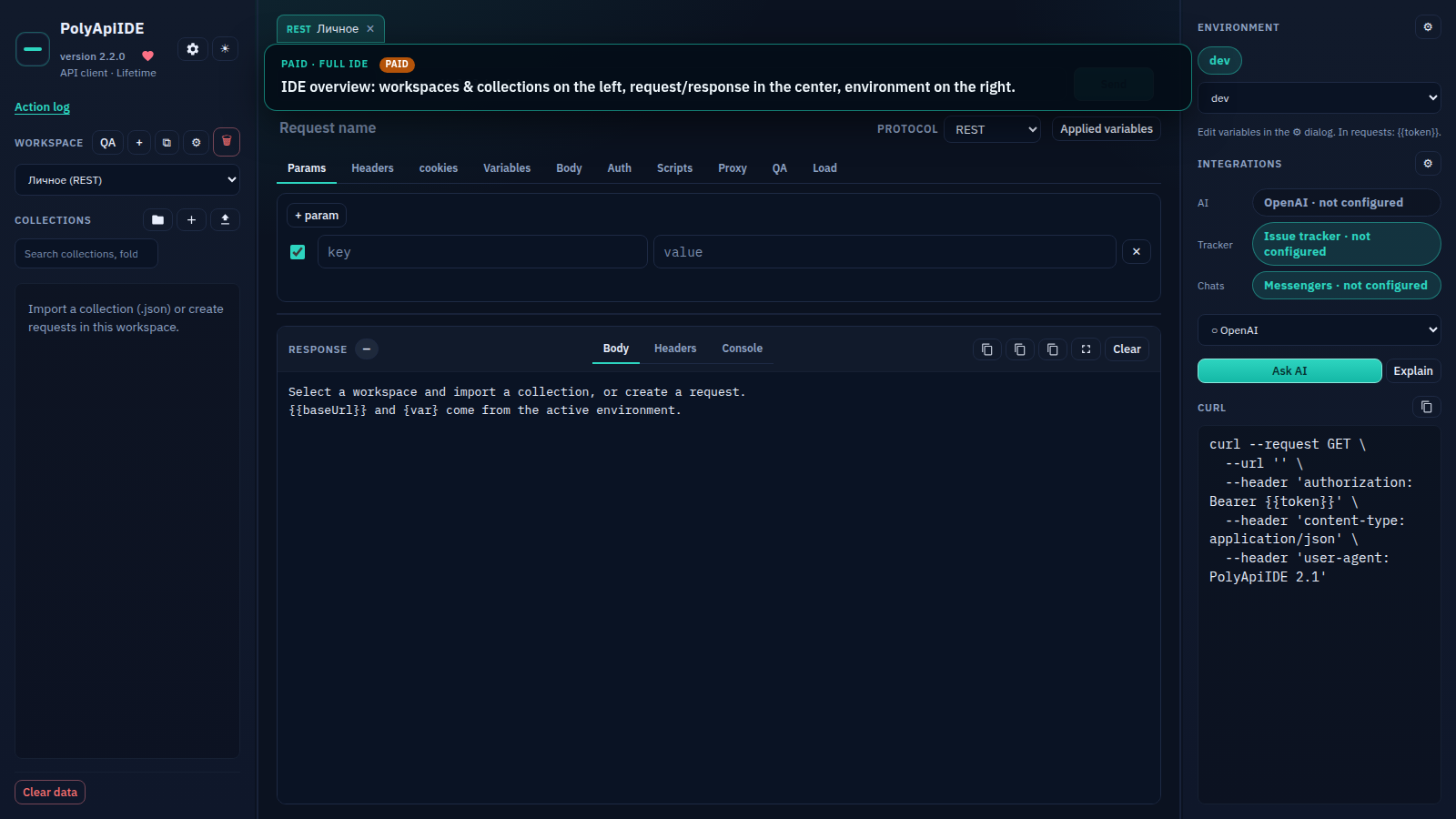
Free Free · IDE overview: workspaces & collections on the left, request/response in the center, environment on the...
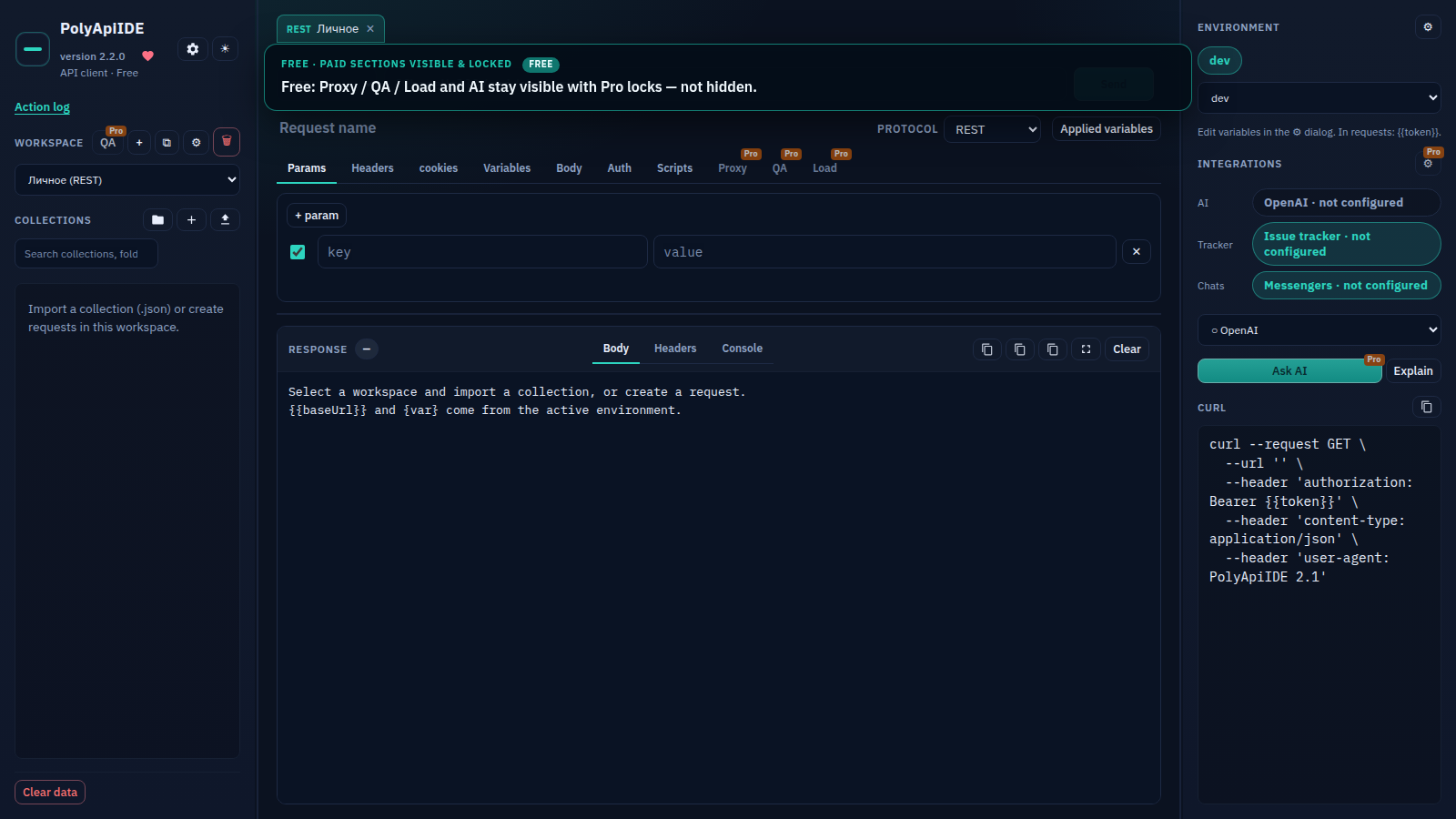
Pro sections on Free
Free Free · Free: Proxy / QA / Load and AI stay visible with Pro locks — not hidden.
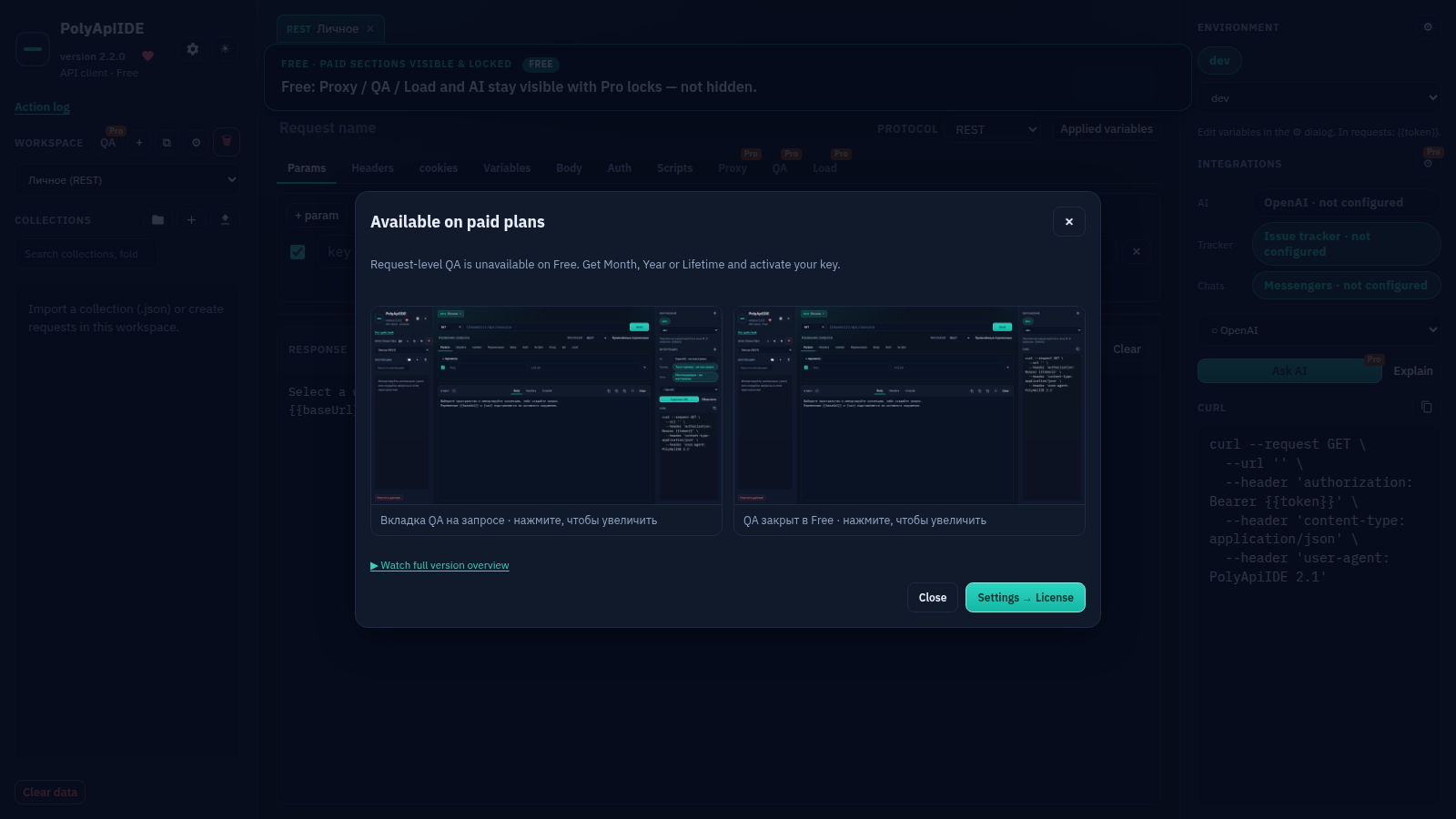
QA (Pro)
Free Free · Free: Proxy / QA / Load and AI stay visible with Pro locks — not hidden.
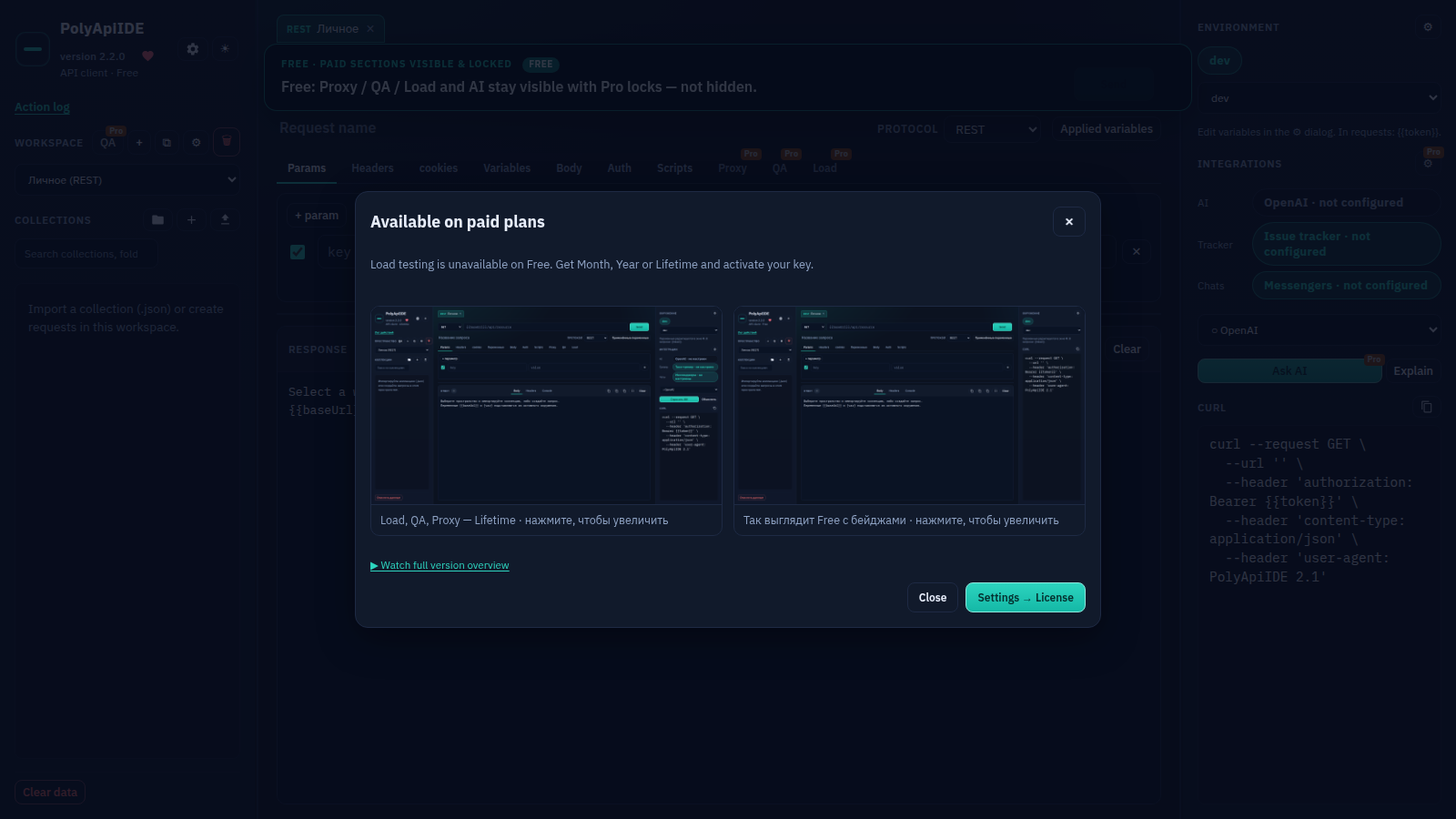
Load (Pro)
Free Free · Free: Proxy / QA / Load and AI stay visible with Pro locks — not hidden.
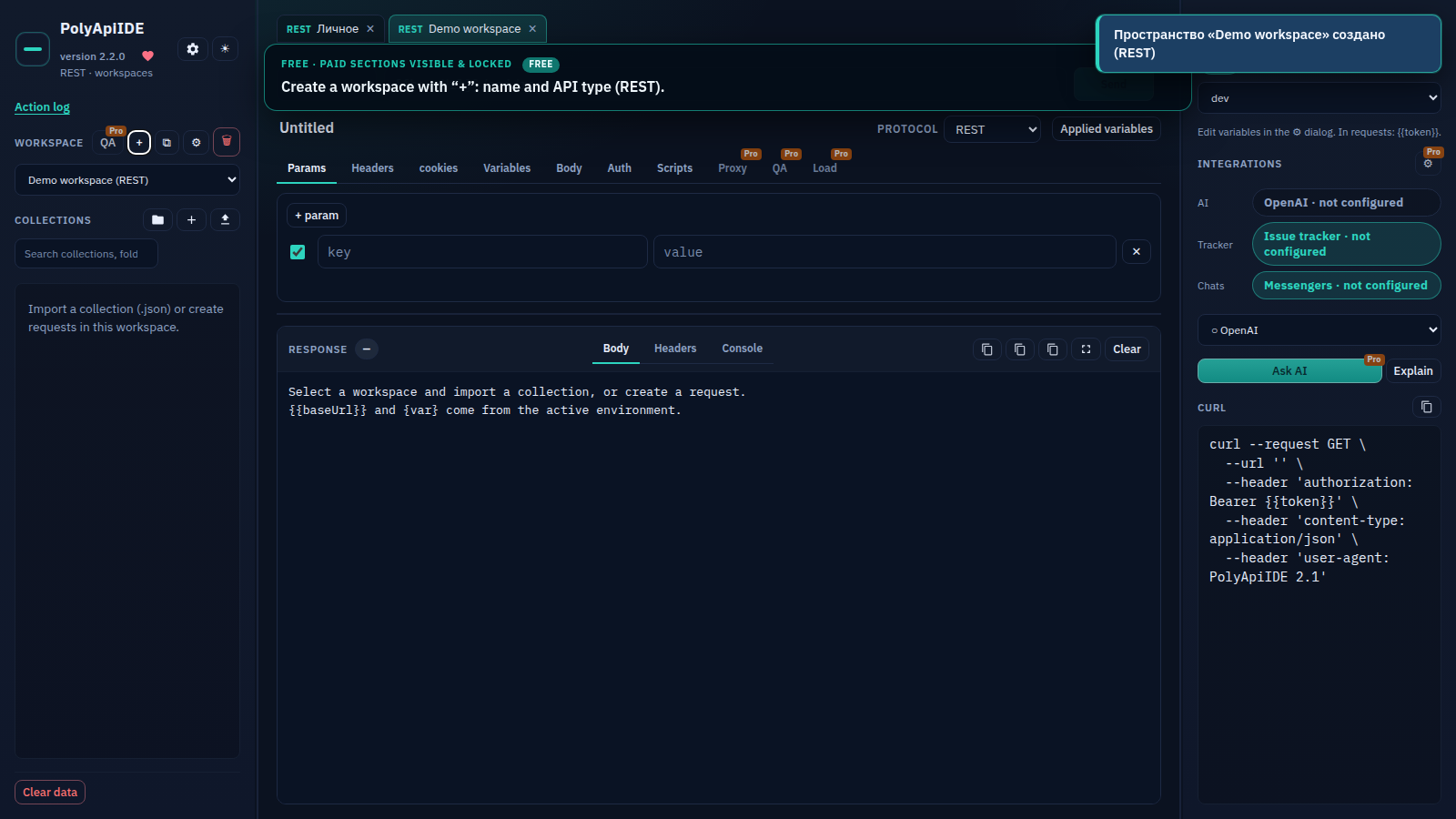
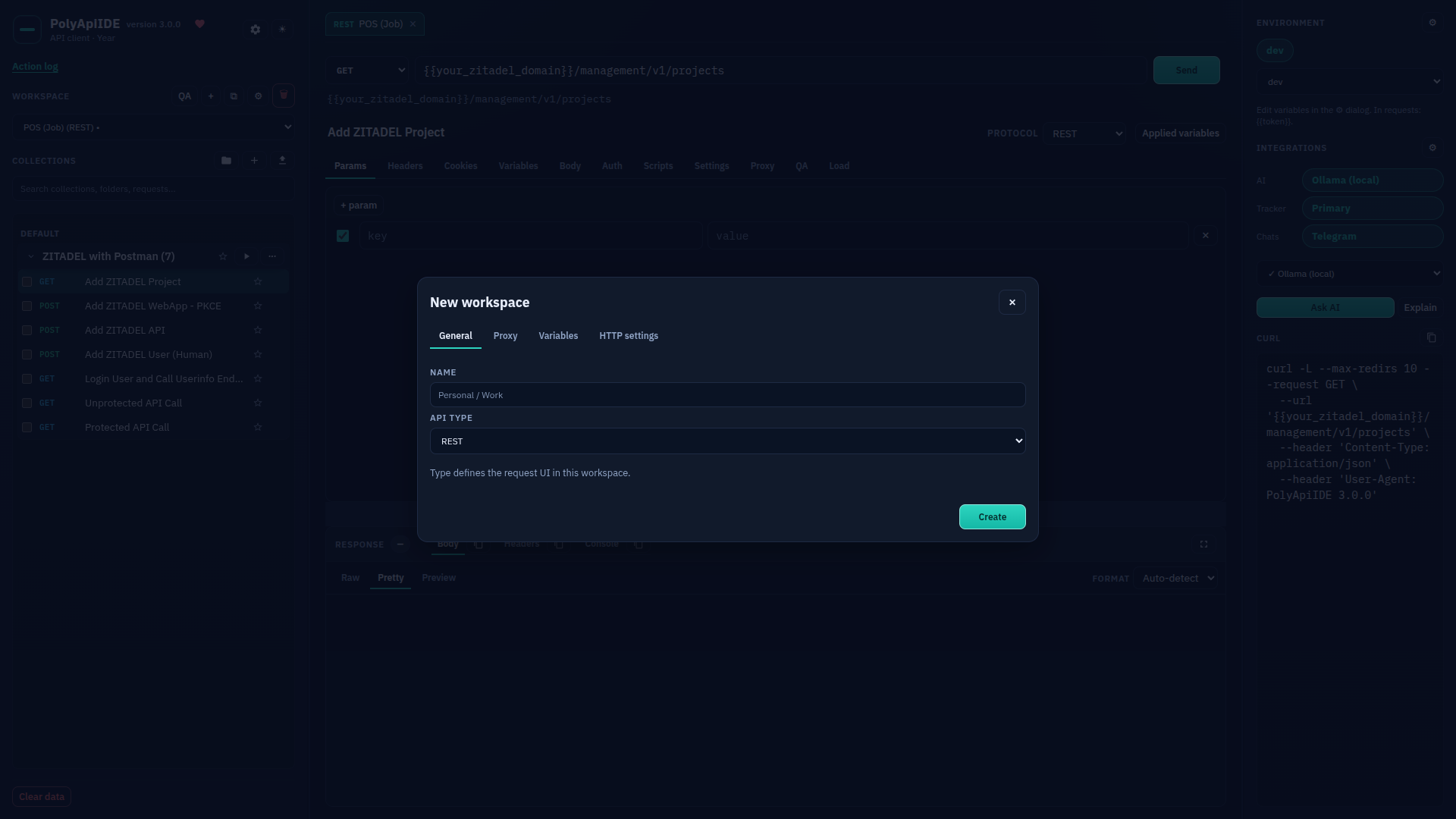
New workspace
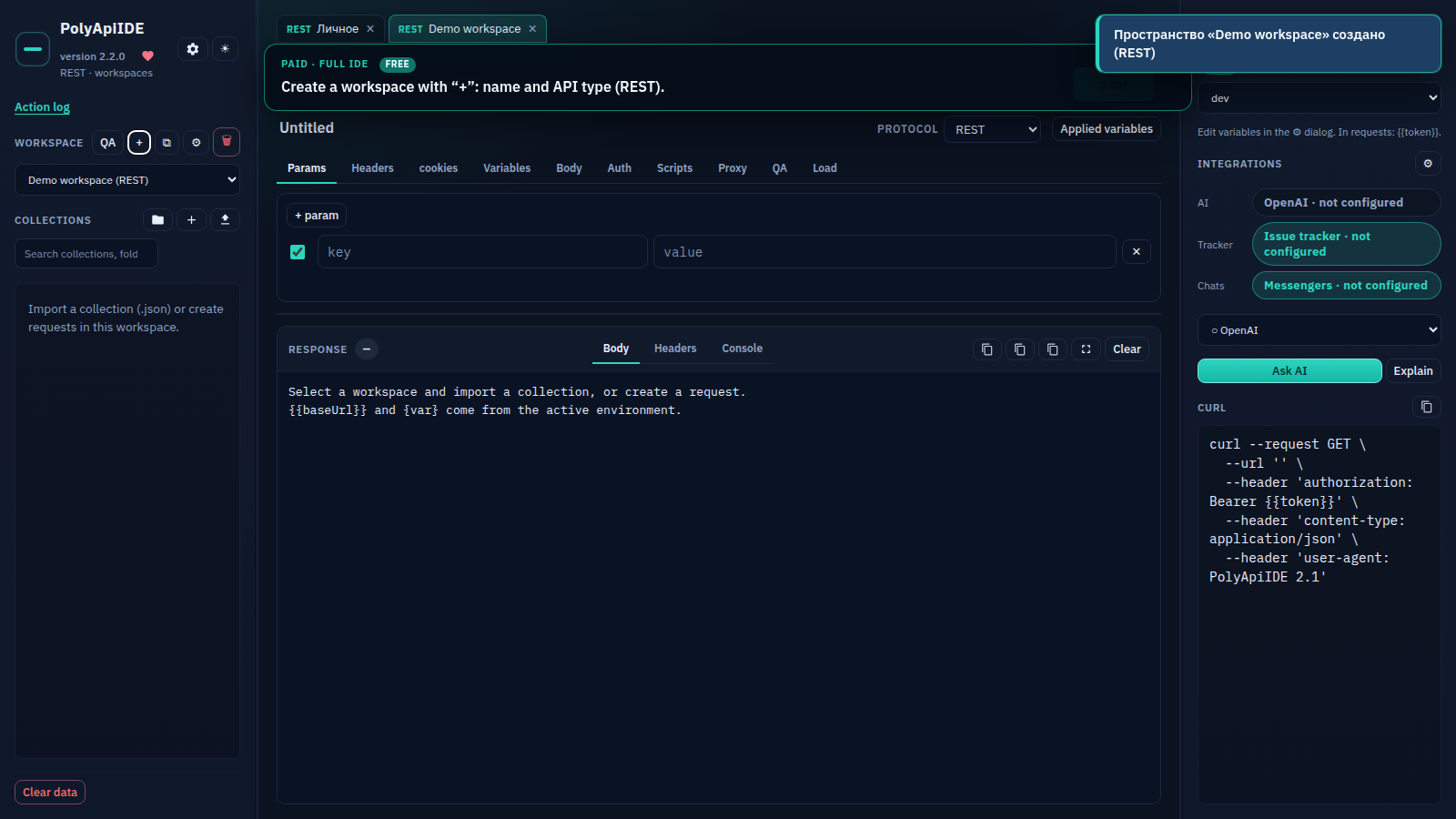
Free Free · Create a workspace with “+”: name and API type (REST).
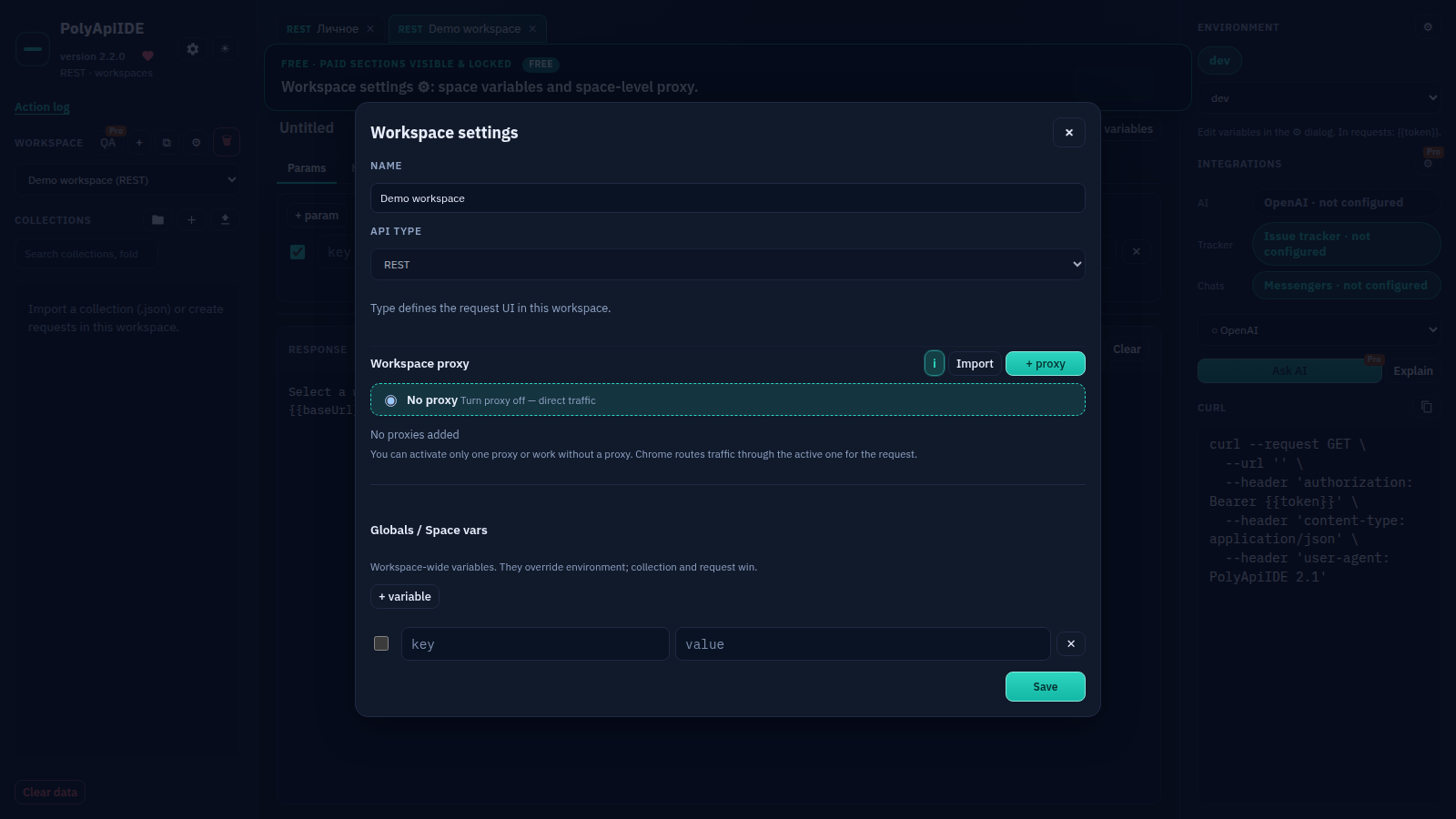
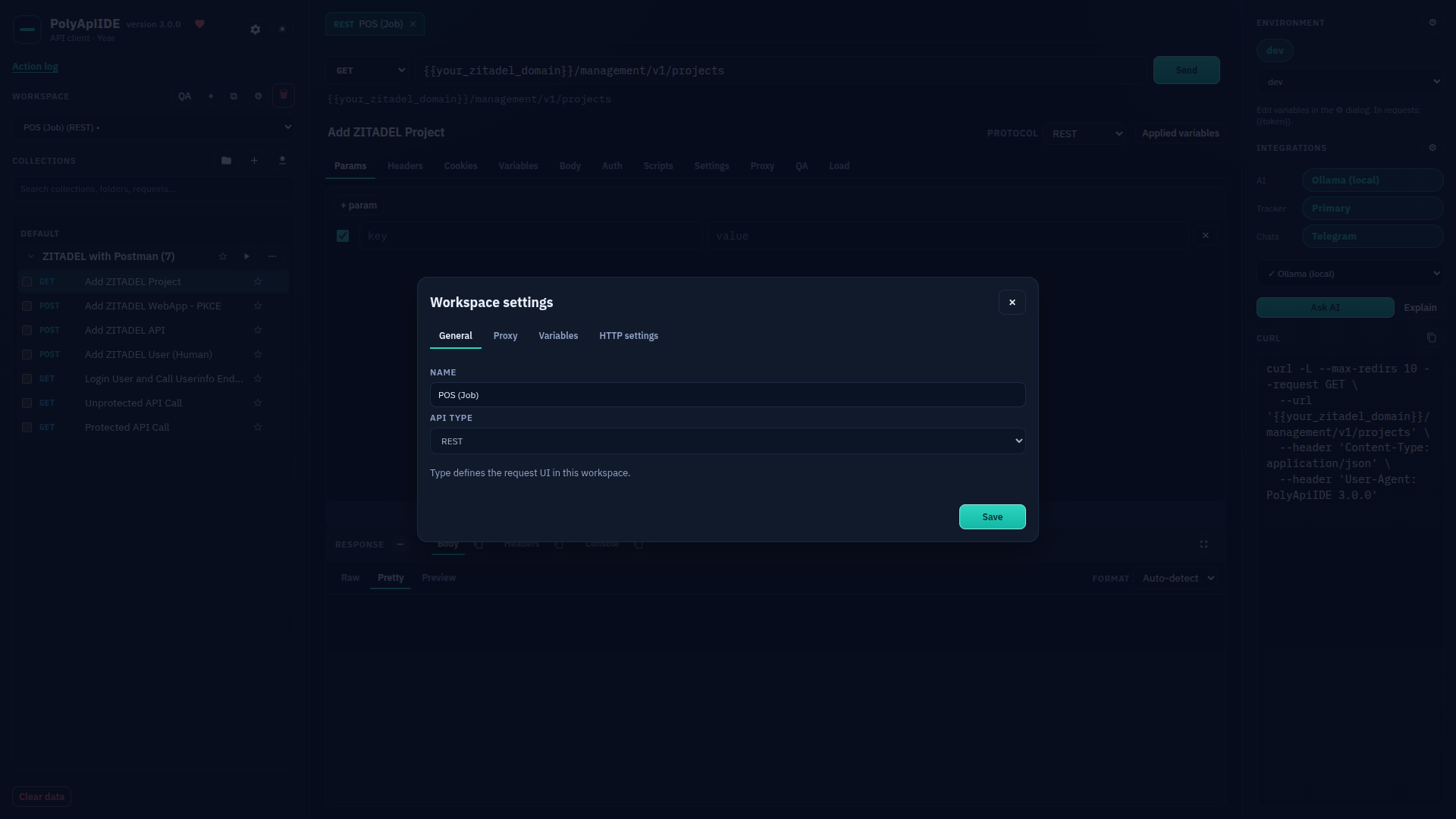
Workspace settings
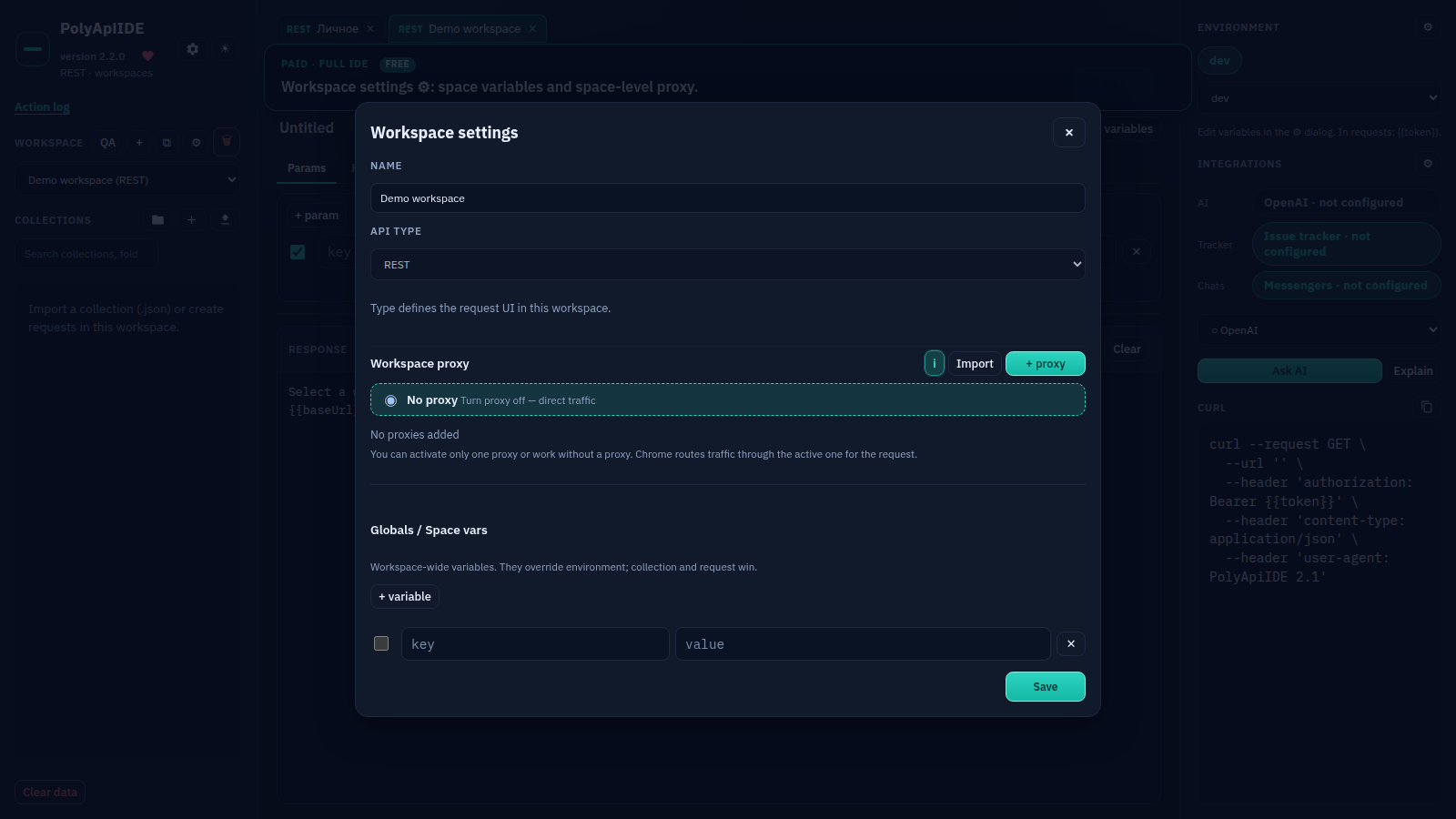
Free Free · Workspace settings ⚙: space variables and space-level proxy.
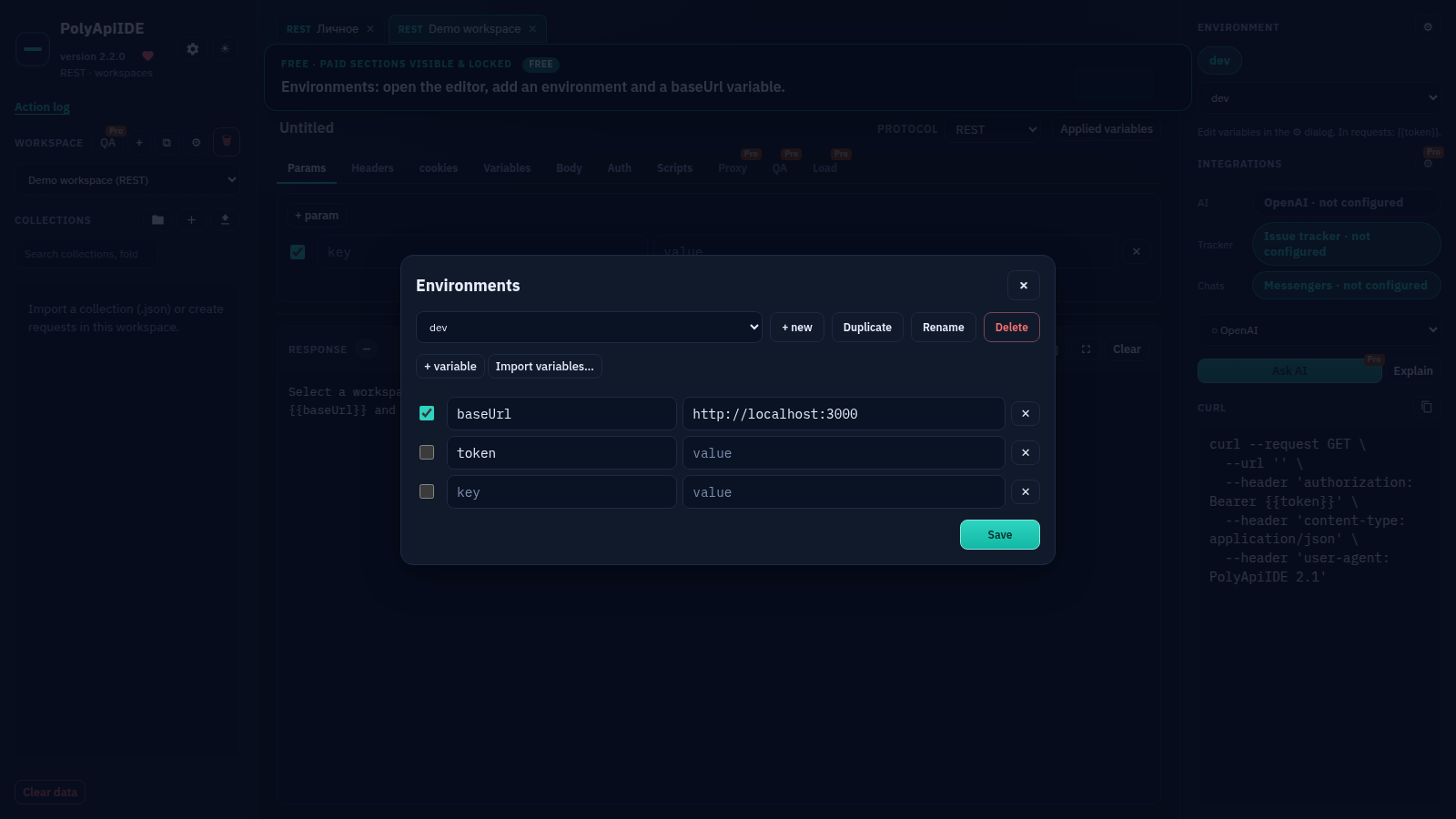
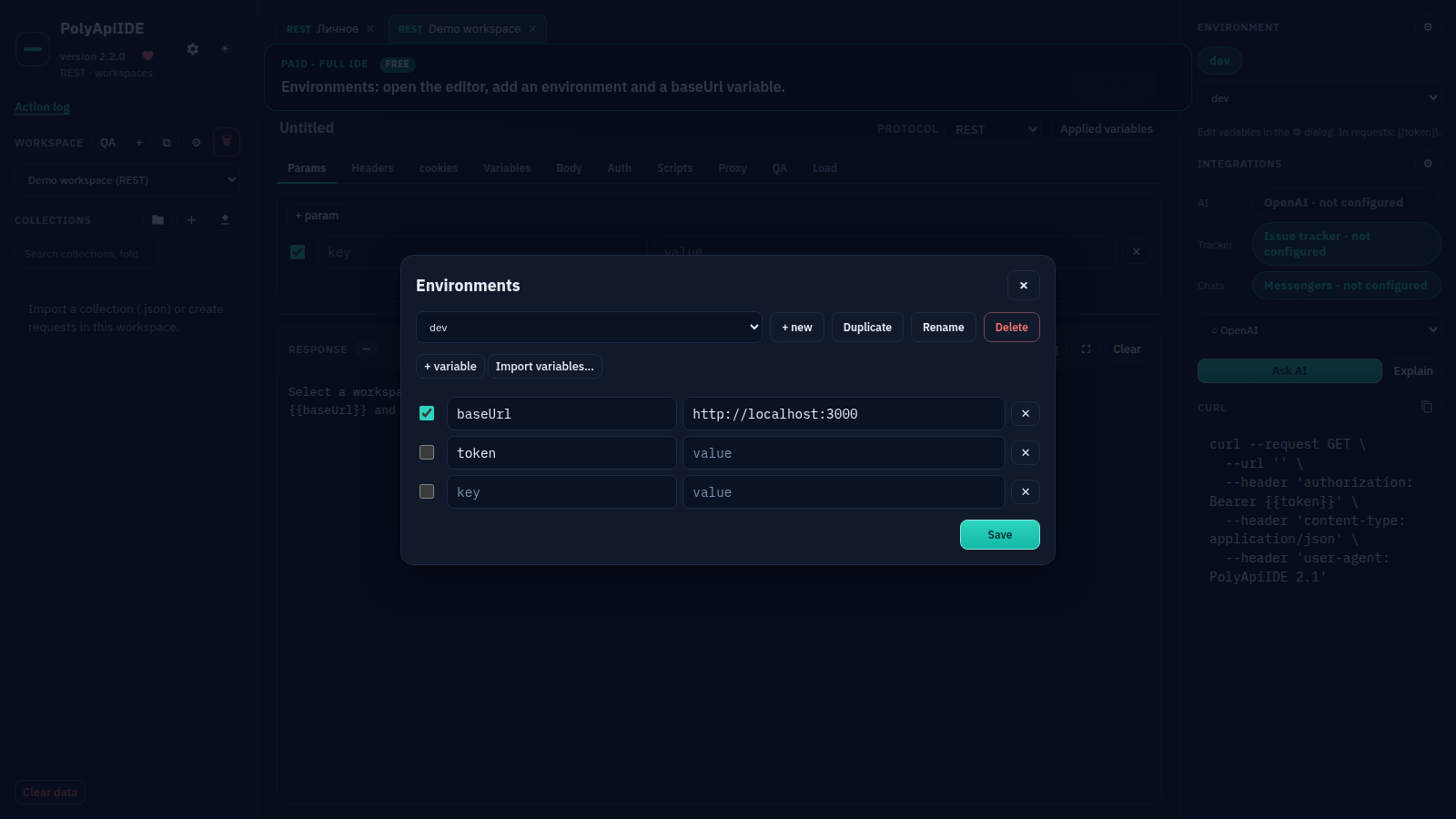
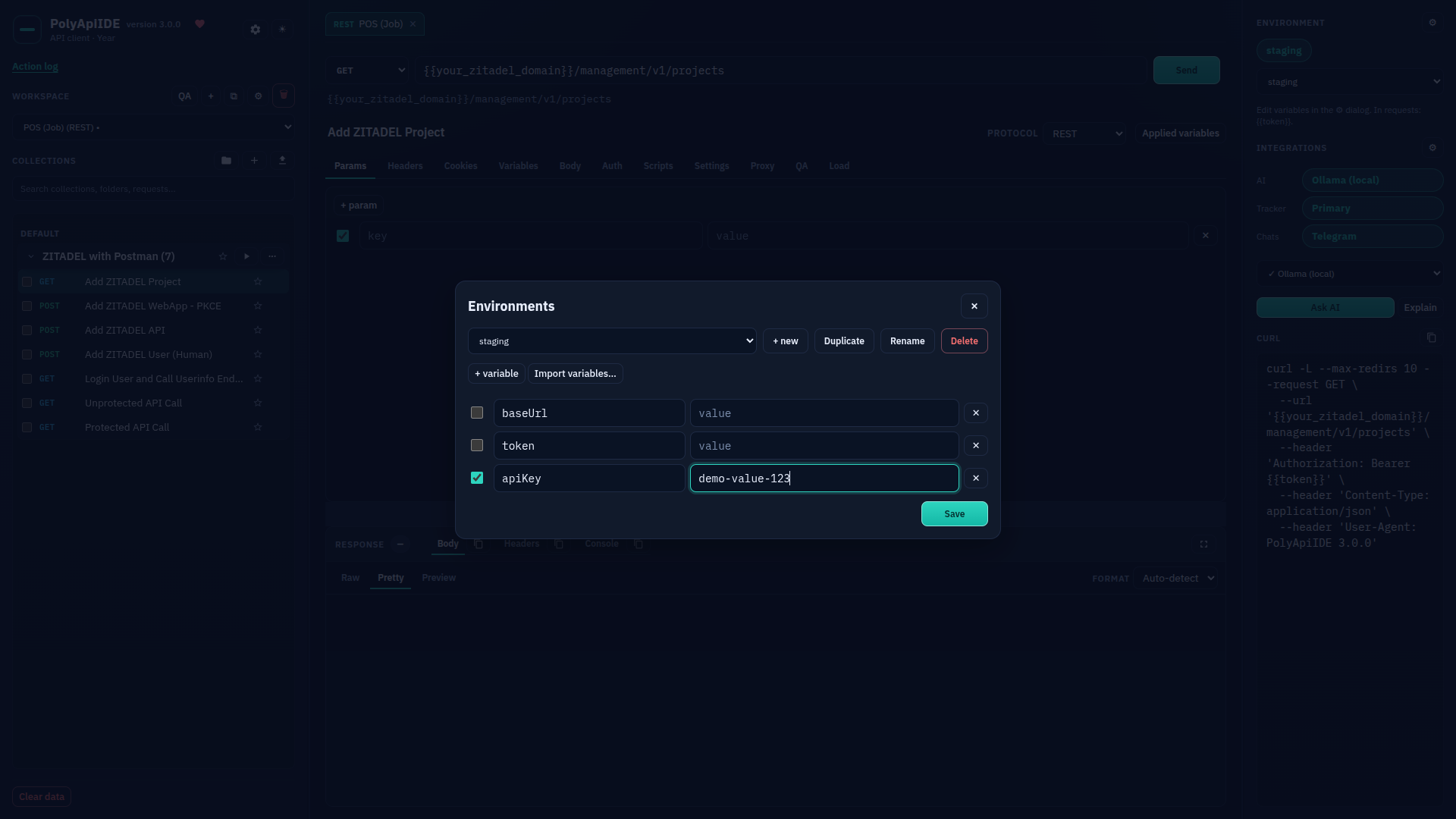
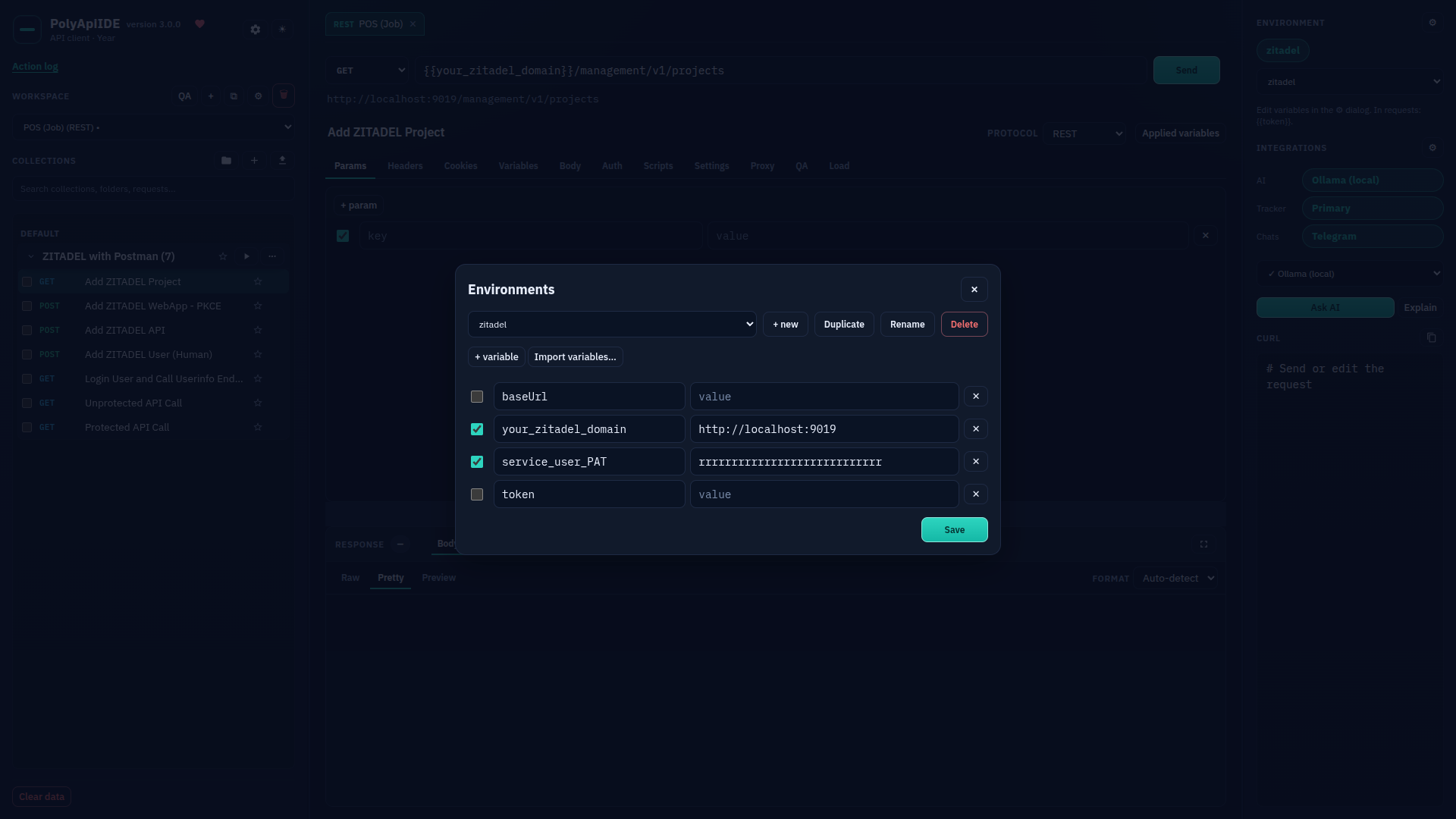
Environments
Free Free · Environments: open the editor, add an environment and a baseUrl variable.
Imported collection
Free Free · Import a Postman Collection v2.1 file — folders and requests appear on the left. The left tree shows re...
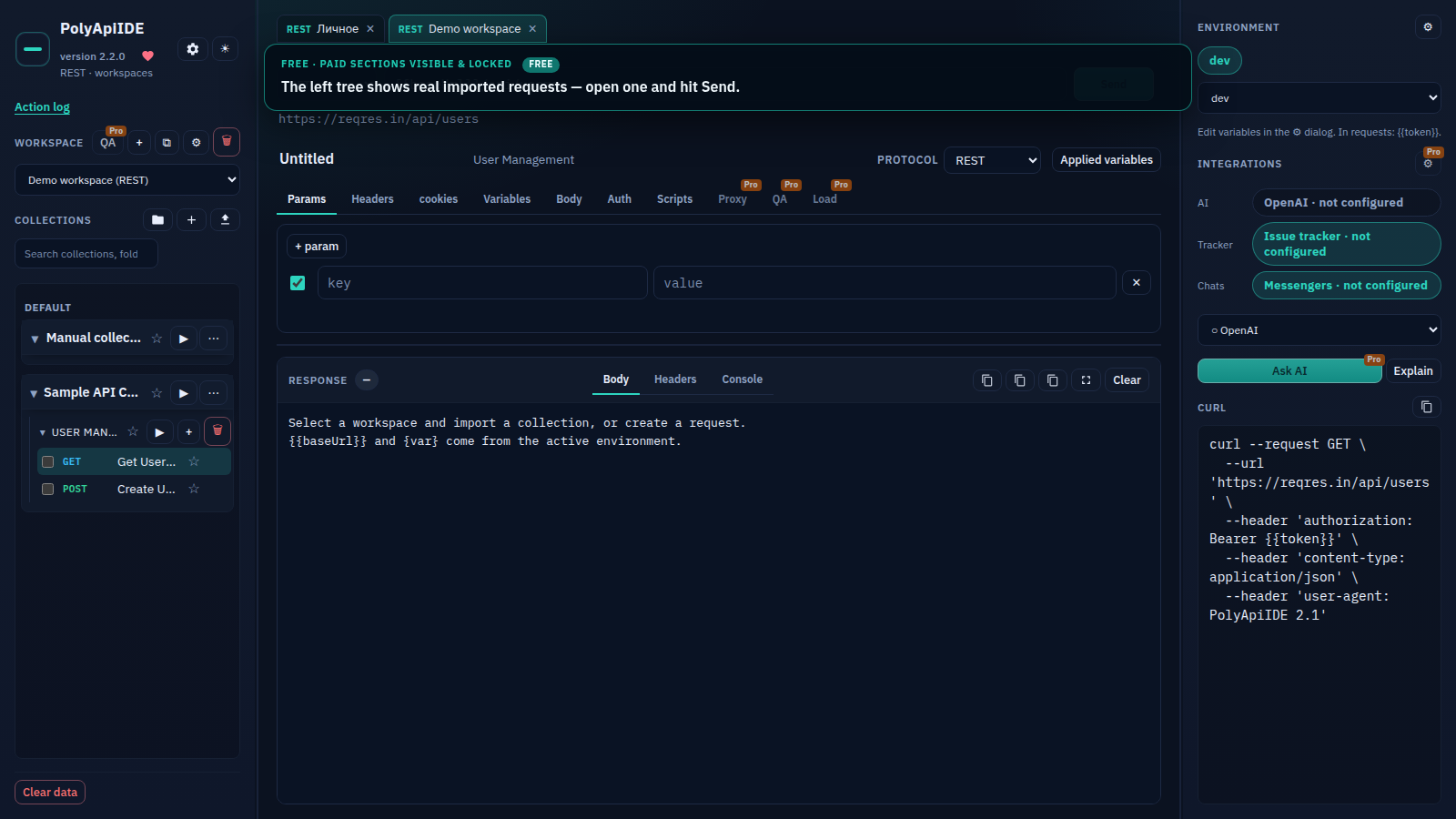
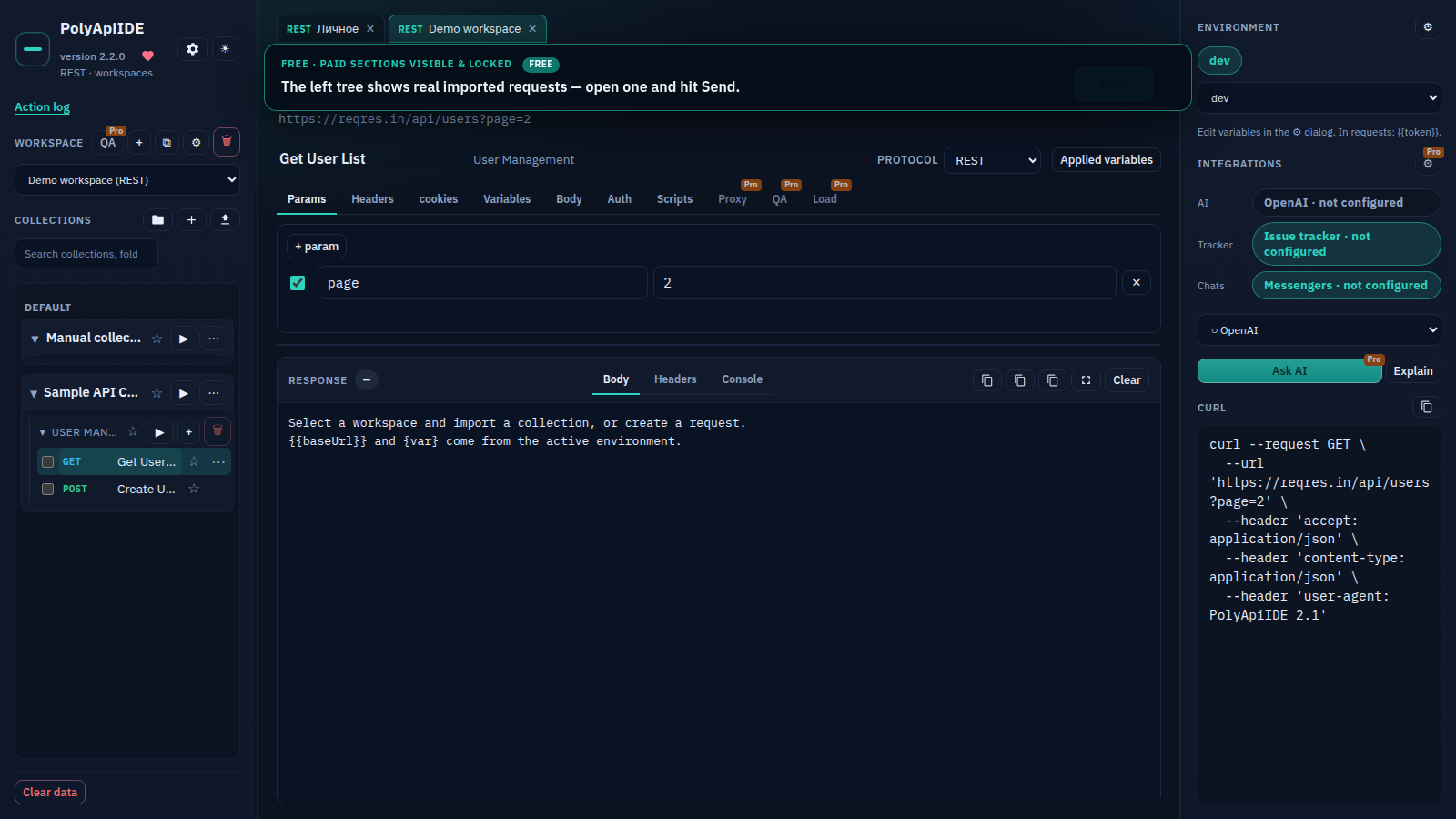
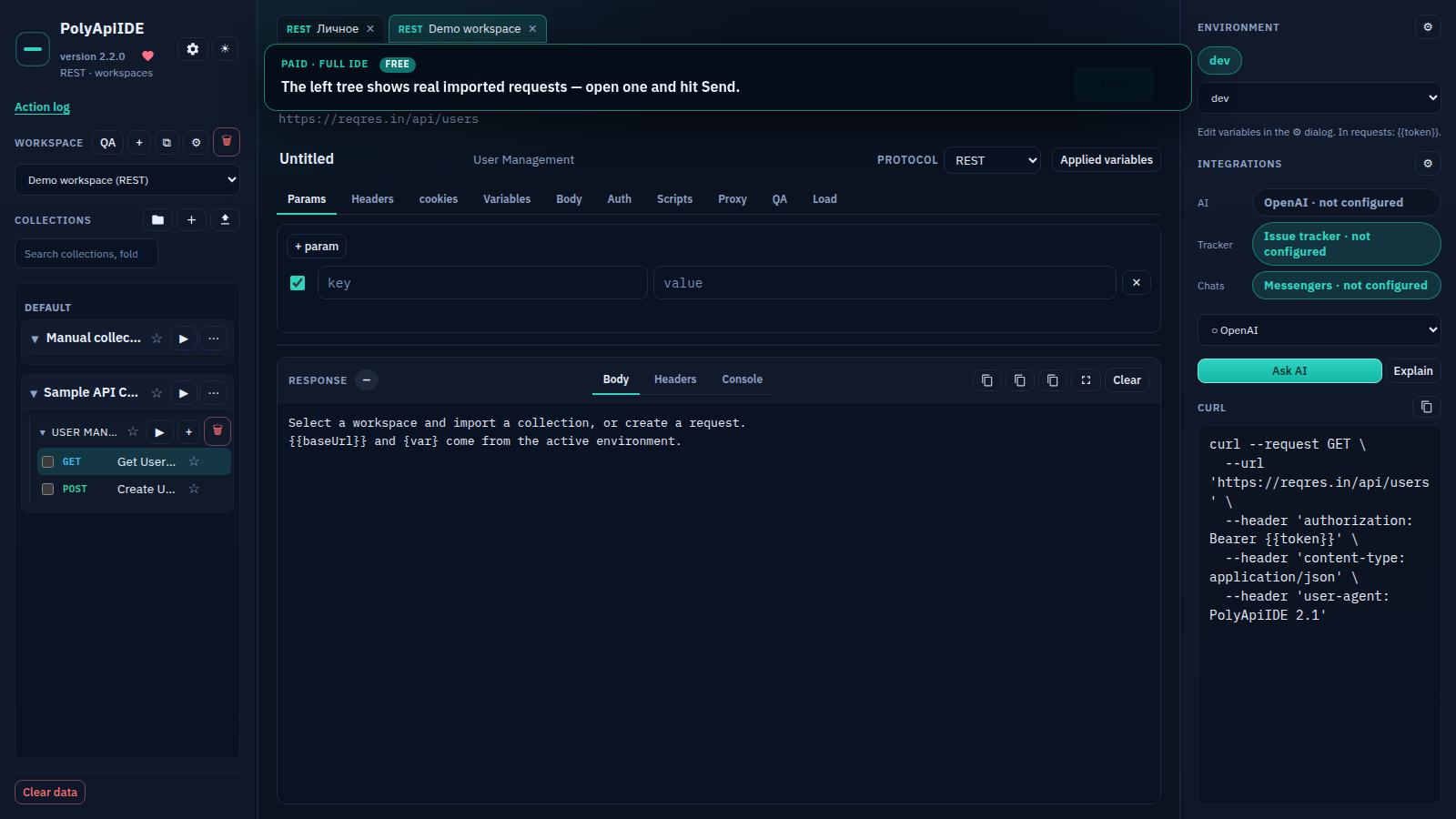
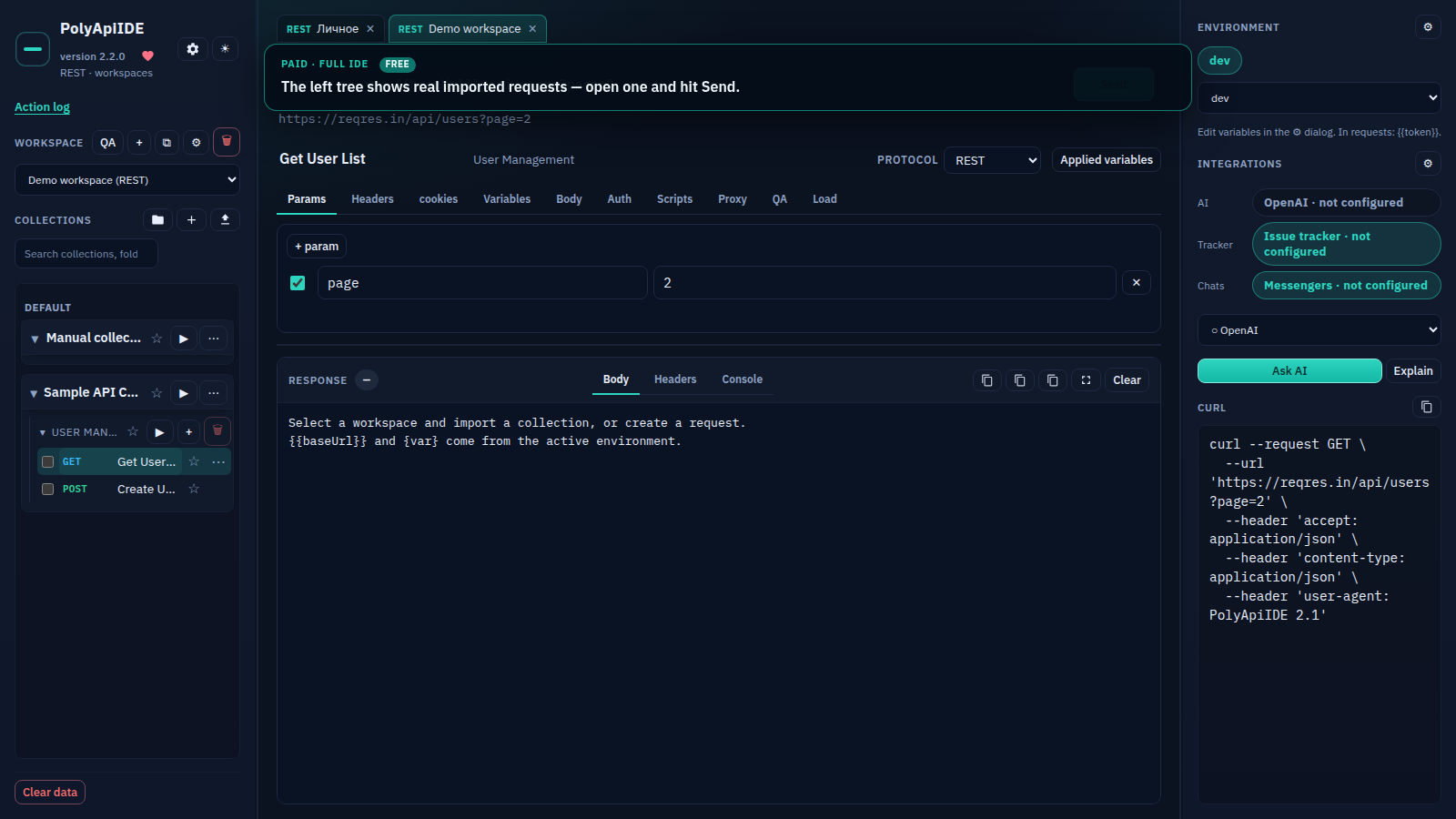
Open request
Free Free · The left tree shows real imported requests — open one and hit Send.
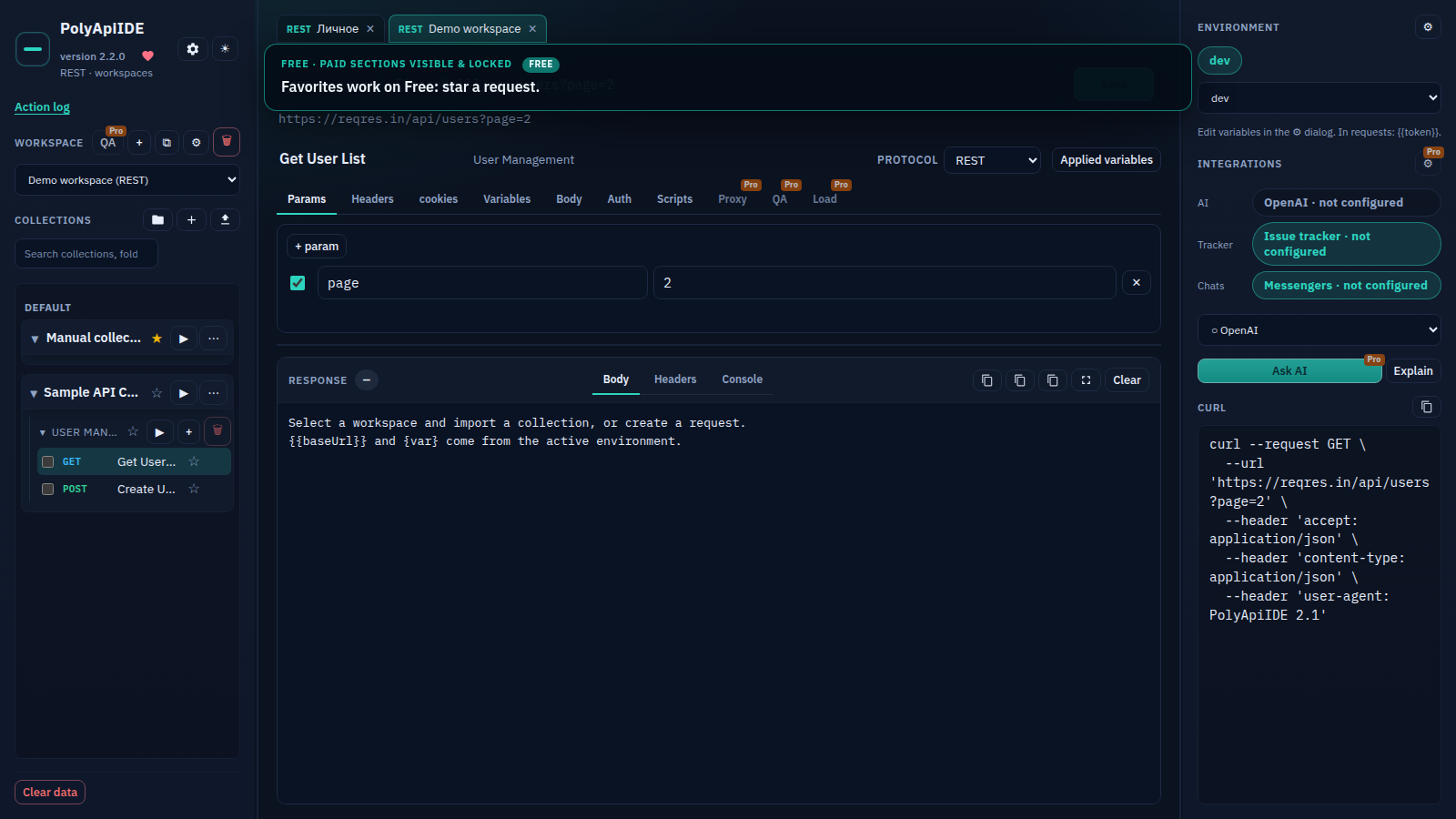
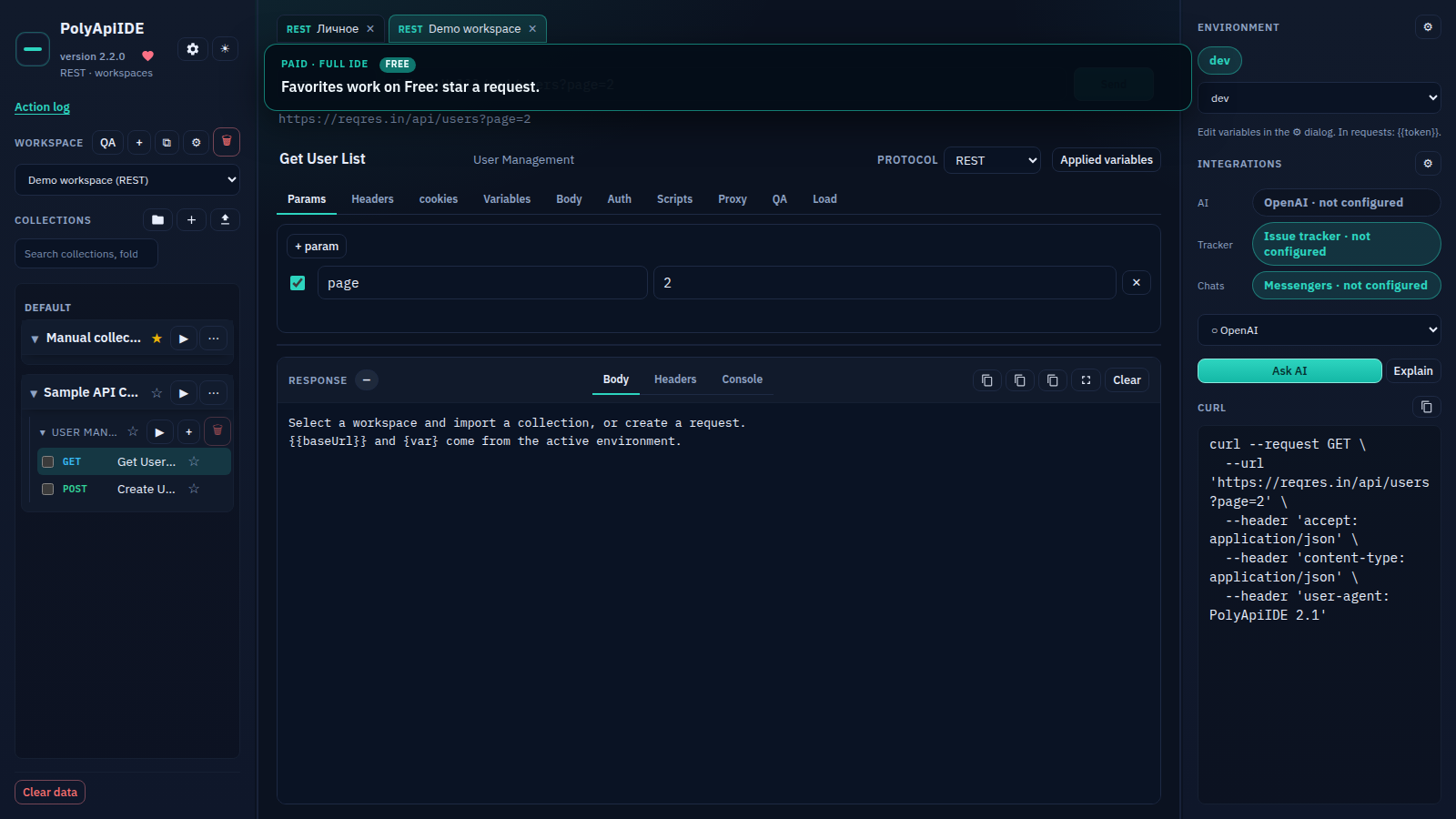
Favorites
Free Free · Favorites work on Free: star a request.
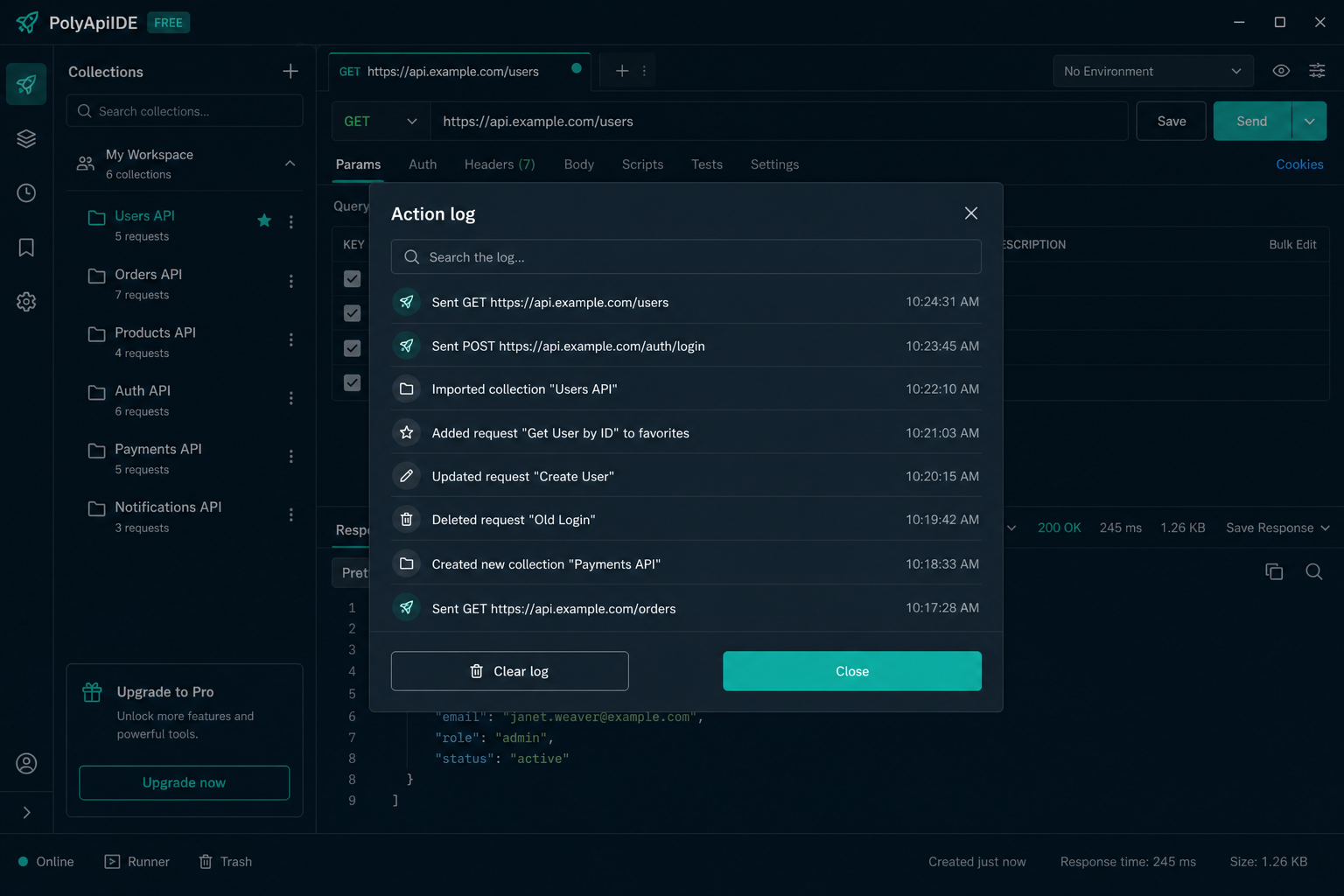
Action log
Free Free · Free: Action log — load-test runs, QA runs, settings changes with timestamps; log search, Clear log and...
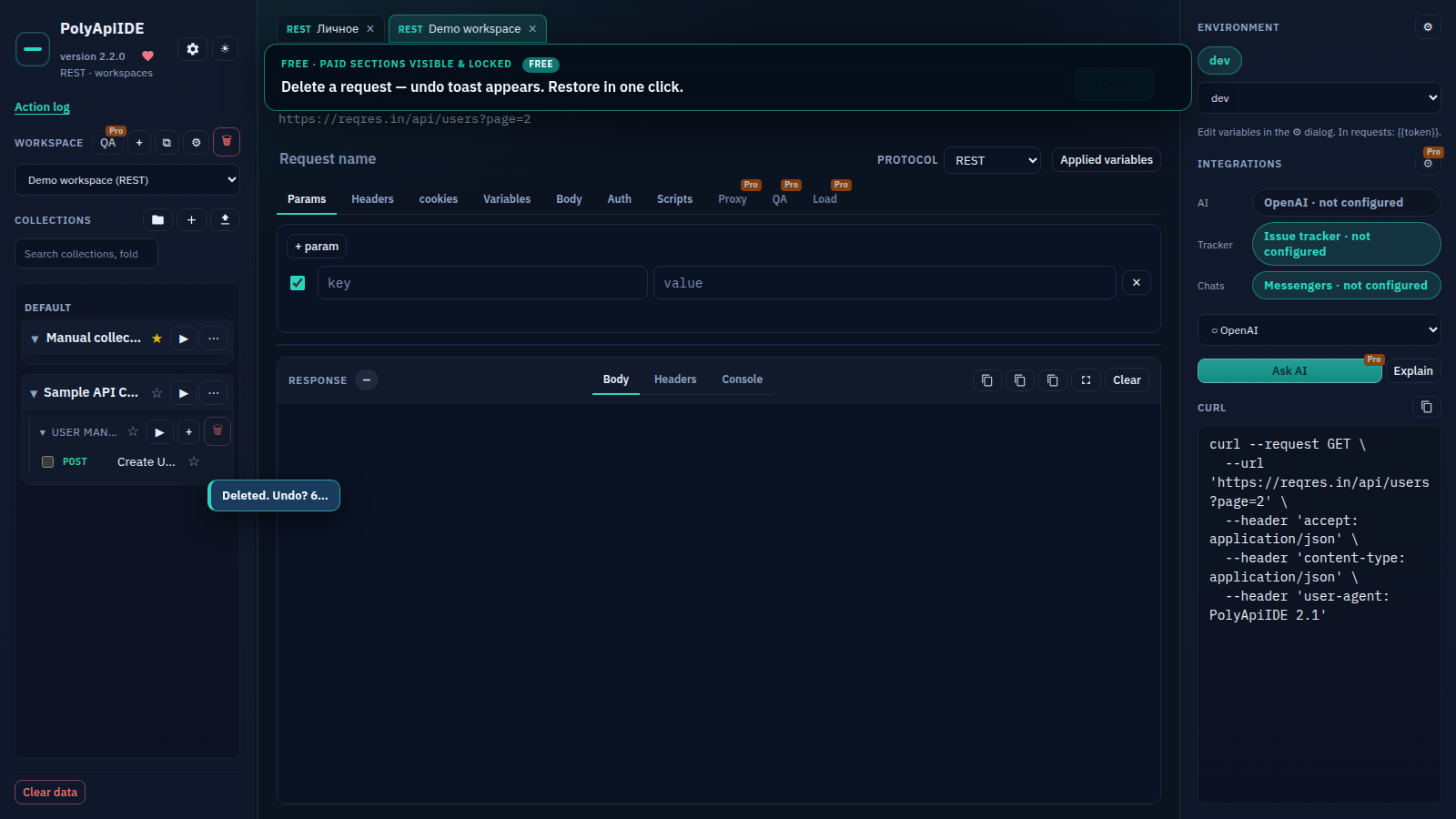
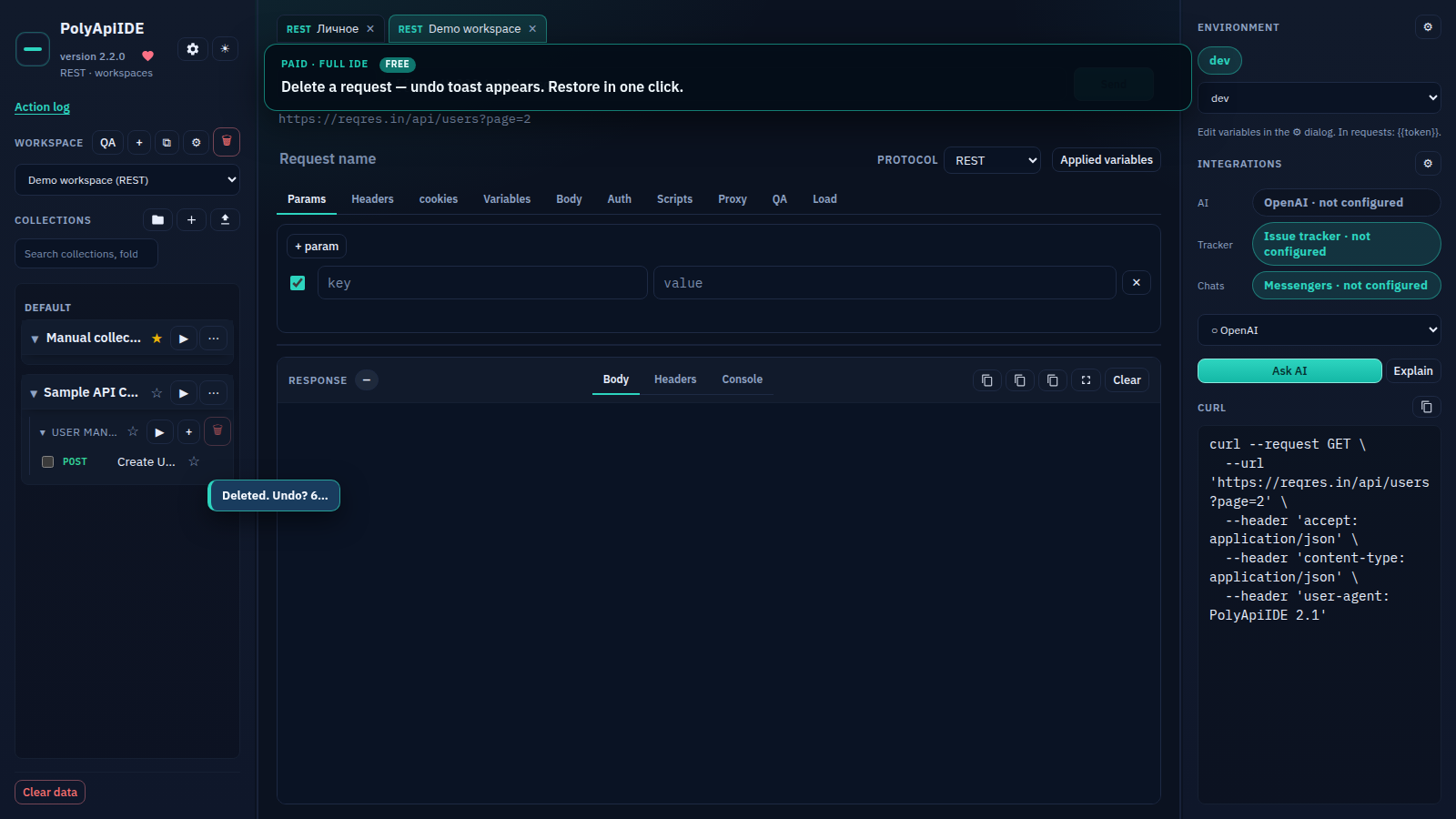
Delete with undo
Free Free · Delete a request — undo toast appears. Restore in one click.
Free
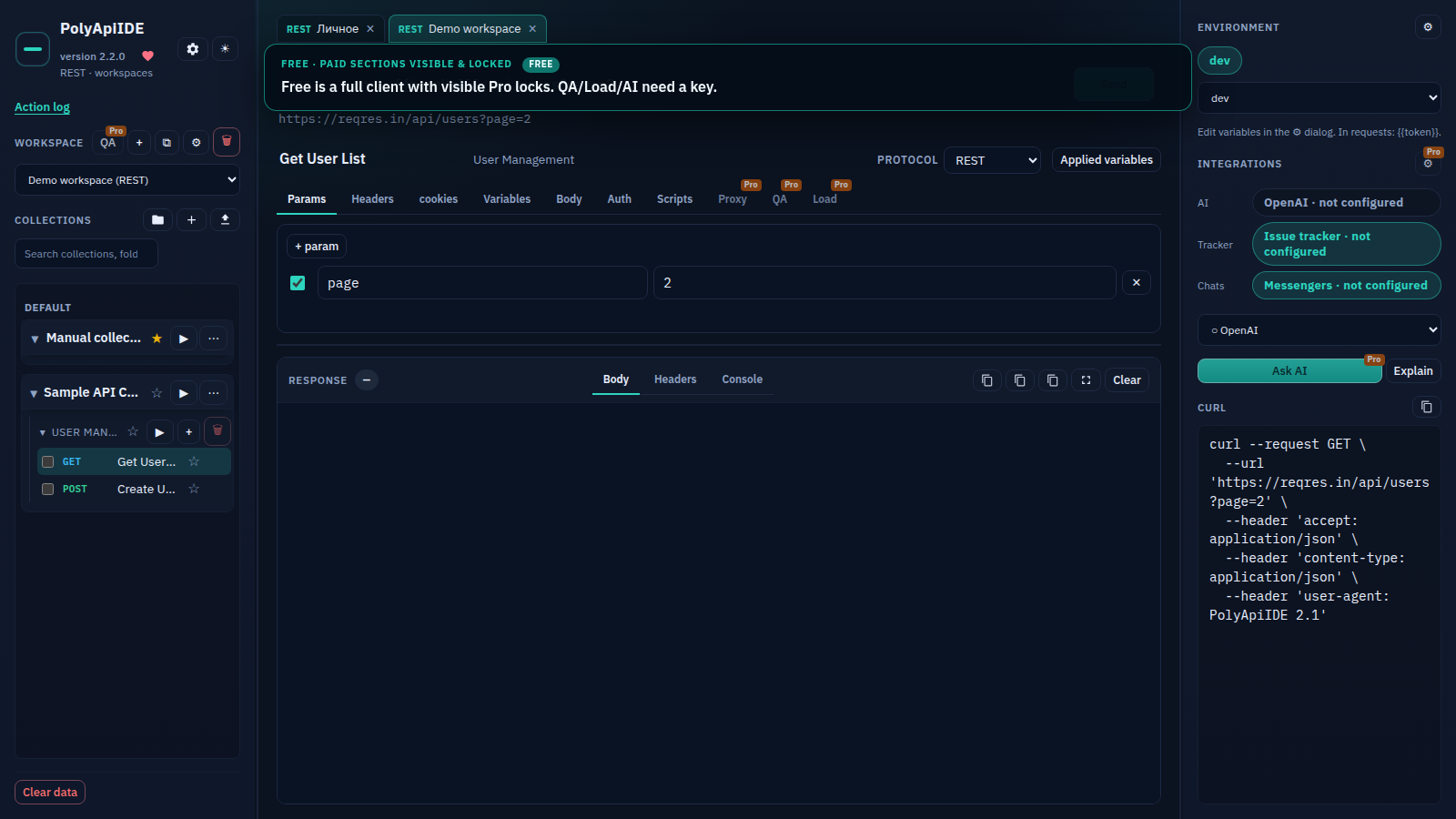
Free Free · Free is a full client with visible Pro locks. QA/Load/AI need a key.
IDE overview
Paid · IDE overview: workspaces & collections on the left, request/response in the center, environment on the...
New workspace
Paid · Create a workspace with “+”: name and API type (REST).
Workspace settings
Paid · Workspace settings ⚙: space variables and space-level proxy.
Environments
Paid · Environments: open the editor, add an environment and a baseUrl variable.
Imported collection
Paid · Import a Postman Collection v2.1 file — folders and requests appear on the left. The left tree shows re...
Open request
Paid · The left tree shows real imported requests — open one and hit Send.
Favorites
Free Free · Favorites work on Free: star a request.
Delete with undo
Free Free · Delete a request — undo toast appears. Restore in one click.
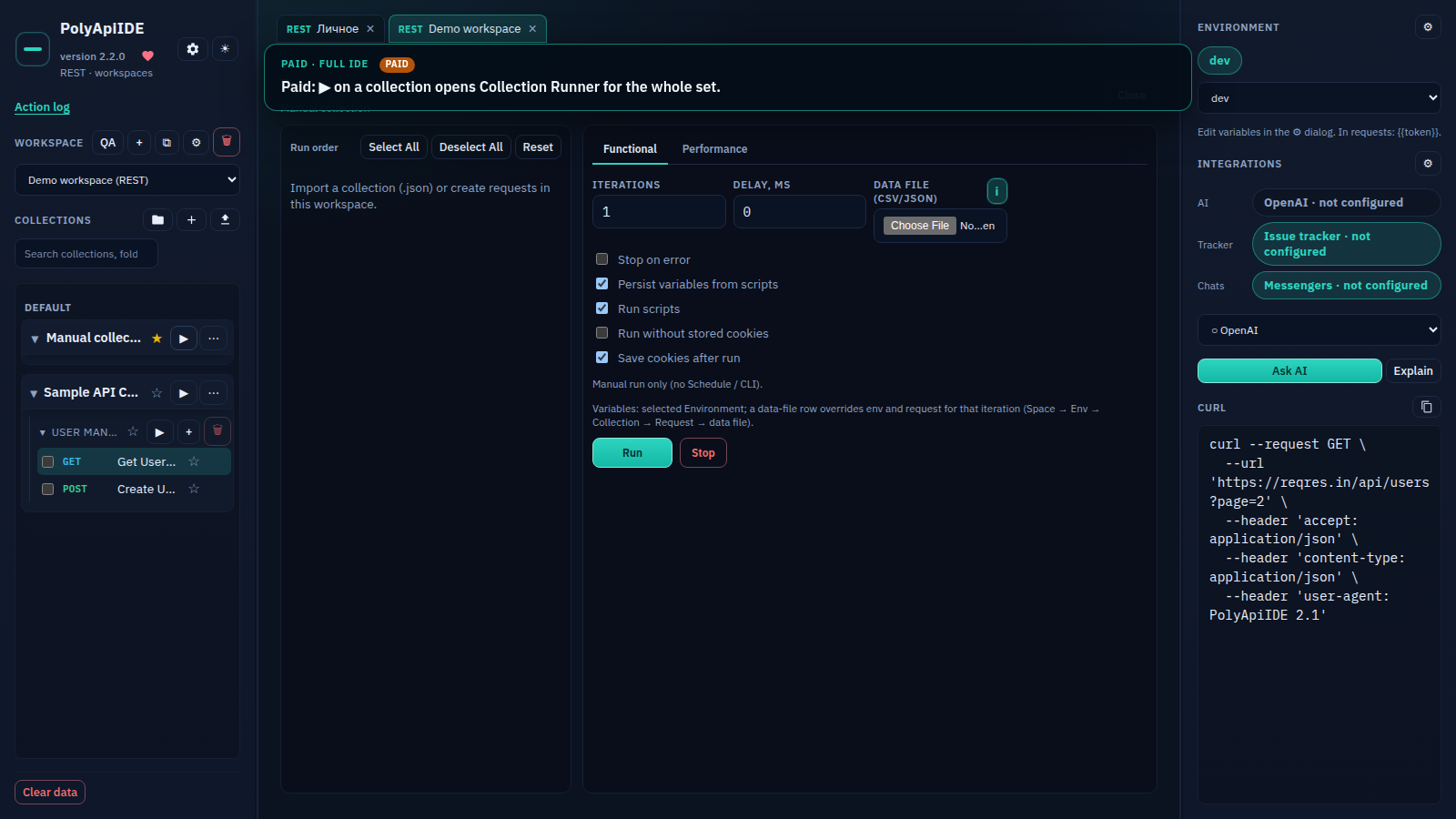
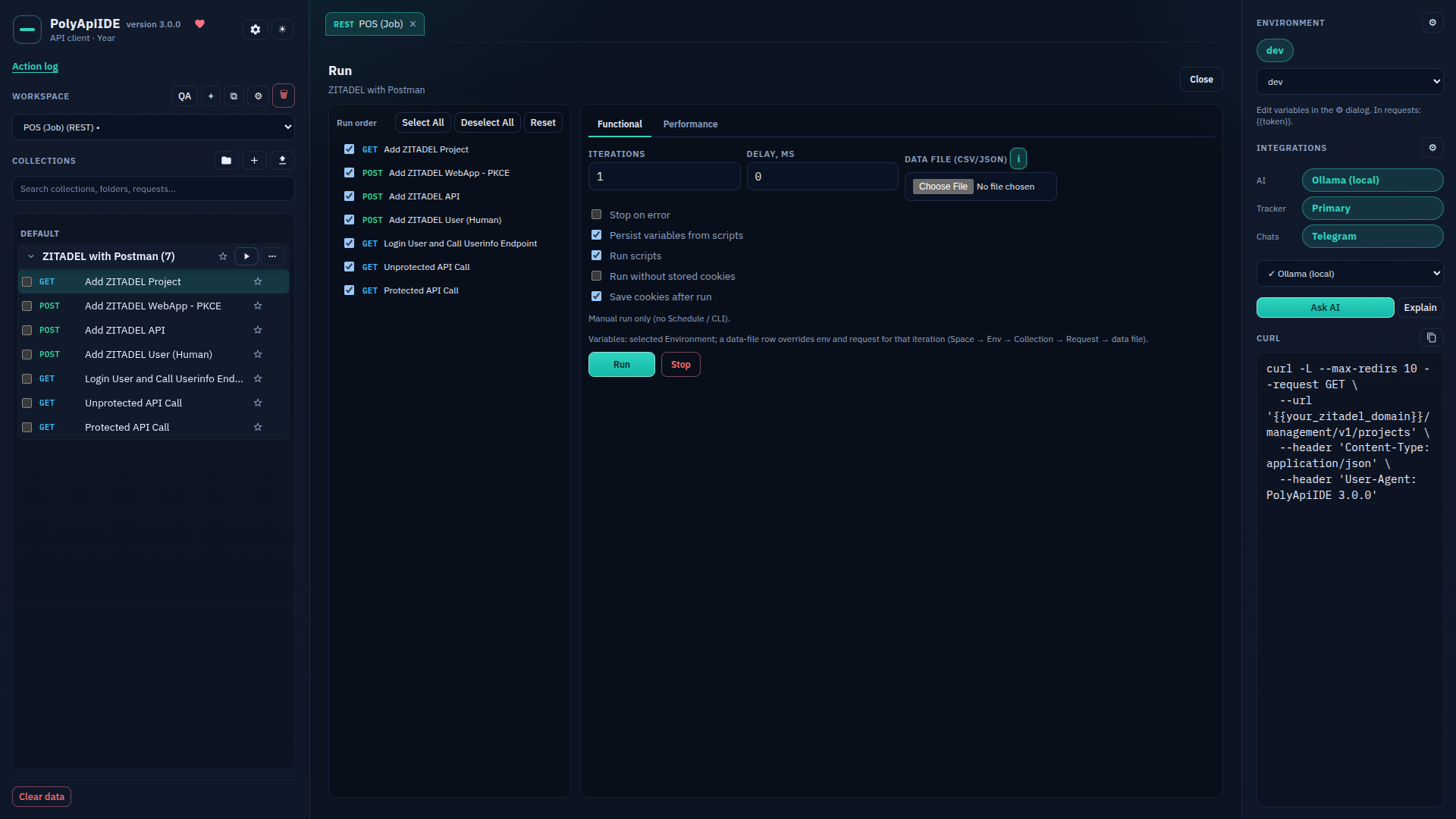
Collection Runner
Paid · Paid: ▶ on a collection opens Collection Runner for the whole set.
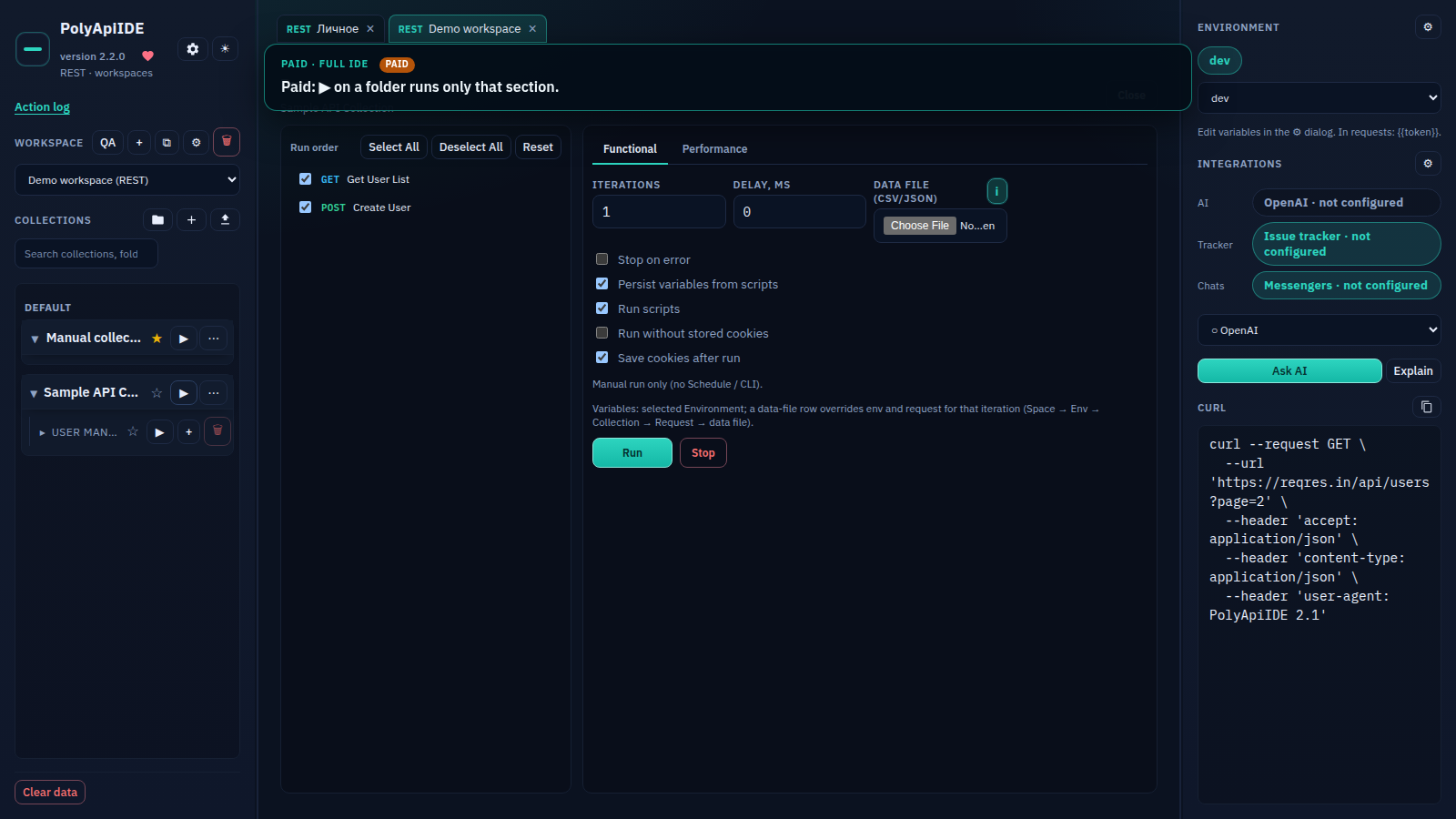
Folder runner
Paid · Paid: ▶ on a folder runs only that section.
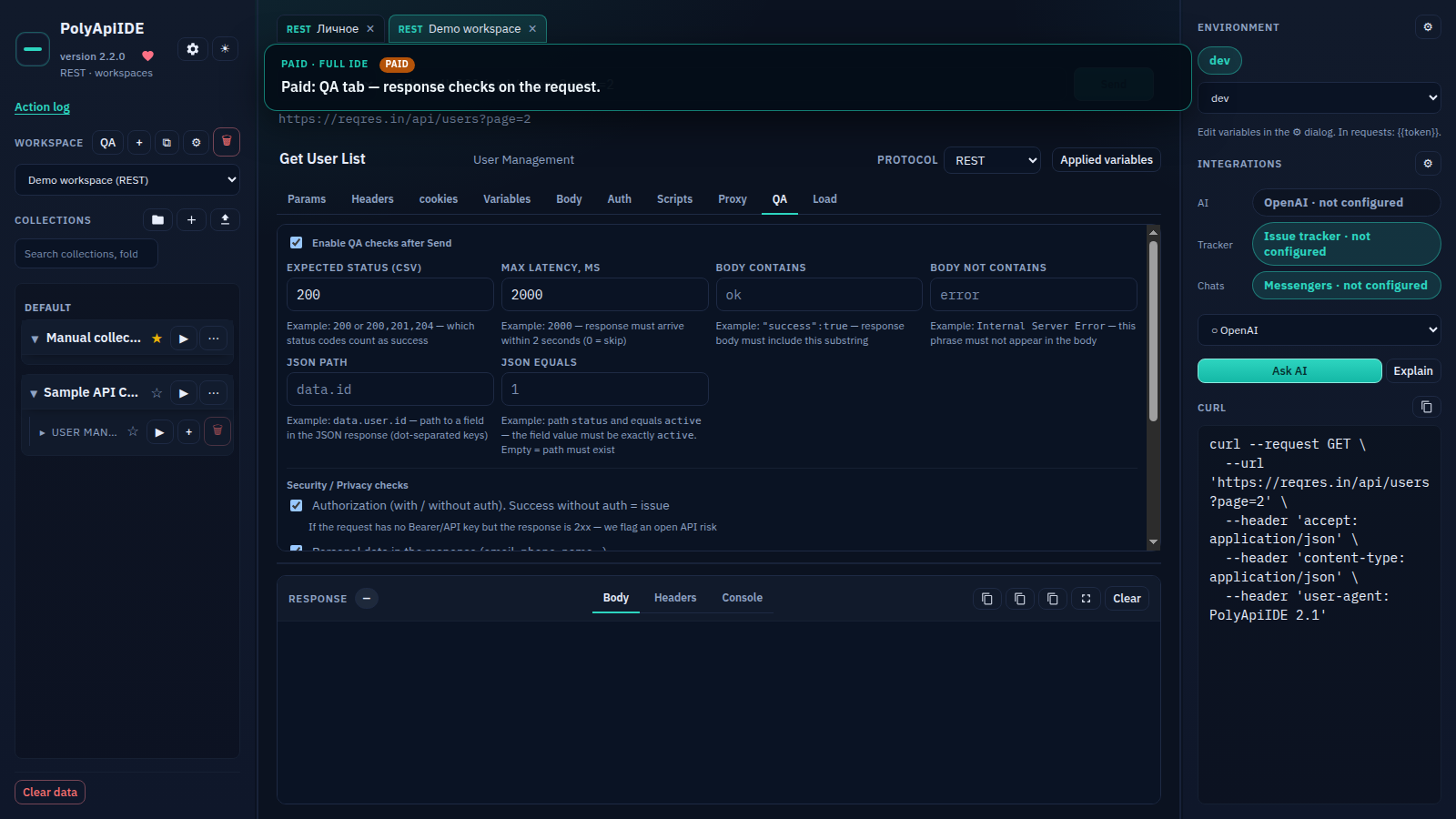
QA
Paid · Paid: QA tab — response checks on the request.
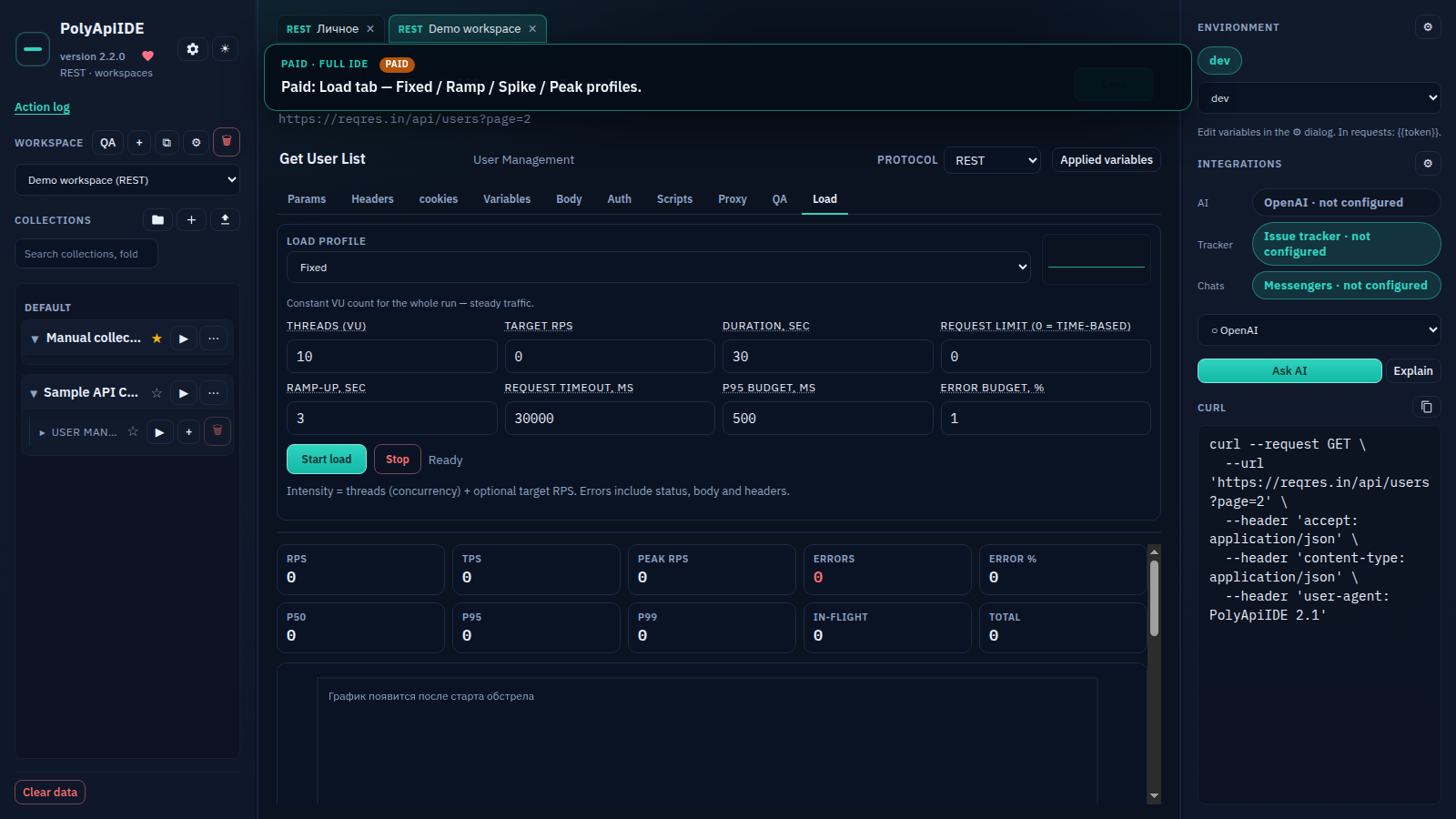
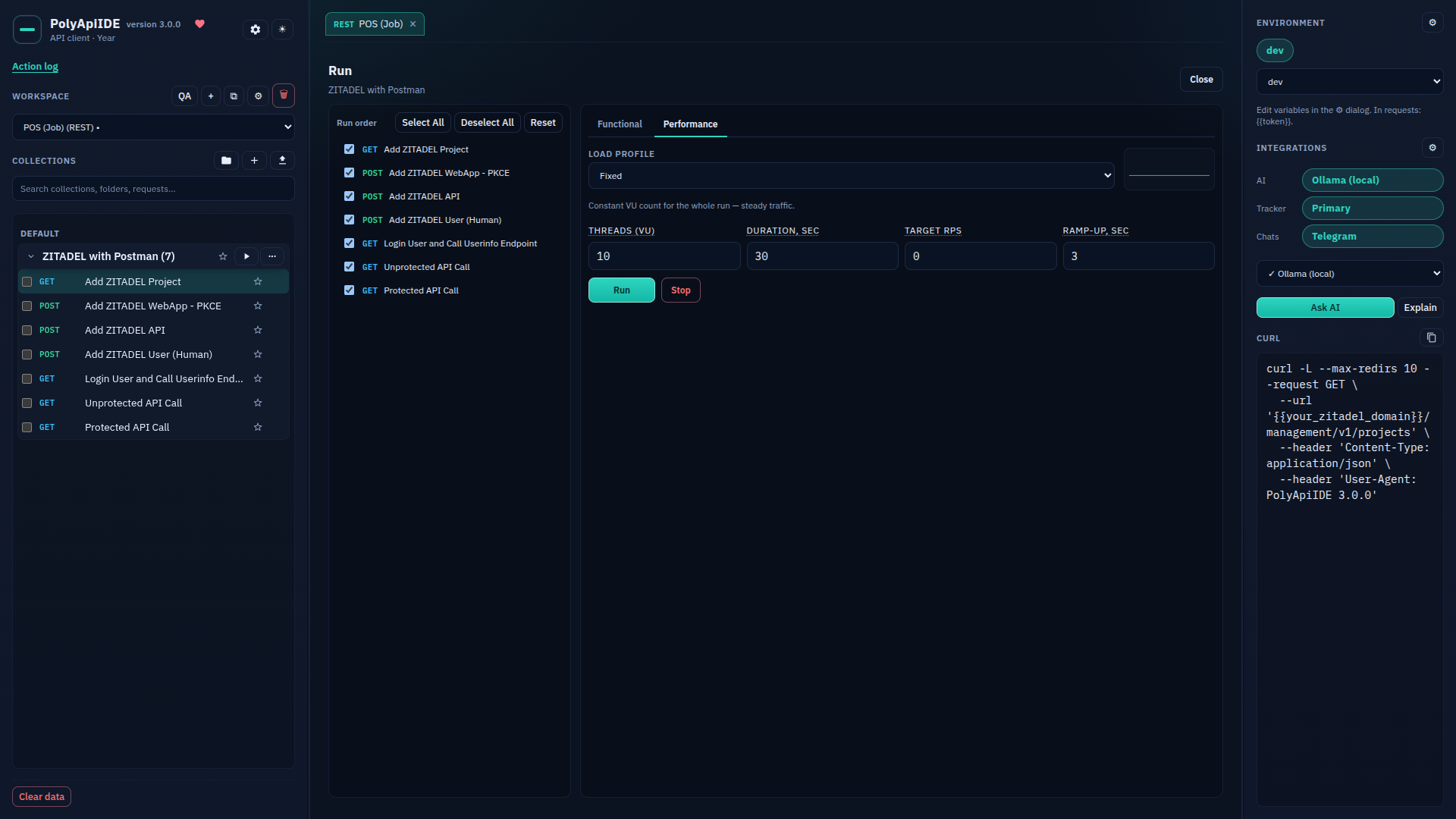
Load
Paid · Paid: Load tab — Fixed / Ramp / Spike / Peak profiles.
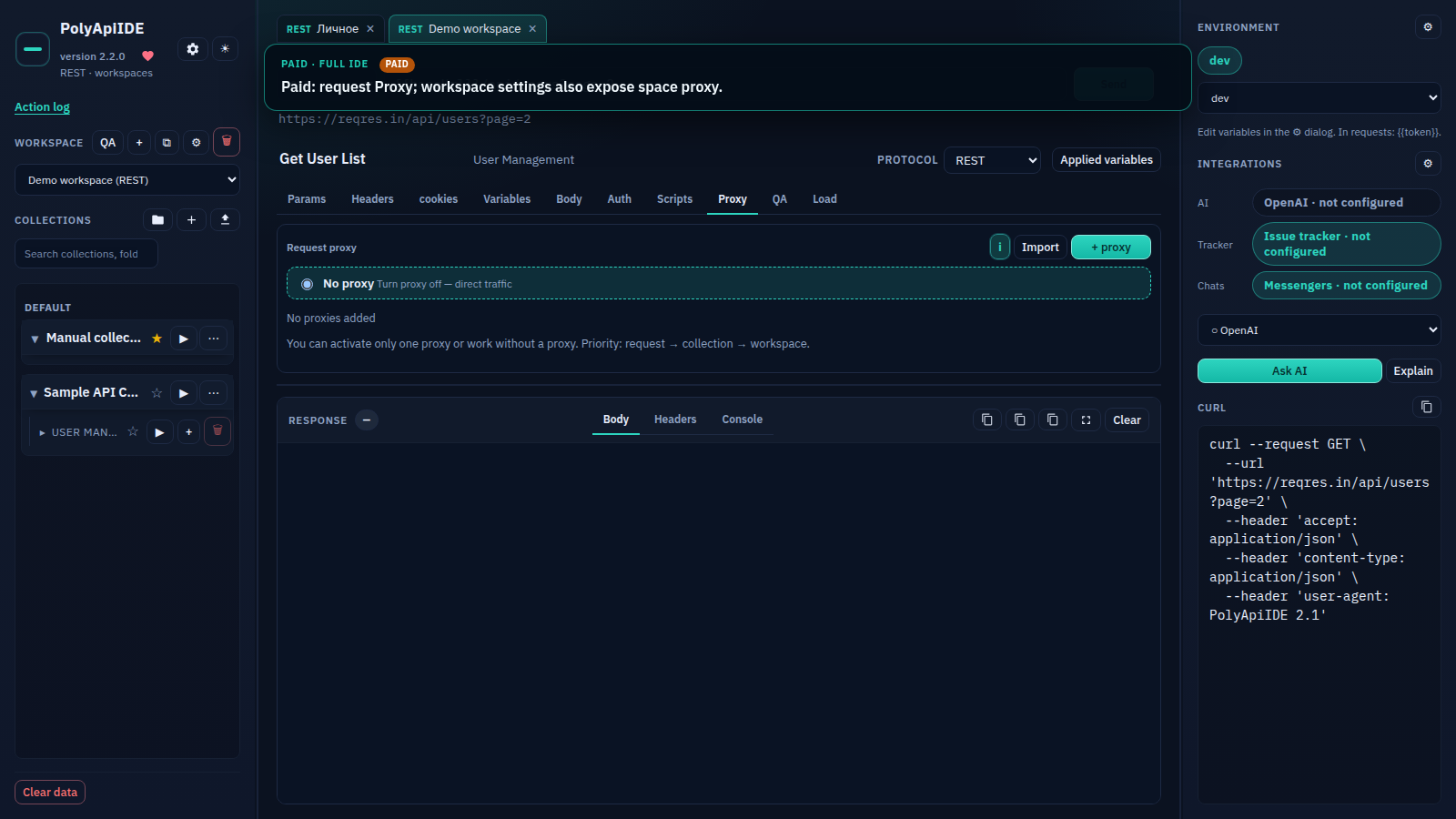
Proxy
Paid · Paid: request Proxy; workspace settings also expose space proxy.
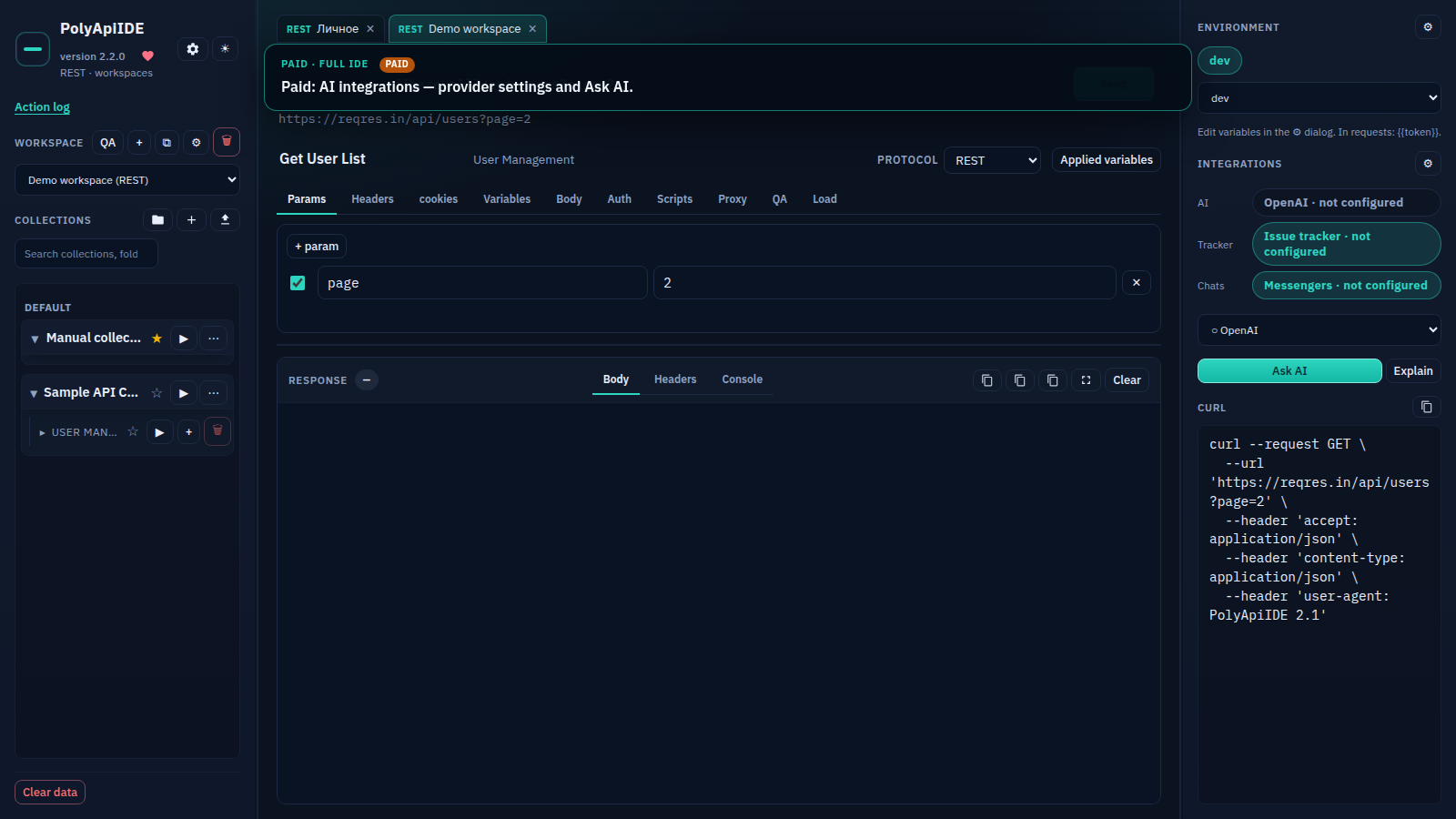
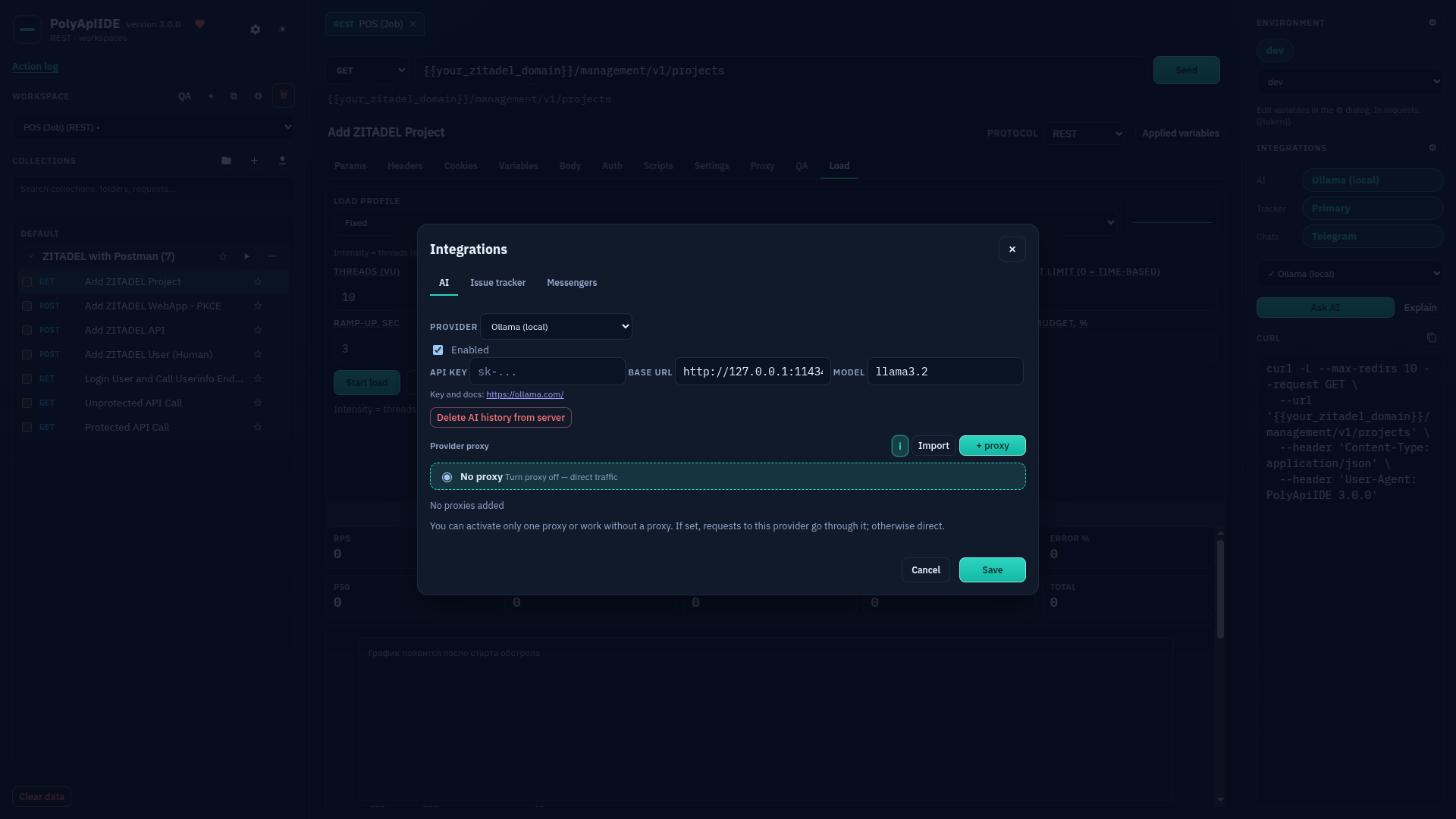
AI
Paid · Paid: AI integrations — provider settings and Ask AI.
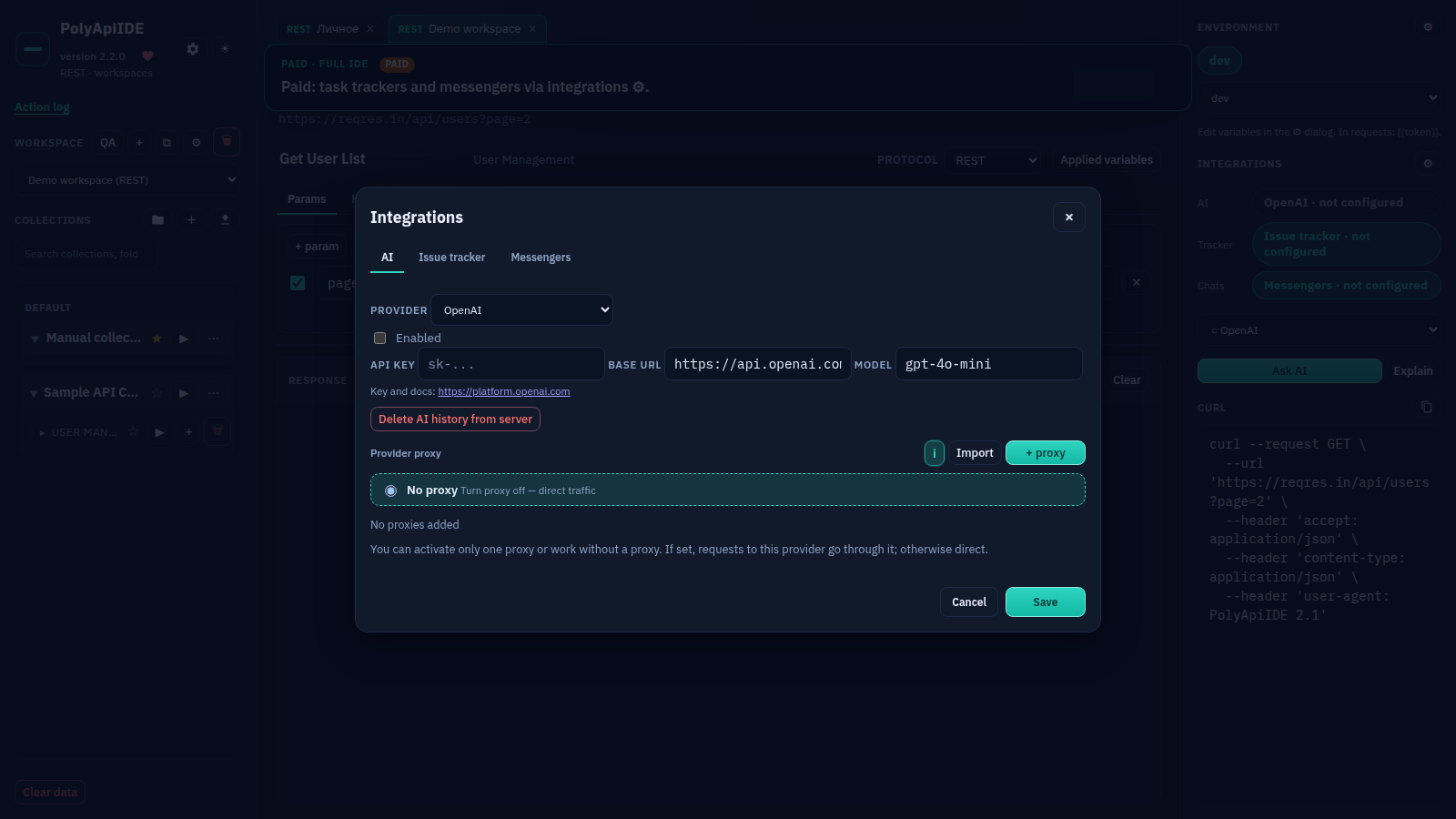
AI settings
Paid · Paid: AI integrations — provider settings and Ask AI.
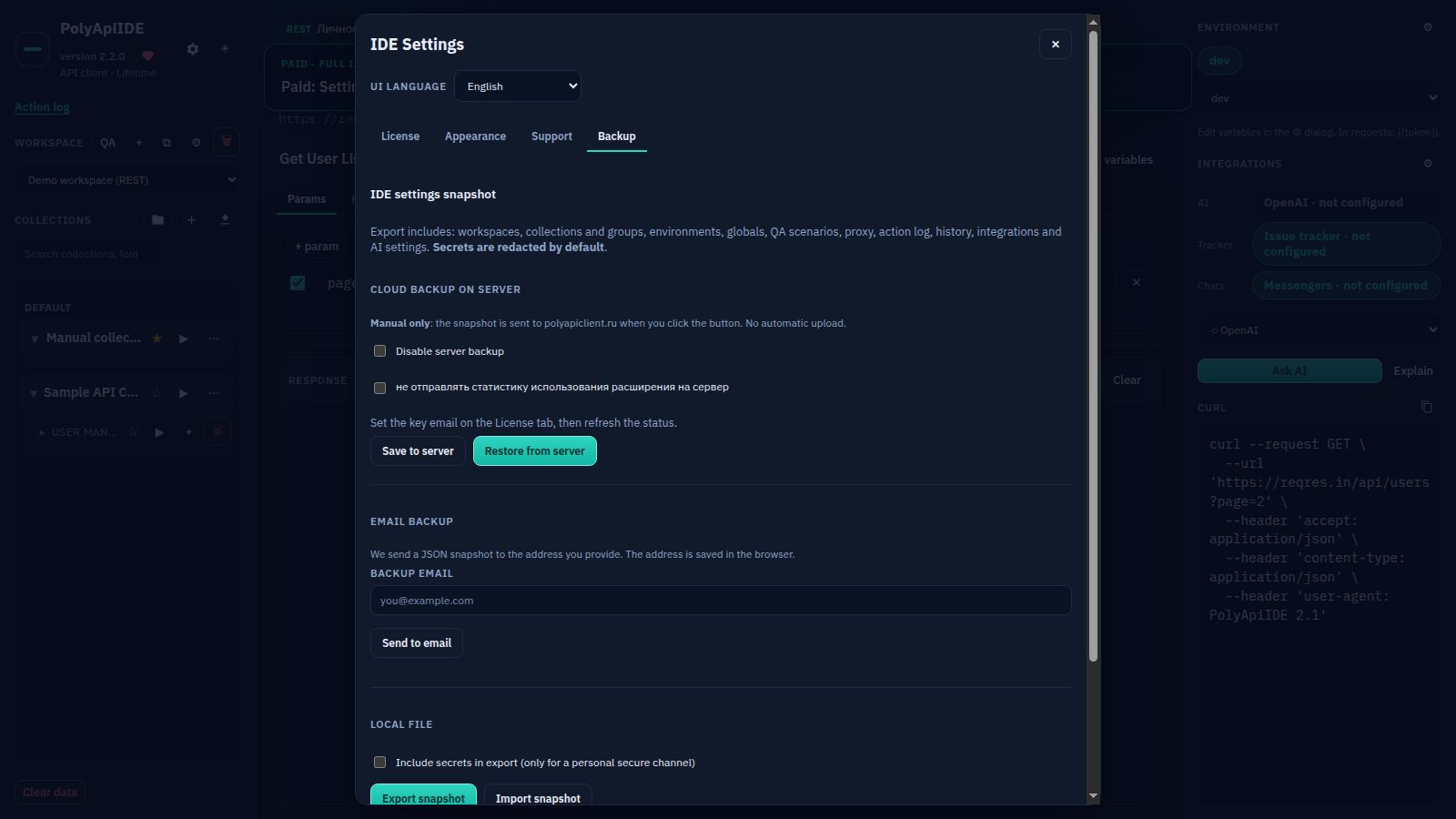
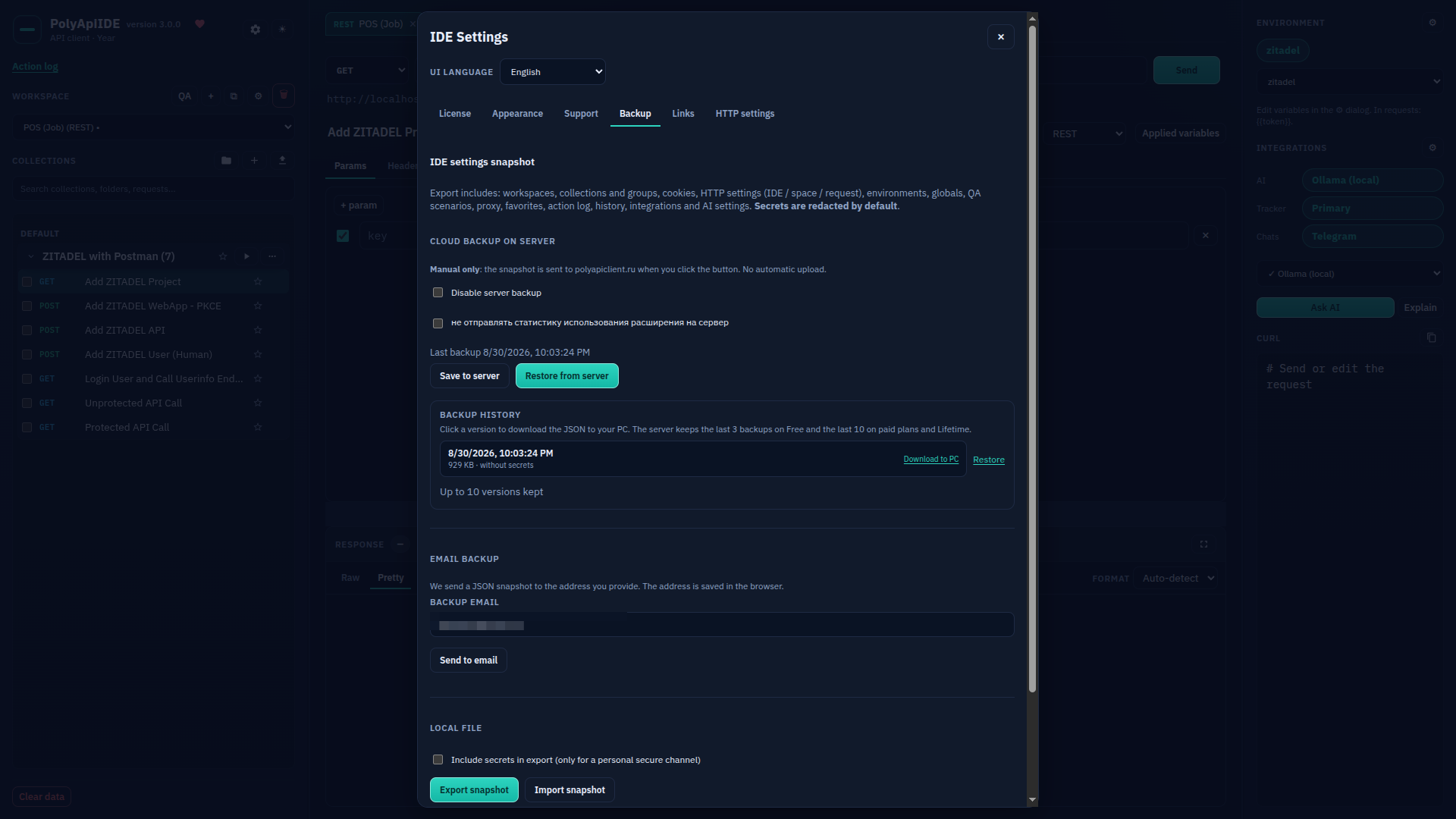
Backup
Paid · Paid: Settings → Backup — cloud, email, local snapshot.
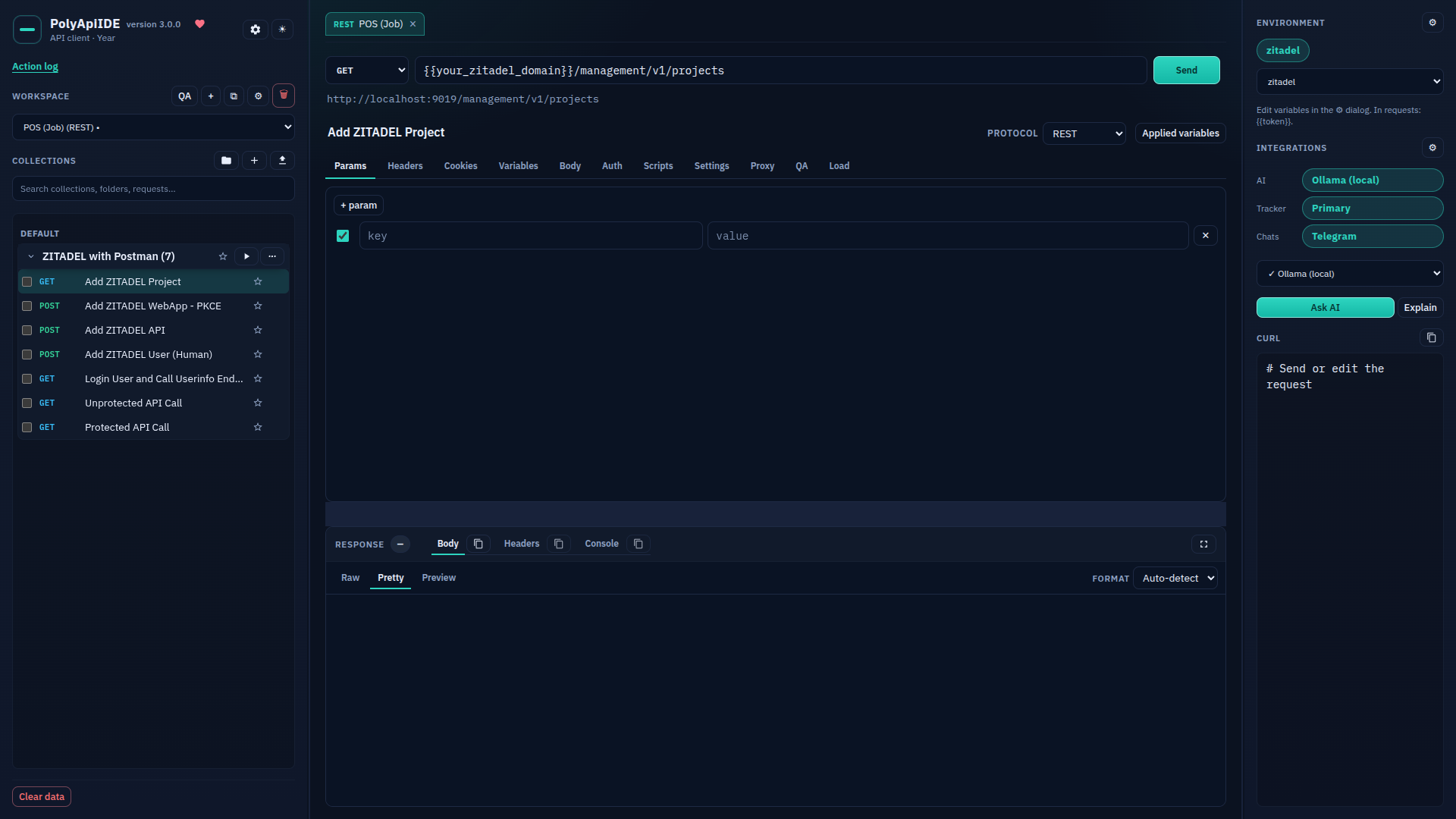
IDE overview
Free Free · General IDE view: workspaces and collections on the left, request/response in the center, environment o...
IDE settings: overview
Free Free · IDE settings — all tabs: License, Appearance, Support, Backup, Links, HTTP settings.
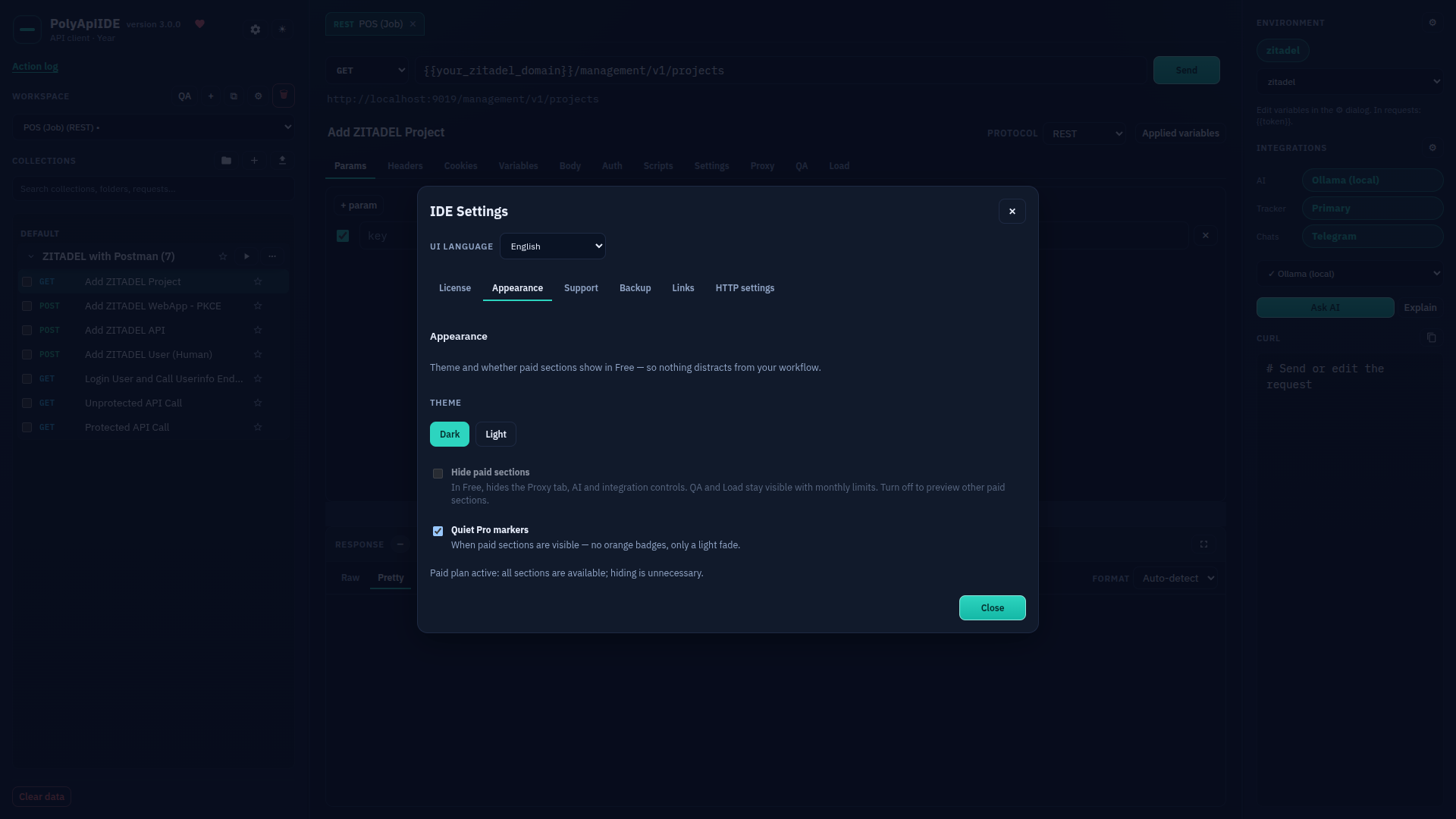
Settings: Appearance
Free Free · The "Appearance" tab in IDE settings.
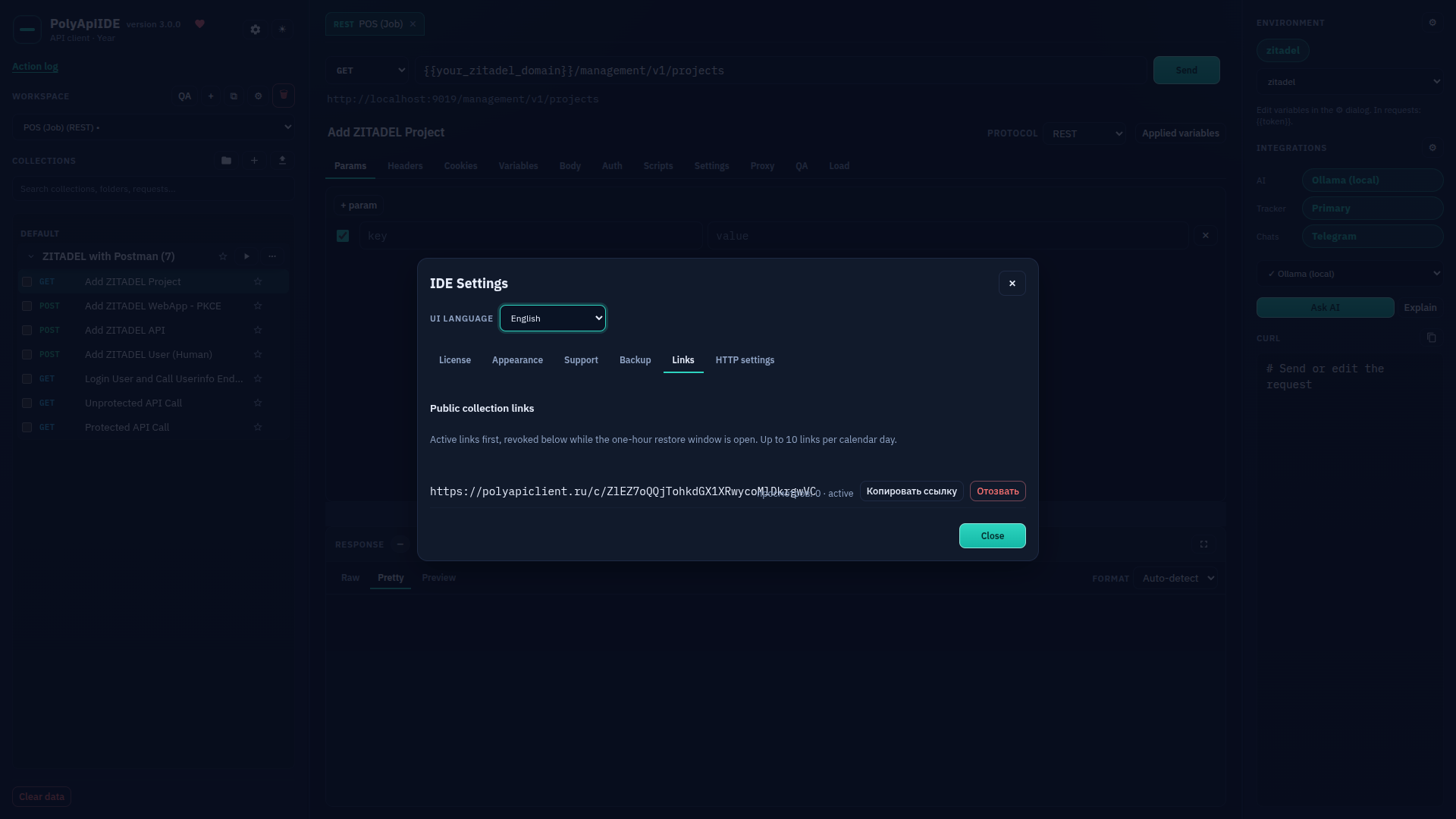
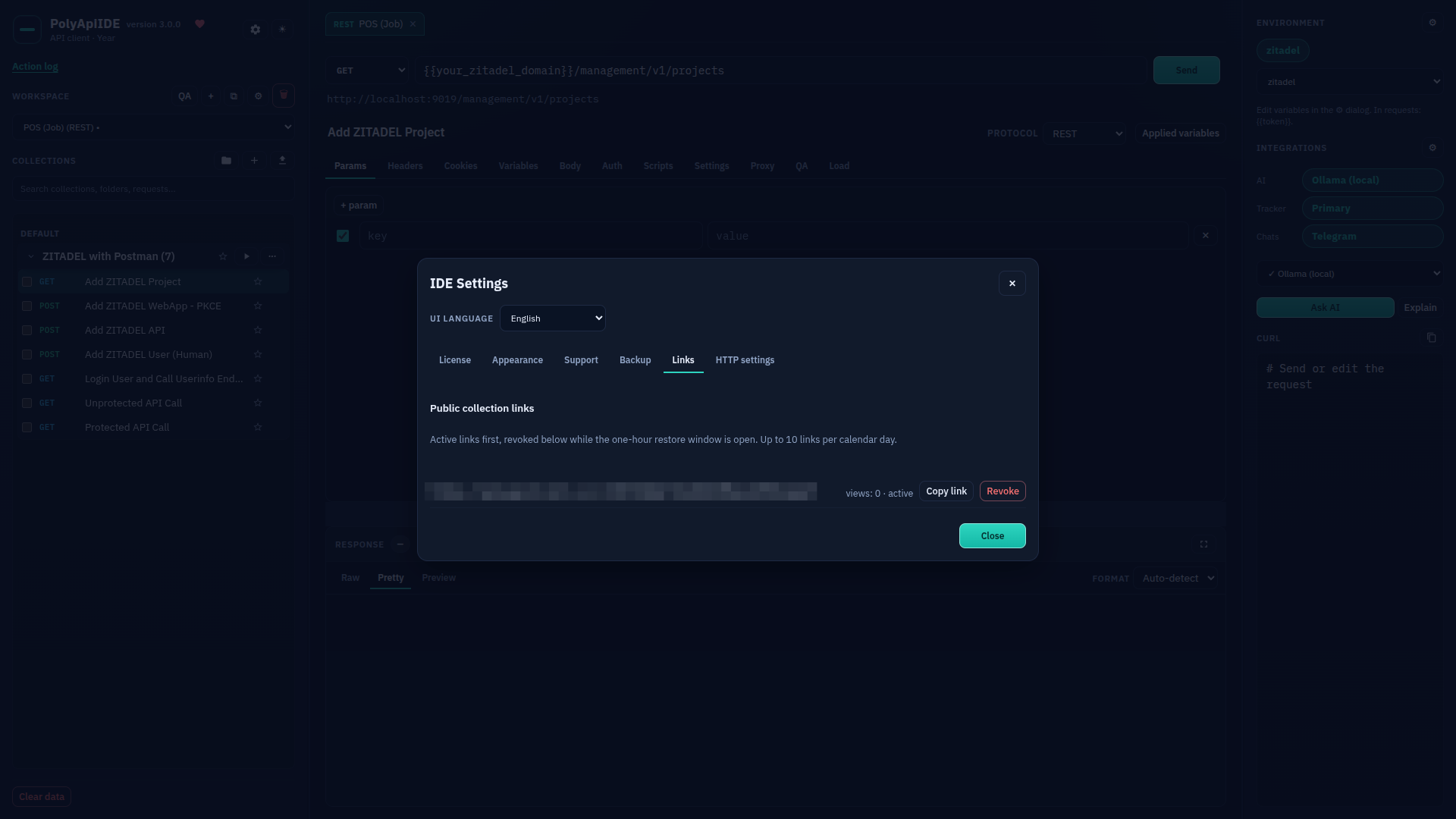
Settings: Links
Free Free · The "Links" tab in IDE settings.
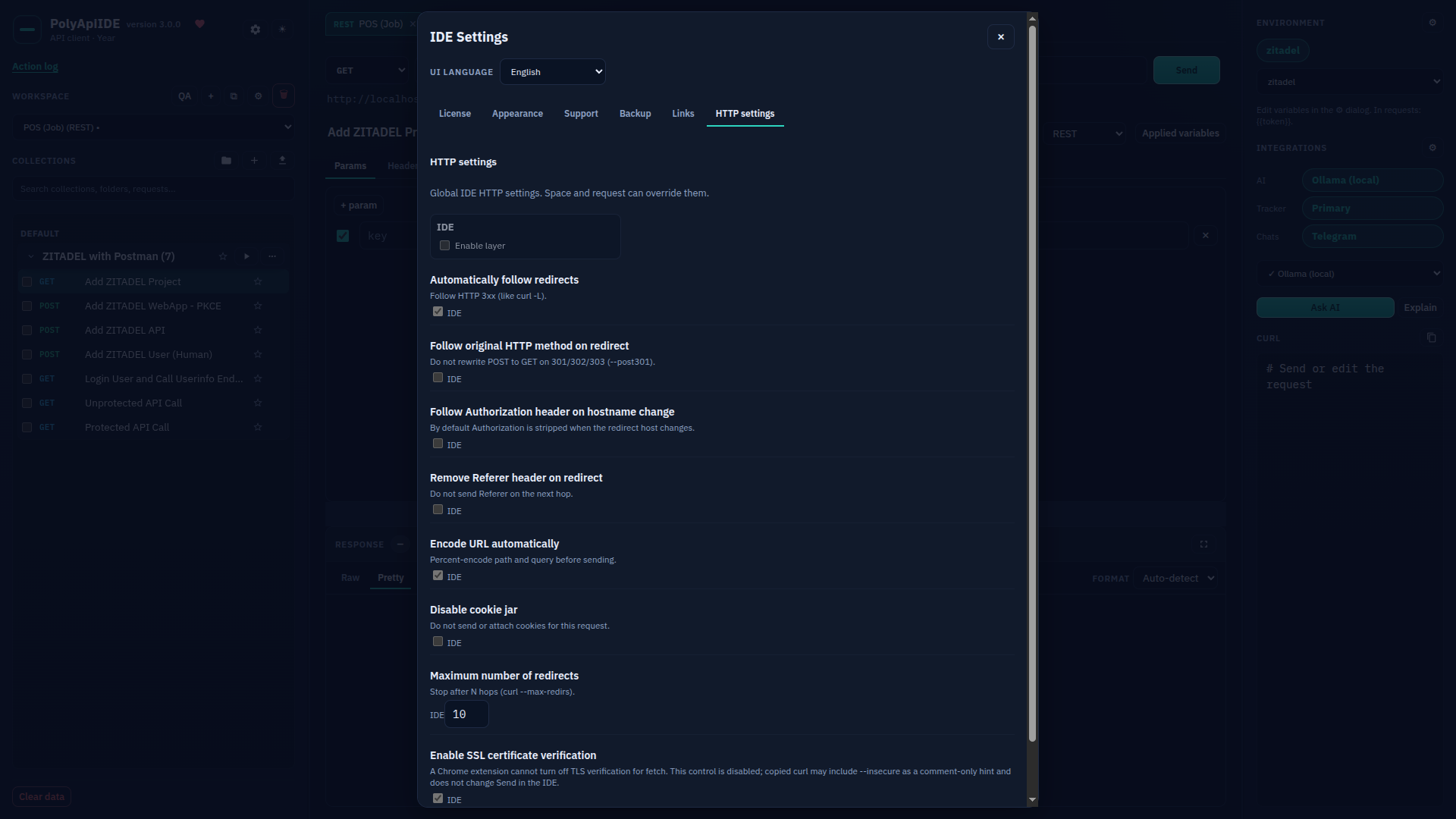
Settings: HTTP settings
Free Free · The "HTTP settings" tab in IDE settings.
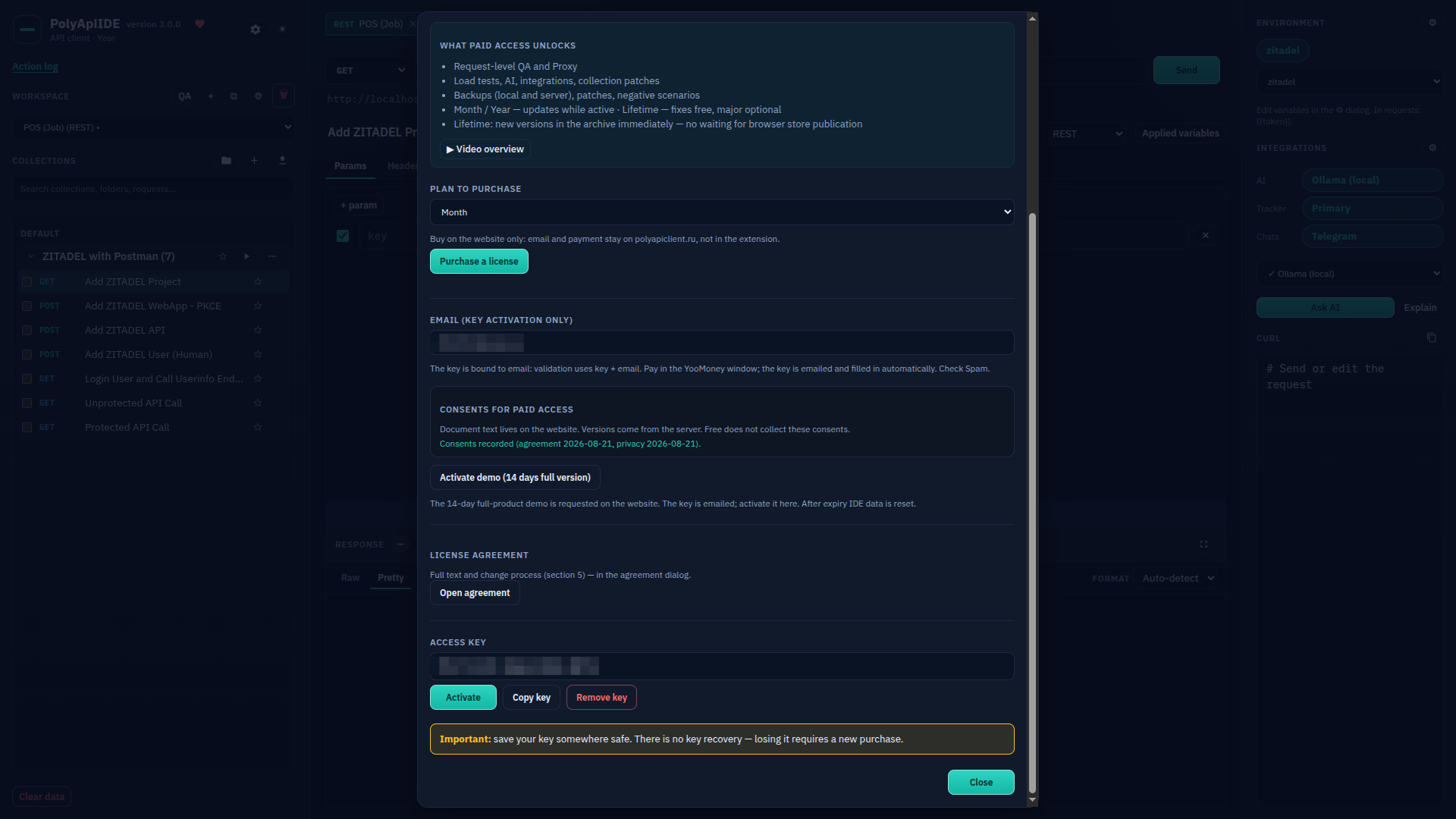
Settings: License
Free Free · The "License" tab (key and email hidden).
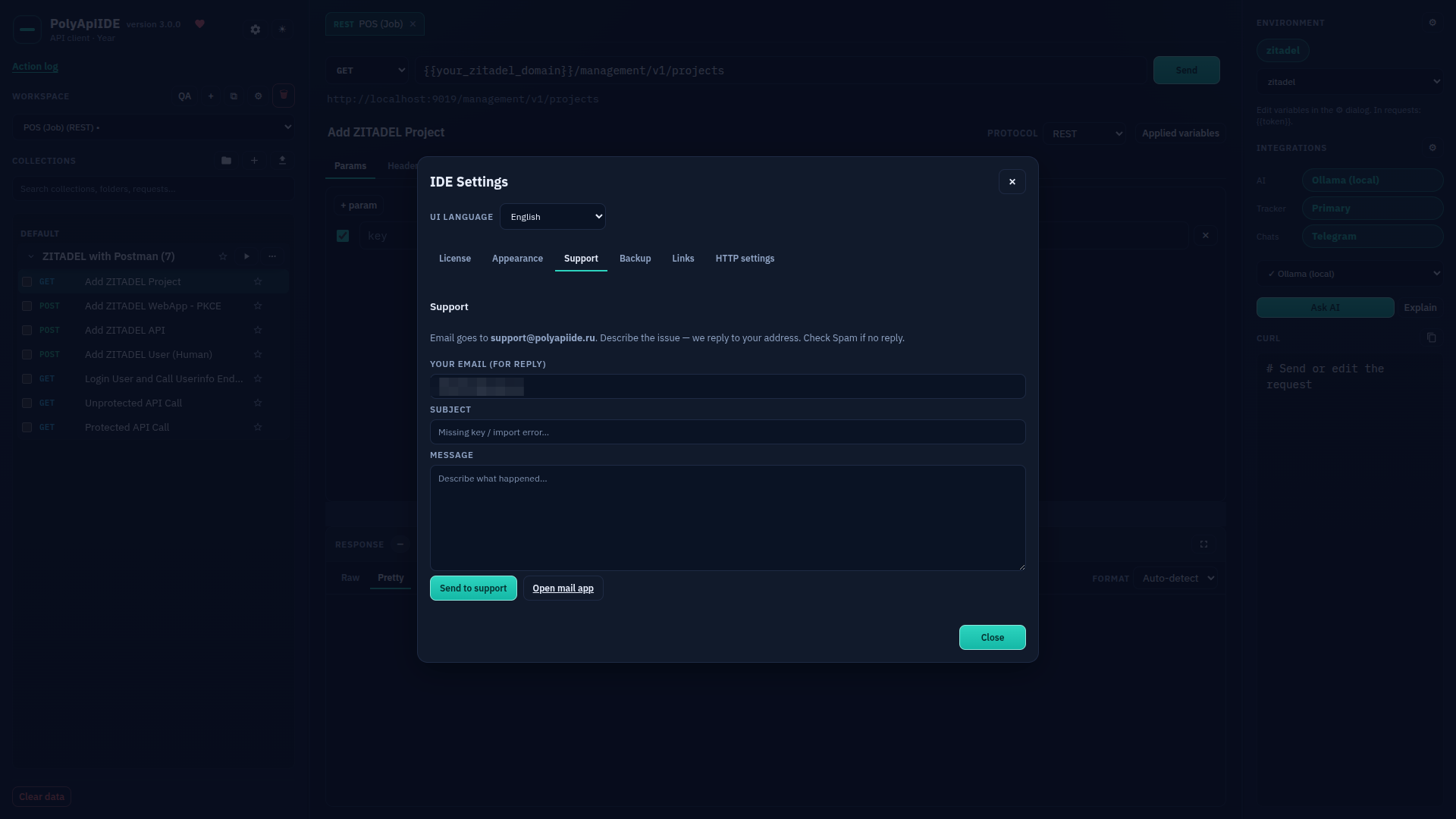
Settings: Support
Free Free · The "Support" tab in IDE settings.
Settings: Backup
Paid · Paid: the "Backup" tab — cloud, email, local snapshot.
Adding an environment
Free Free · Creating a new environment.
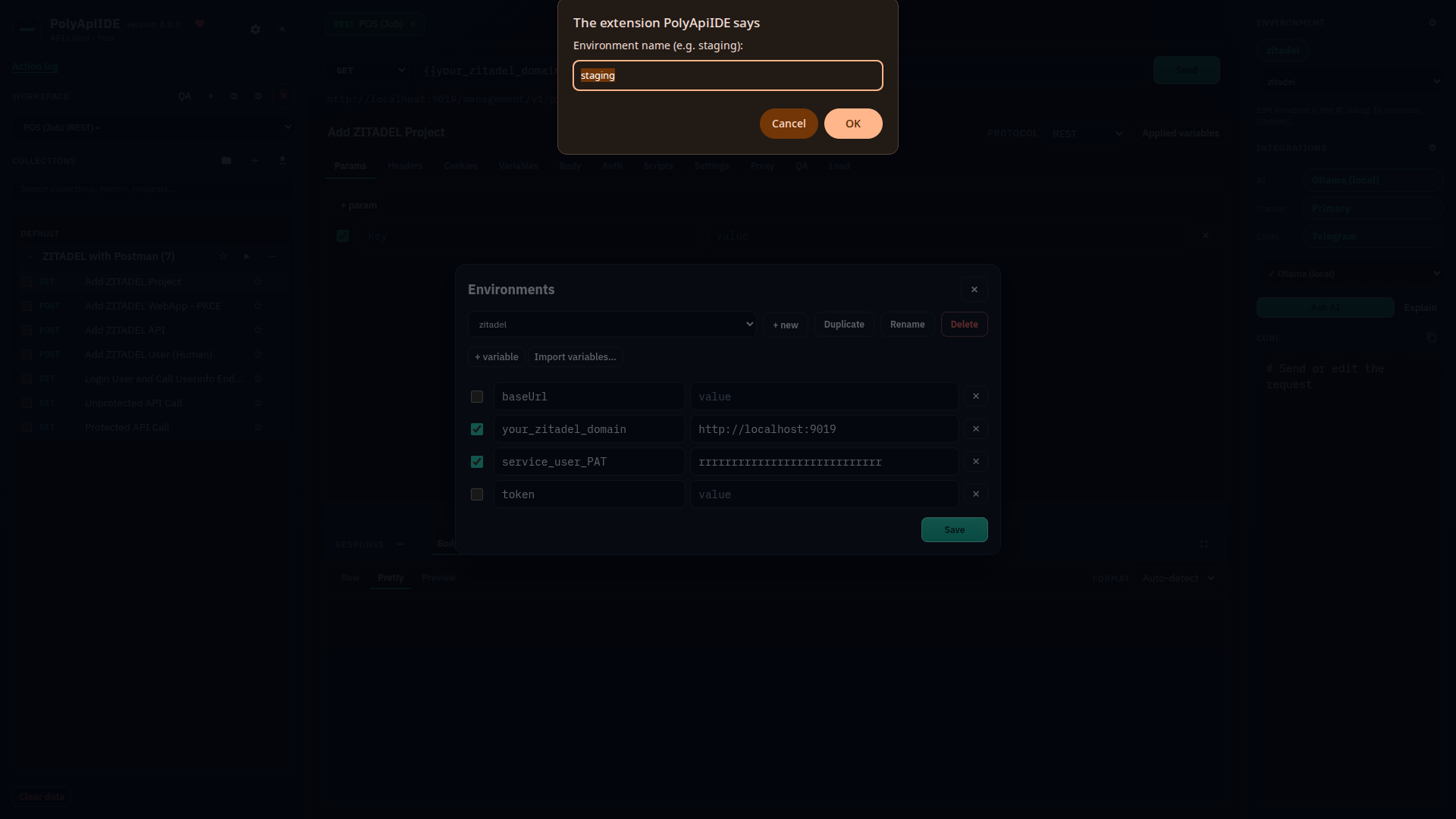
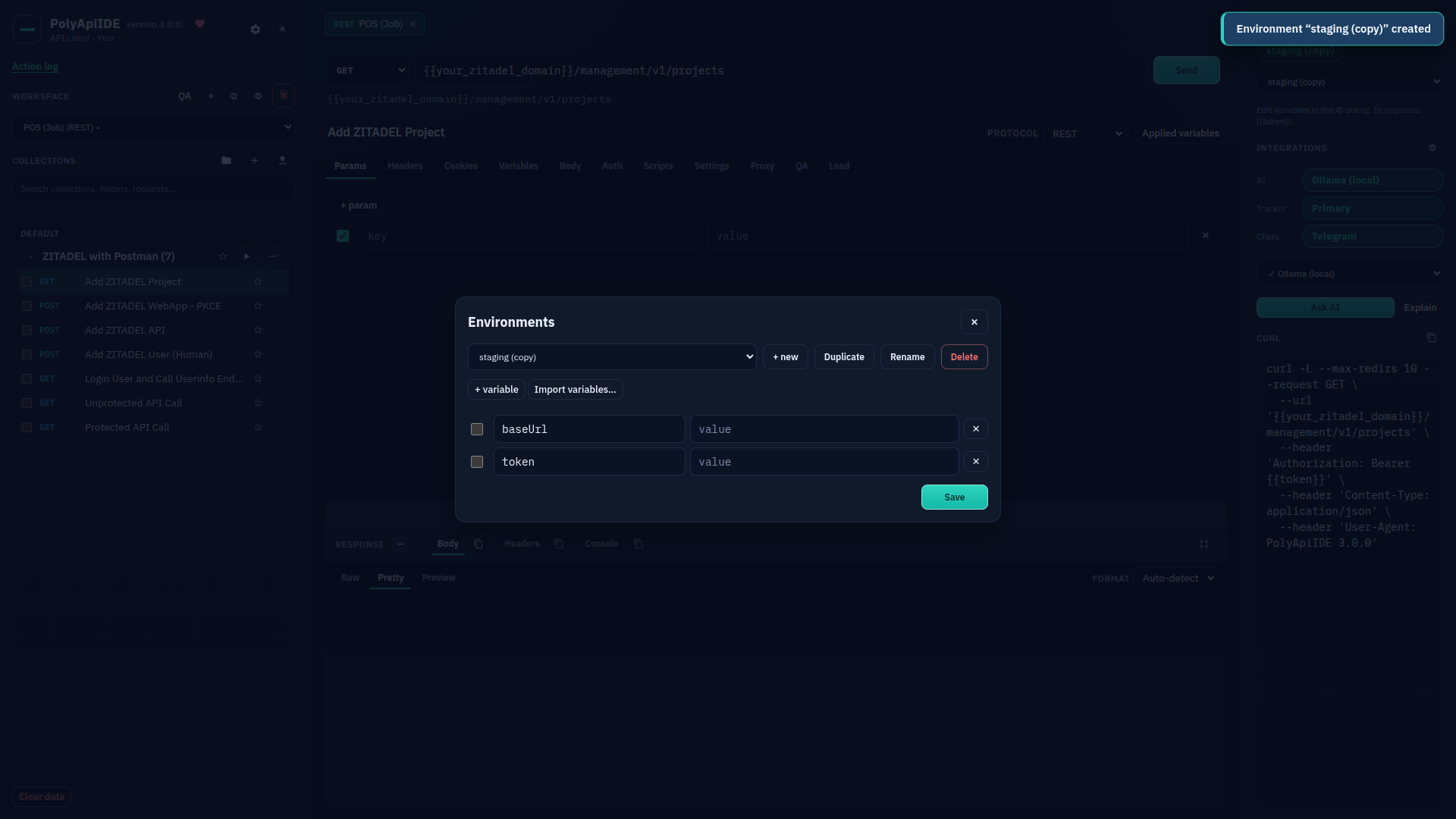
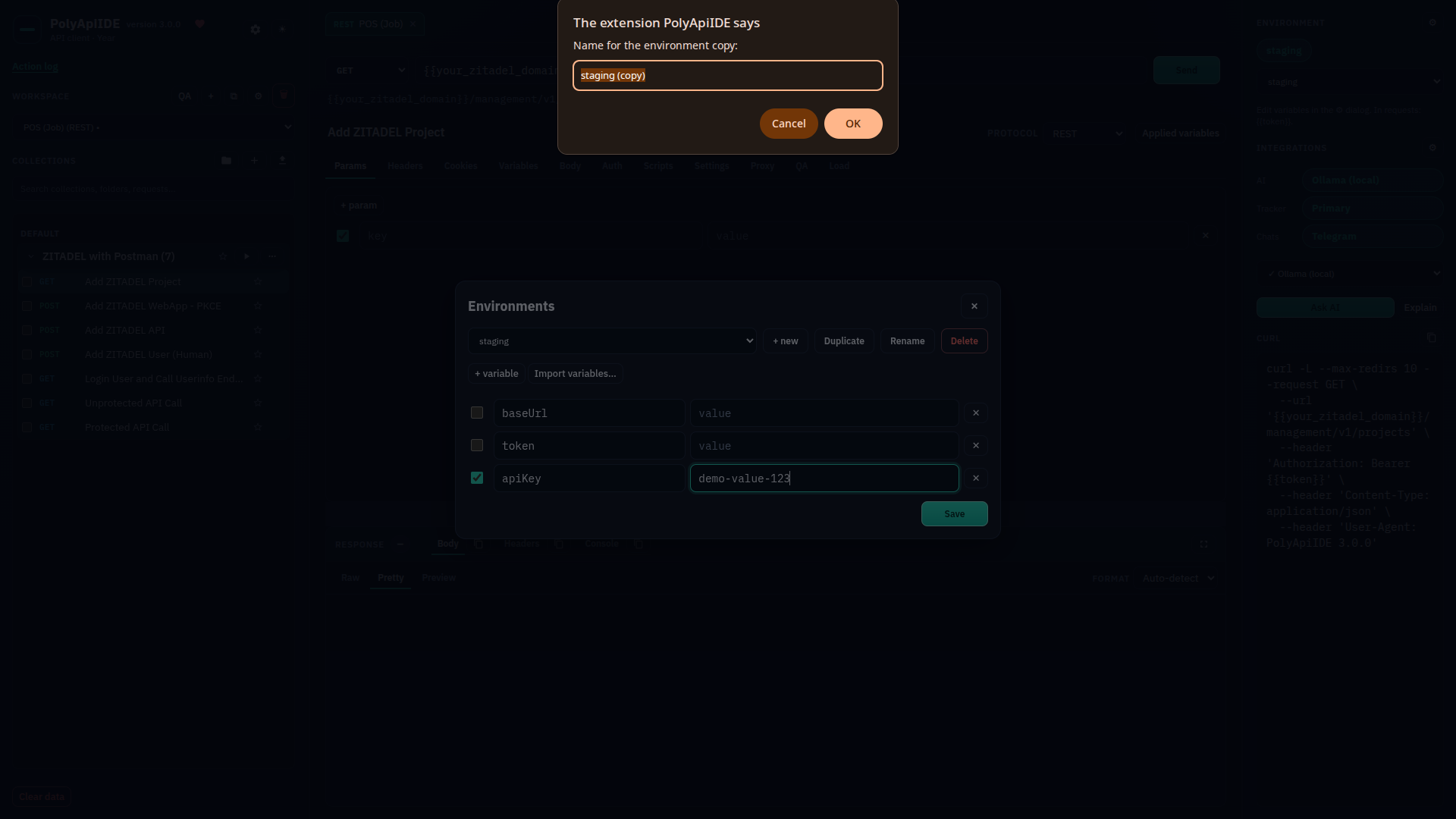
Duplicating an environment
Free Free · Duplicating an existing environment.
Renaming an environment
Free Free · Renaming an environment.
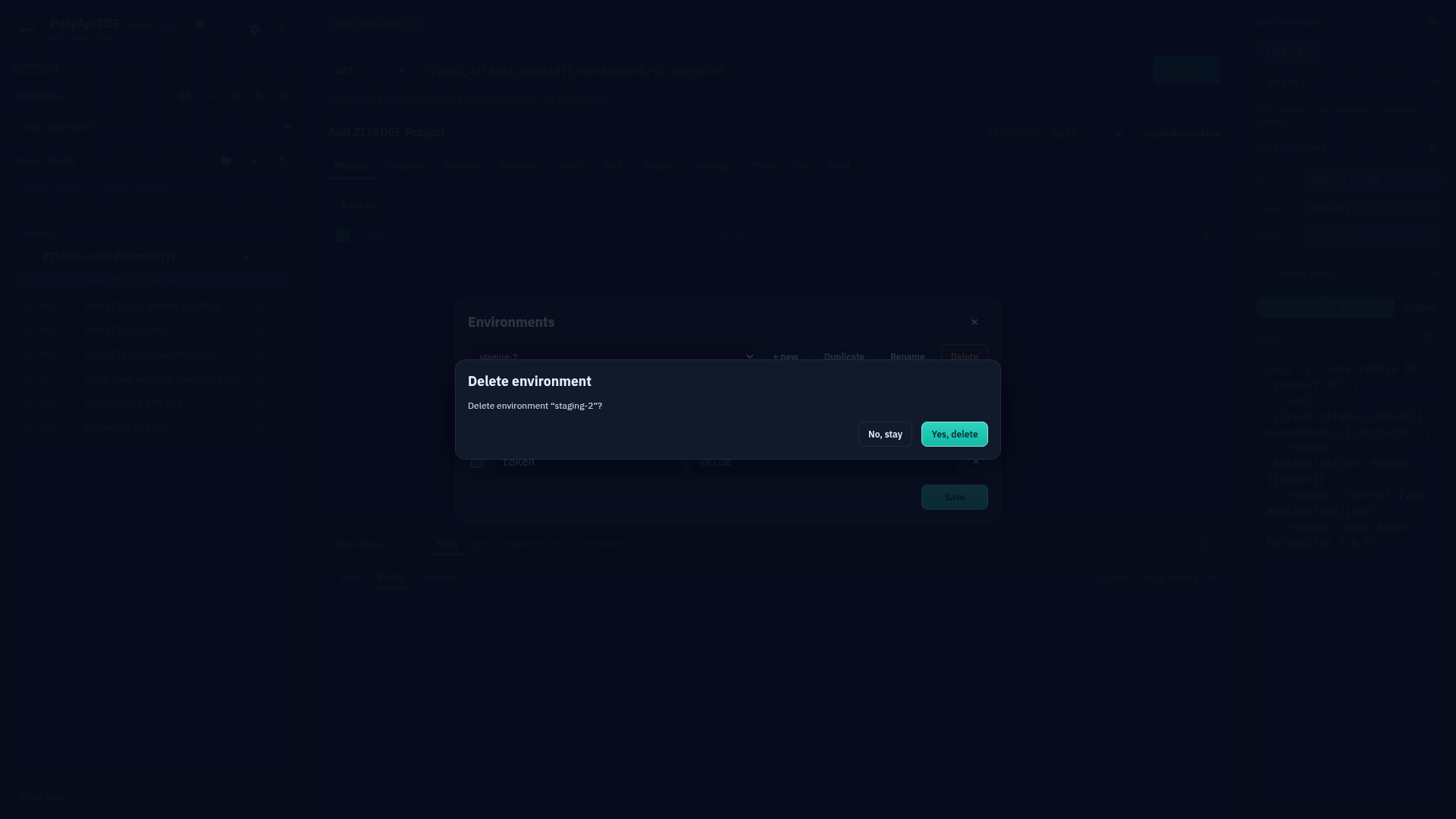
Deleting an environment
Free Free · Confirming environment deletion.
Adding an environment variable
Free Free · Adding a new variable to an environment.
Managing environments
Free Free · Environment editor — list and management.
Adding a workspace
Free Free · The "Add workspace" form: name and API type.
Workspace settings: General
Free Free · Workspace settings — "General" tab.
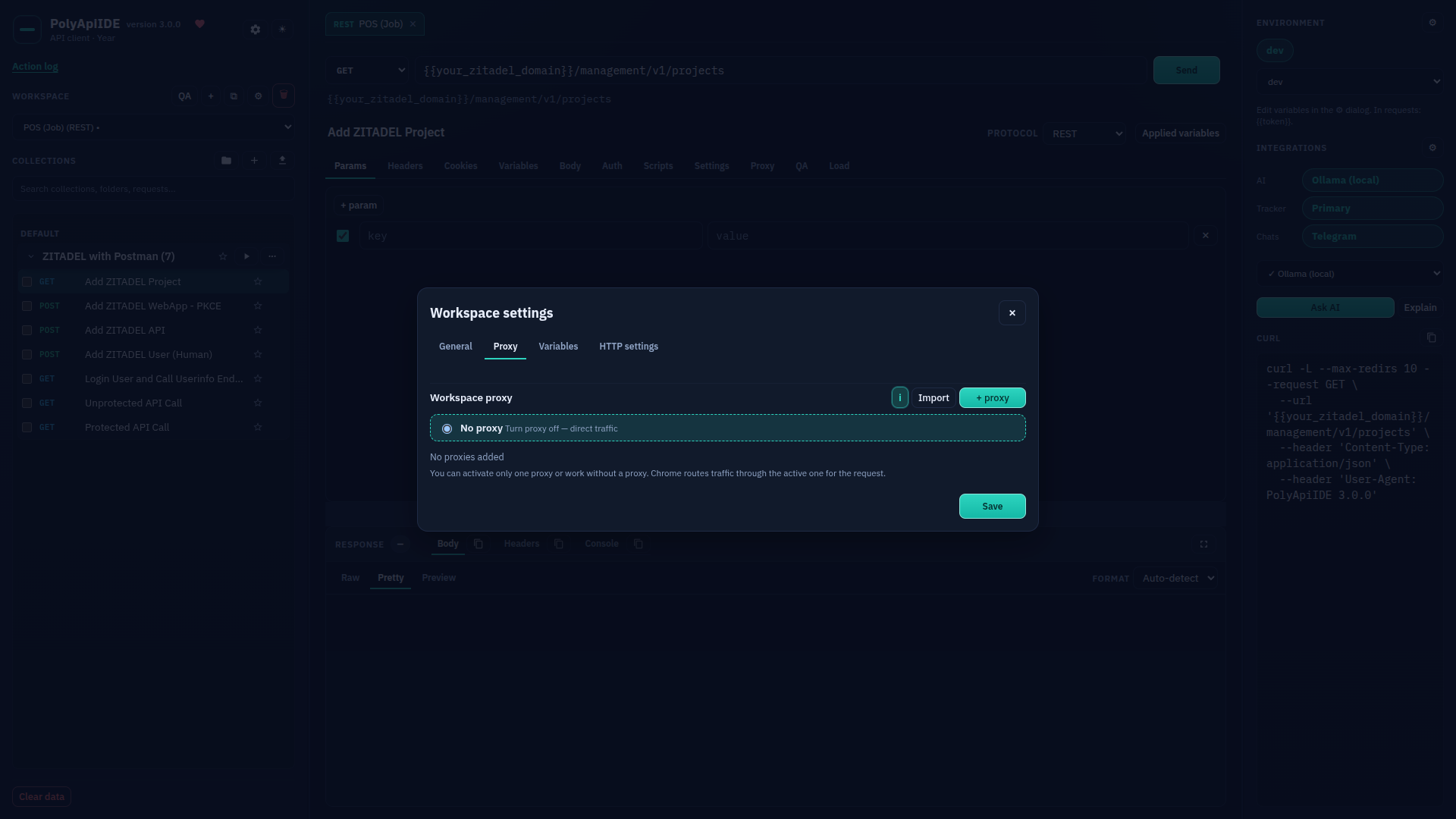
Workspace settings: Proxy
Paid · Paid: workspace-level Proxy.
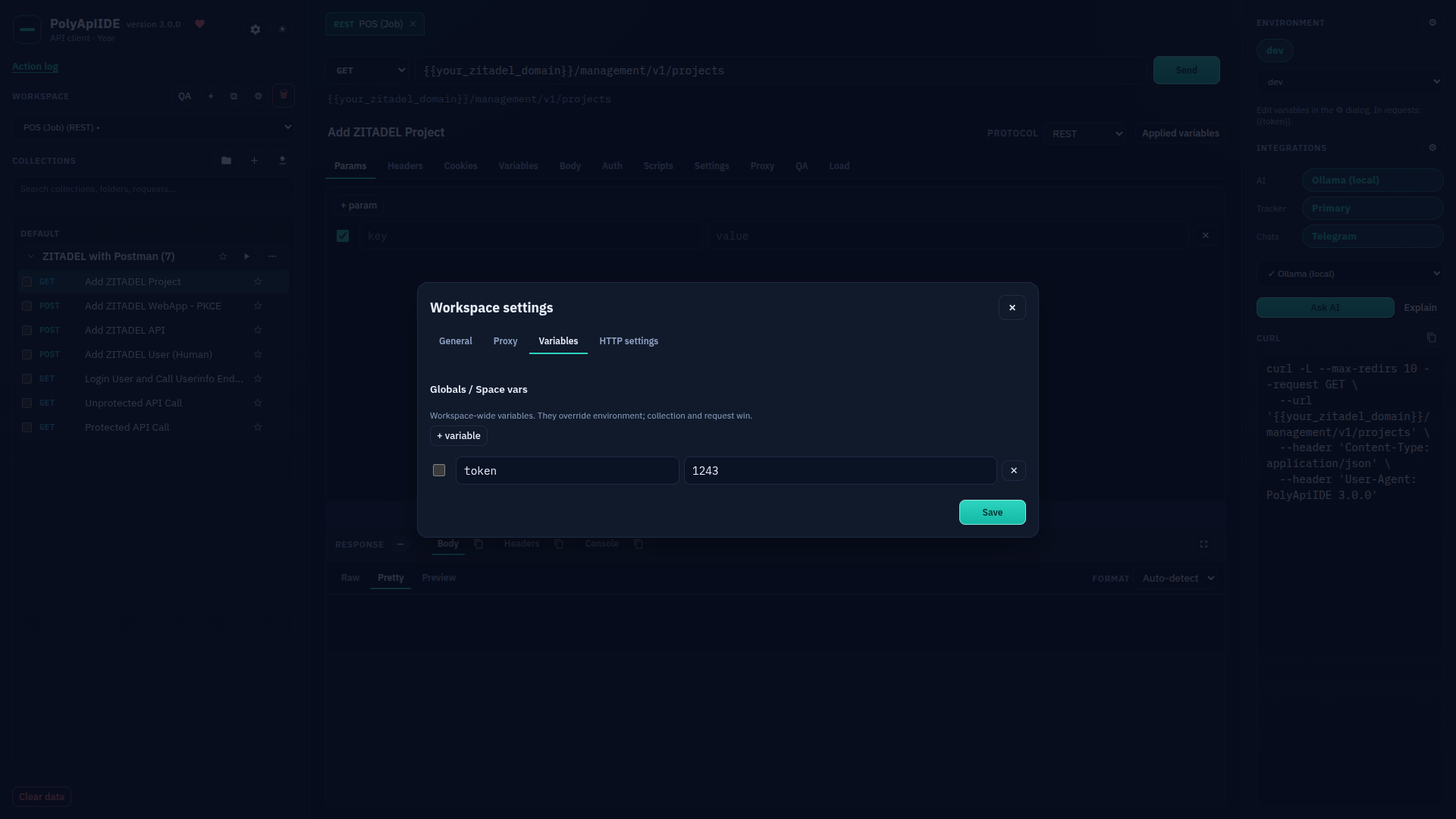
Workspace settings: Variables
Free Free · Workspace settings — "Variables" tab.
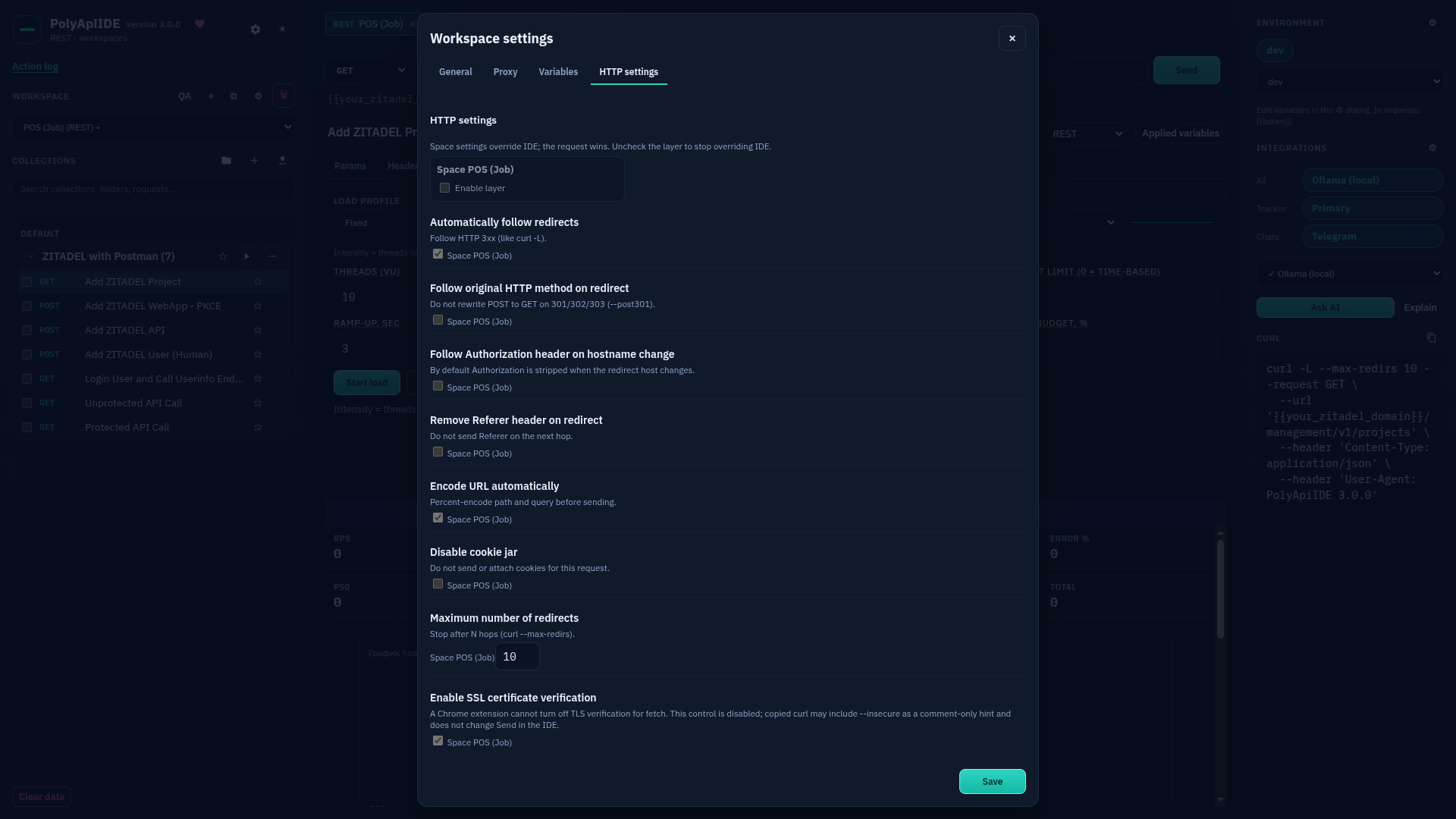
Workspace settings: HTTP settings
Free Free · Workspace settings — "HTTP settings" tab.
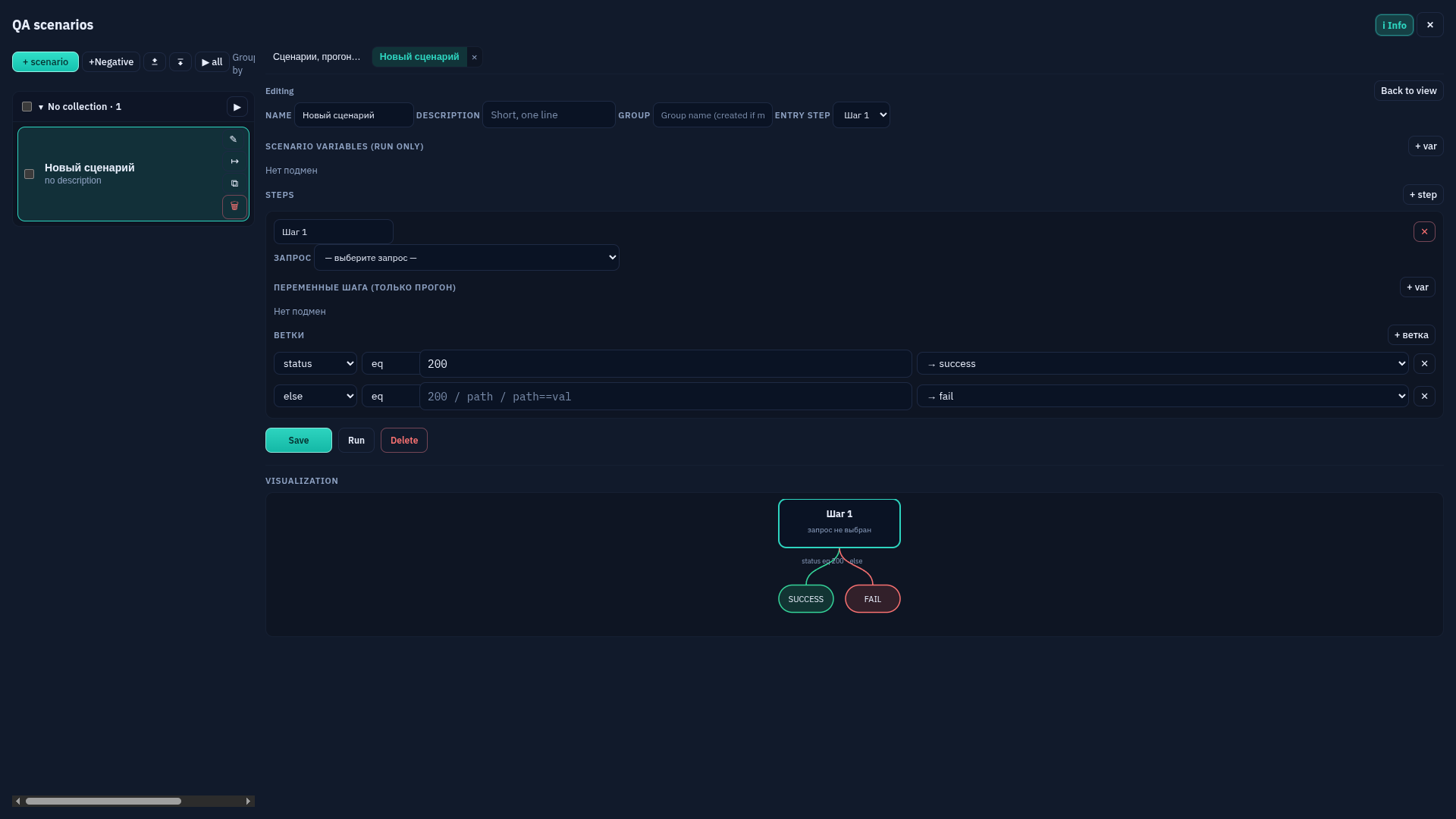
QA: adding a scenario
Paid · Paid: adding a QA scenario in a workspace.
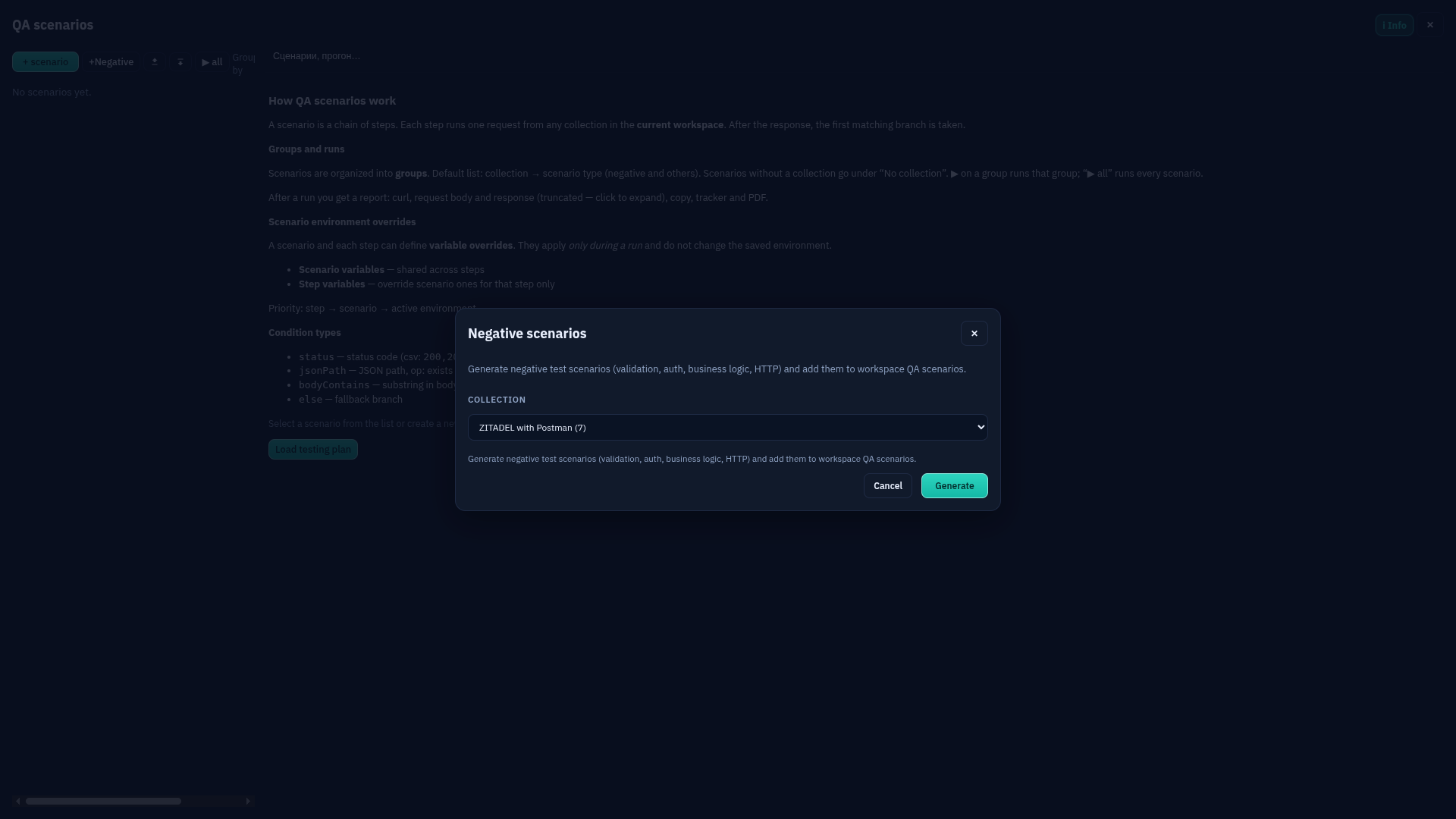
QA: generating negative scenarios
Paid · Paid: auto-generating negative QA scenarios.
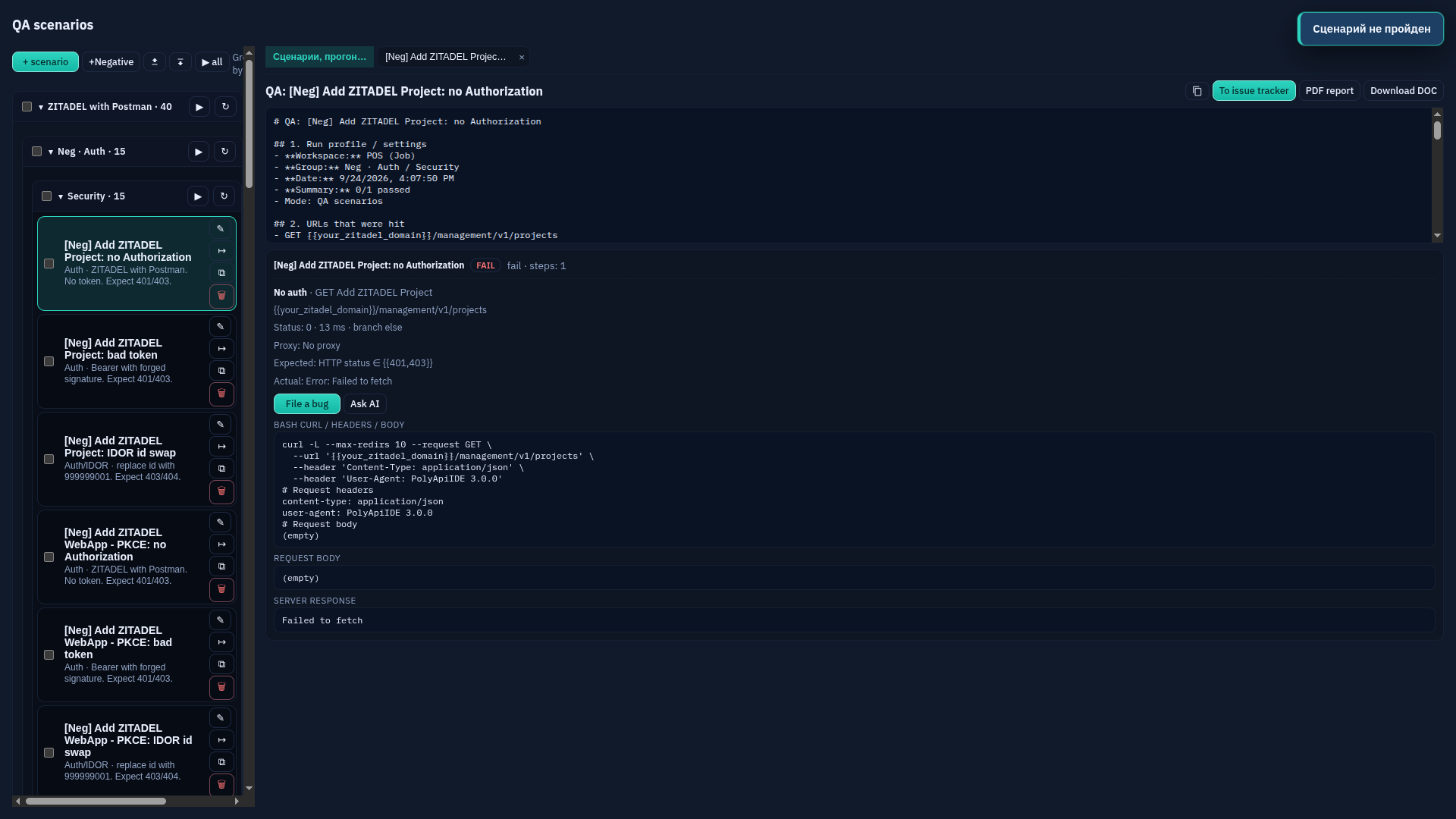
QA: running a scenario
Paid · Paid: the result of running a QA scenario.
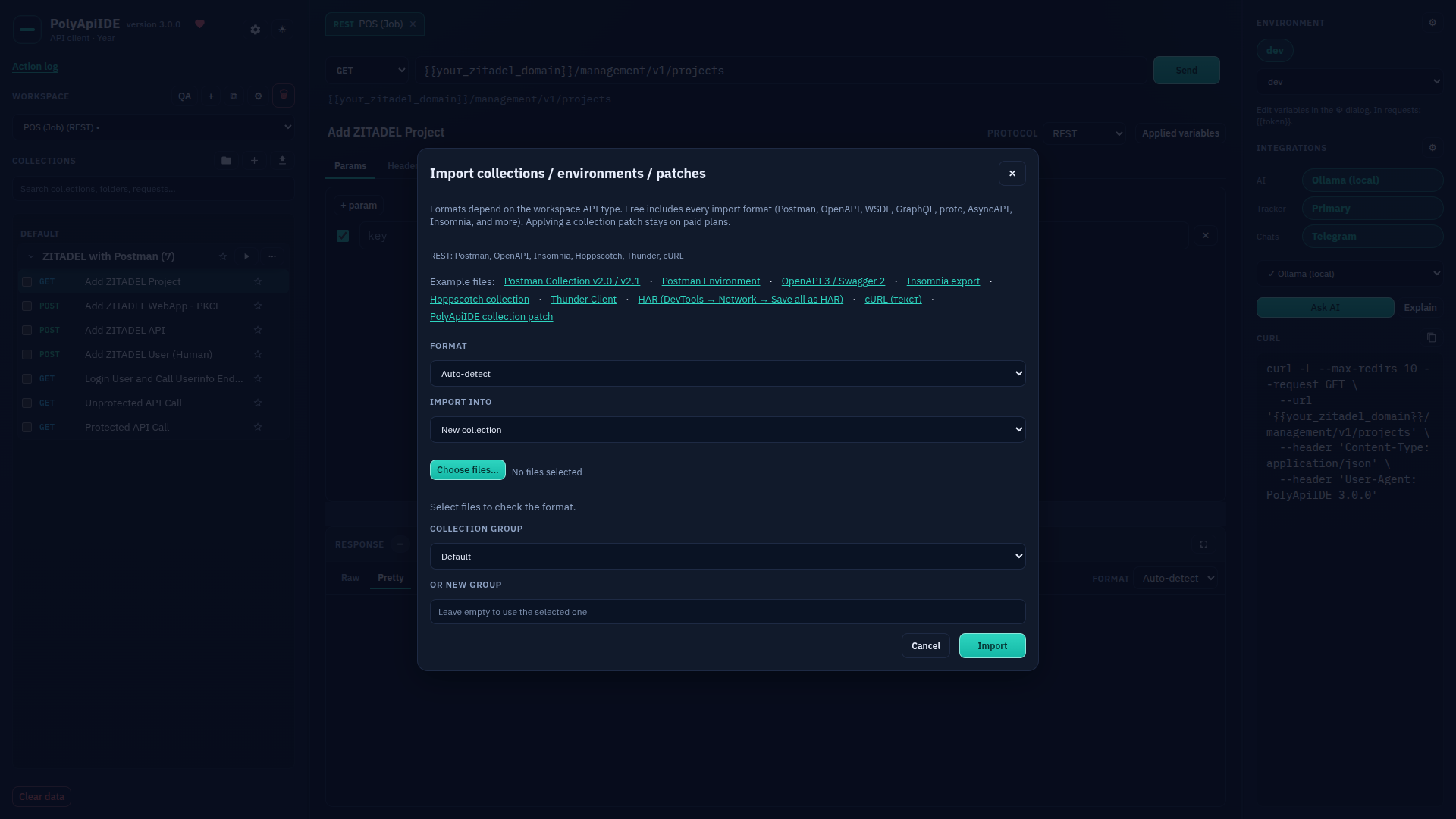
Importing a collection
Free Free · Importing a Postman collection — choosing a file.
Collection after import
Free Free · The imported collection appears in the tree on the left.
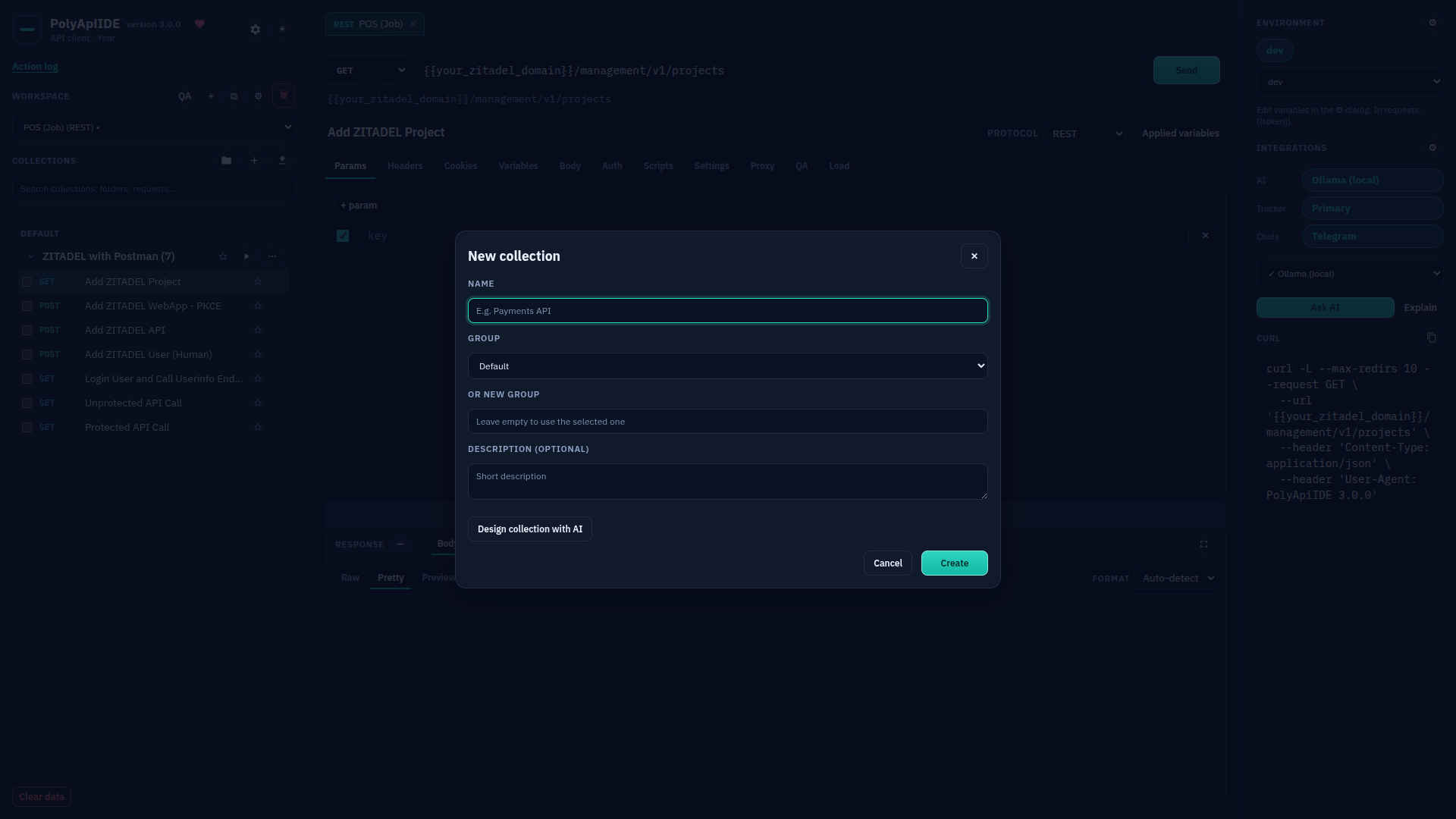
Adding a new collection
Free Free · The "New collection" form.
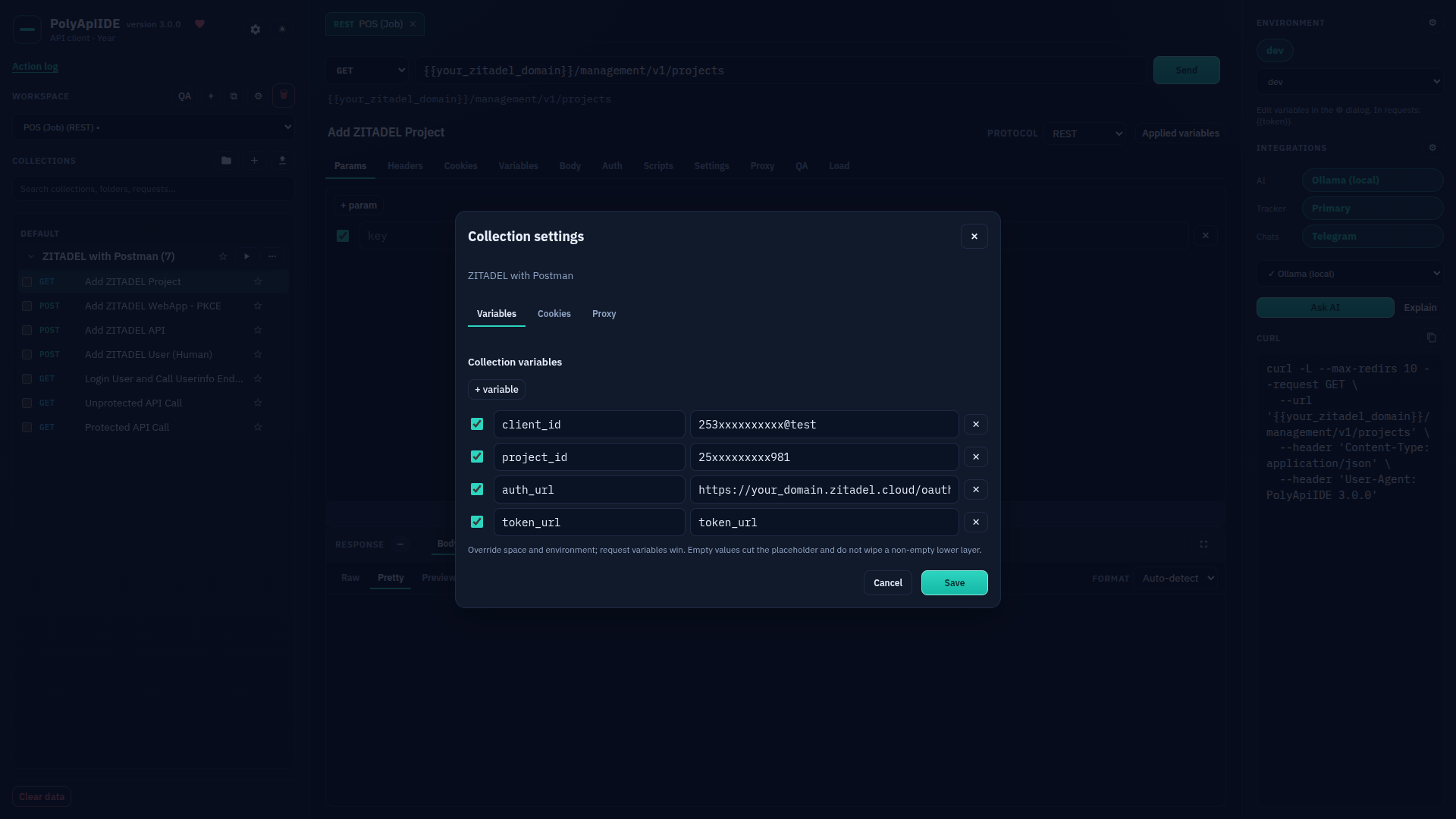
Collection settings: Variables
Free Free · Collection settings — "Variables" tab.
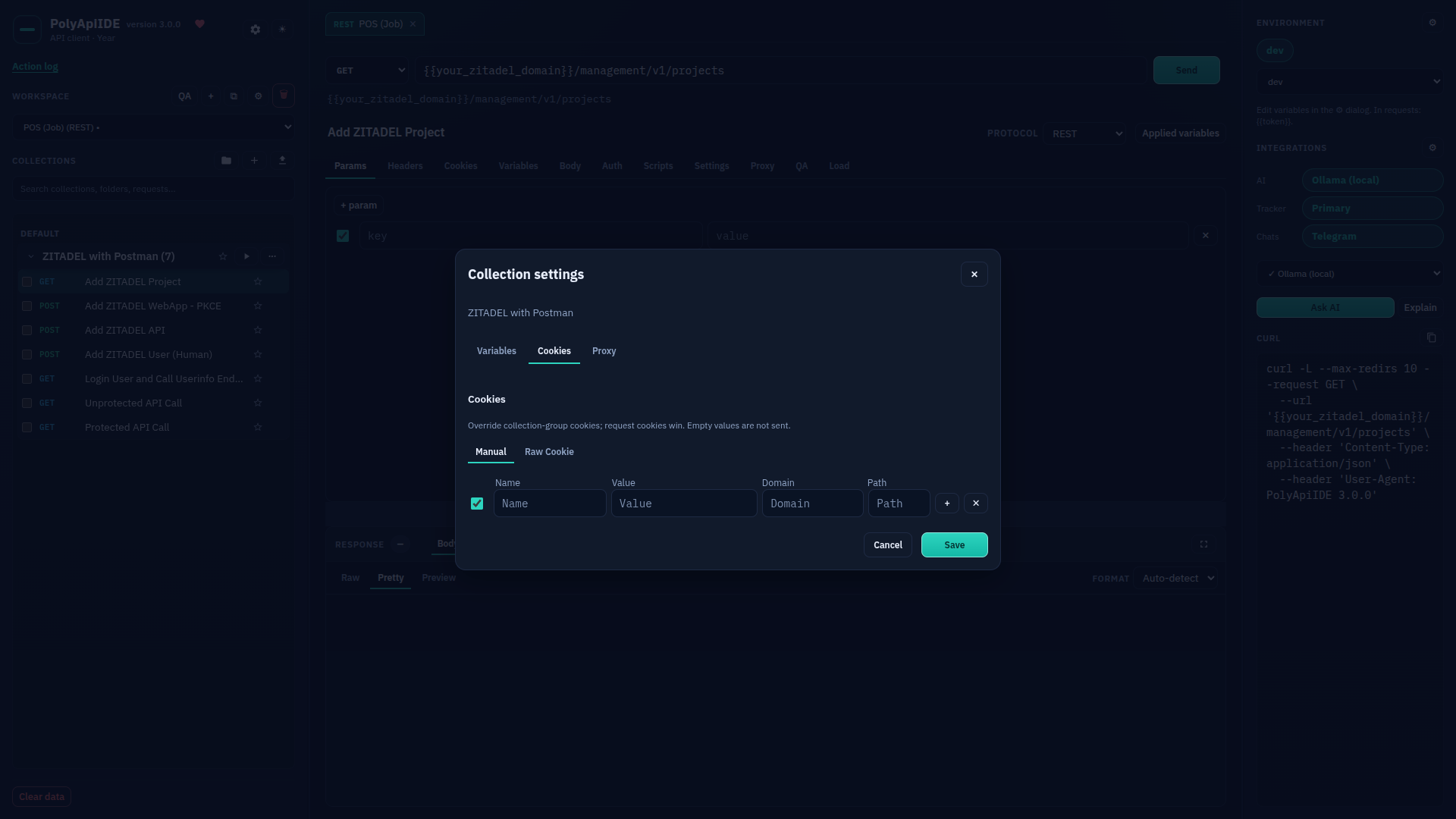
Collection settings: Cookies
Free Free · Collection settings — "Cookies" tab.
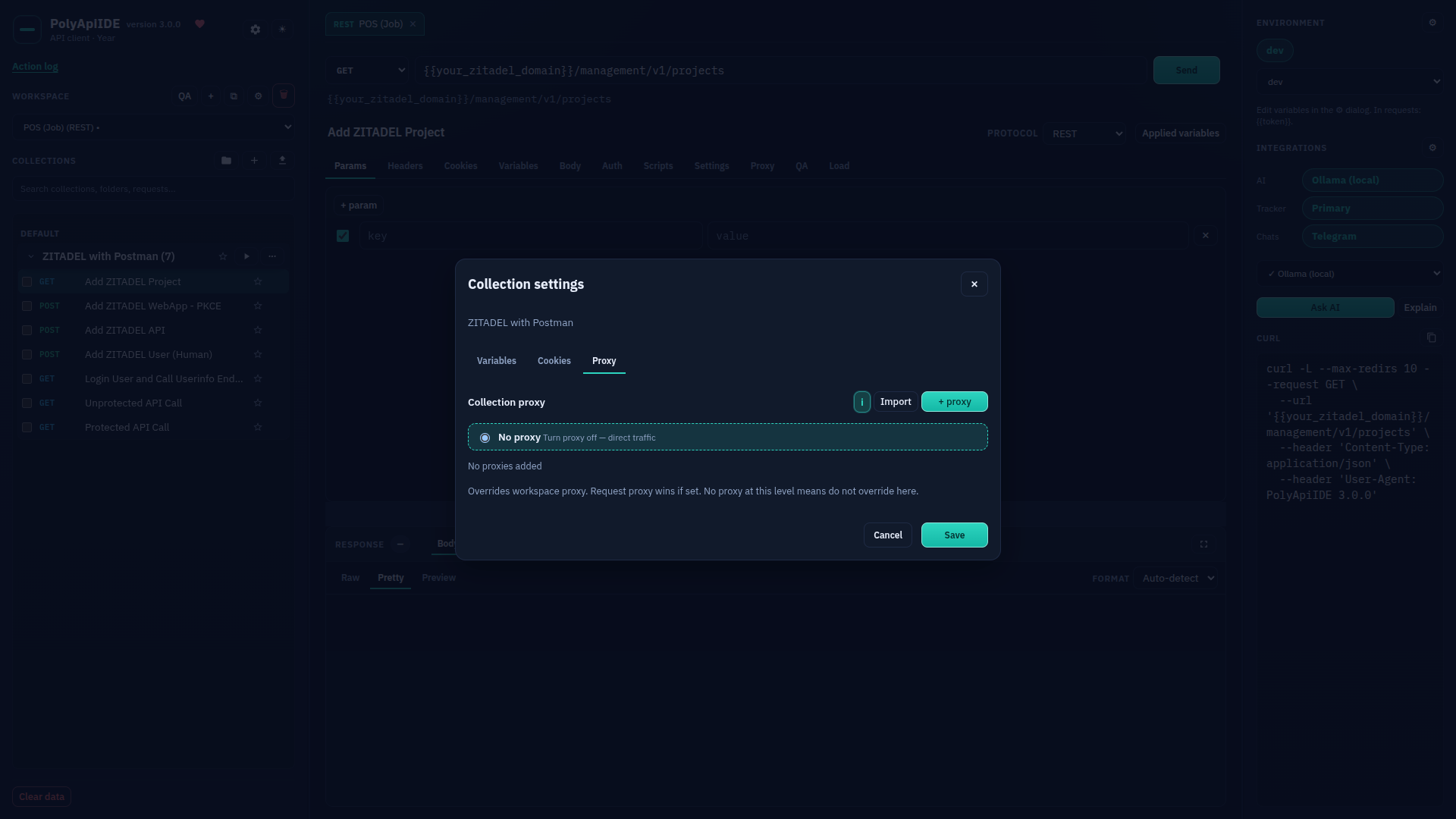
Collection settings: Proxy
Paid · Paid: collection-level Proxy.
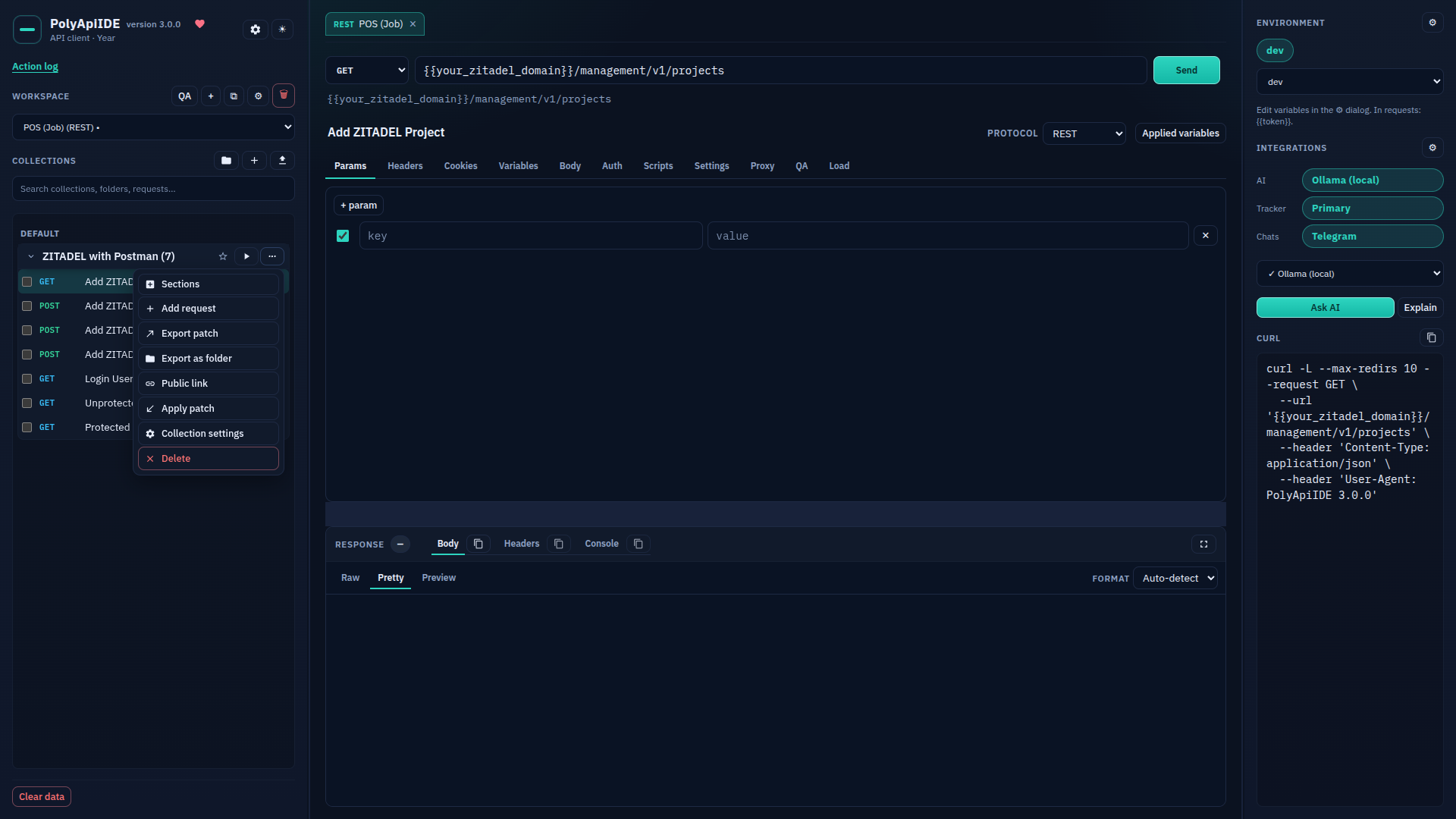
Collections: the "three dots" menu
Free Free · All the features hidden behind the "three dots" icon.
Load: functional mode
Paid · Paid: running a collection in functional mode.
Load: stress mode
Paid · Paid: running a collection in load/stress mode.
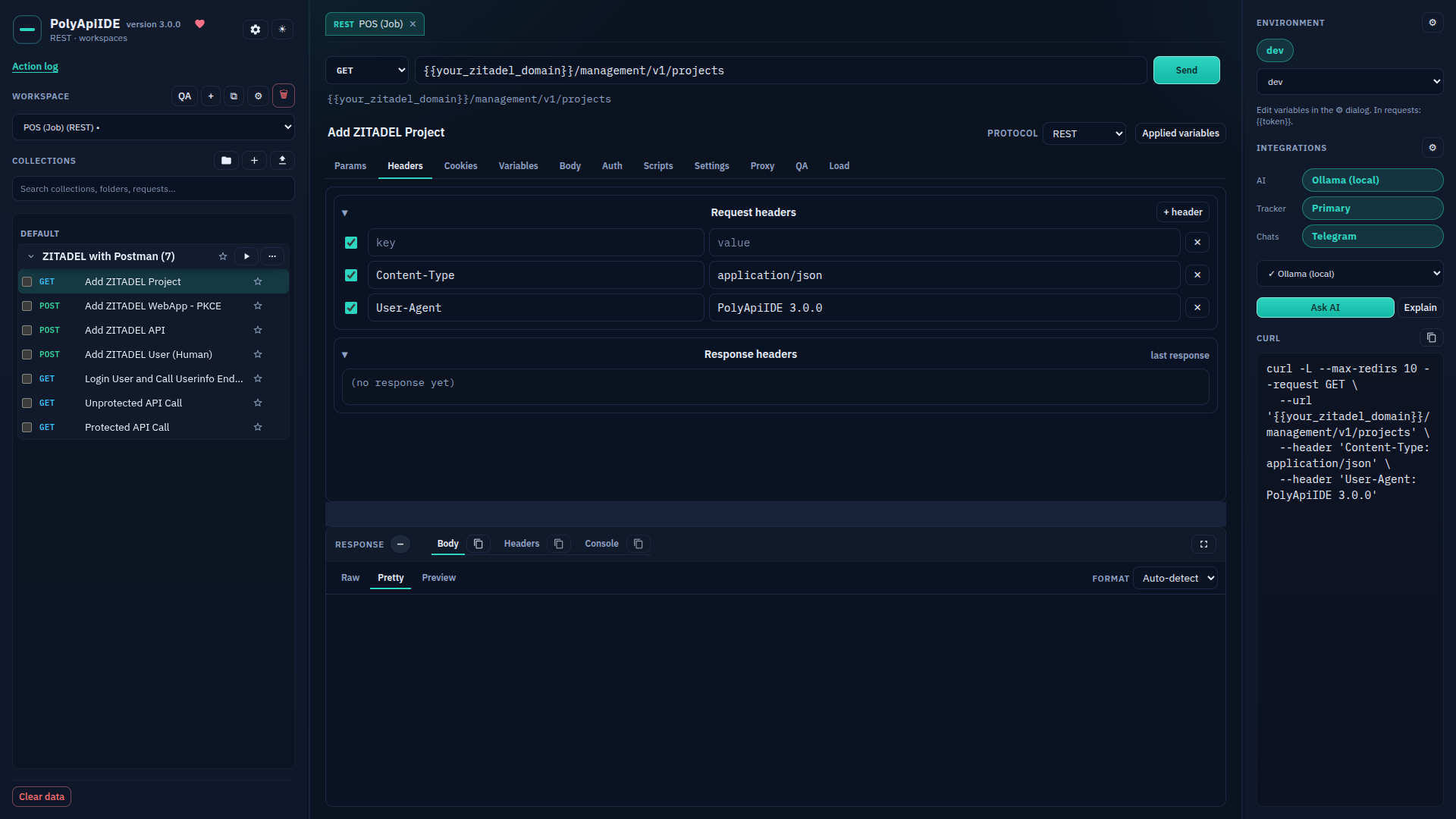
Request: Headers
Free Free · The request's "Headers" tab.
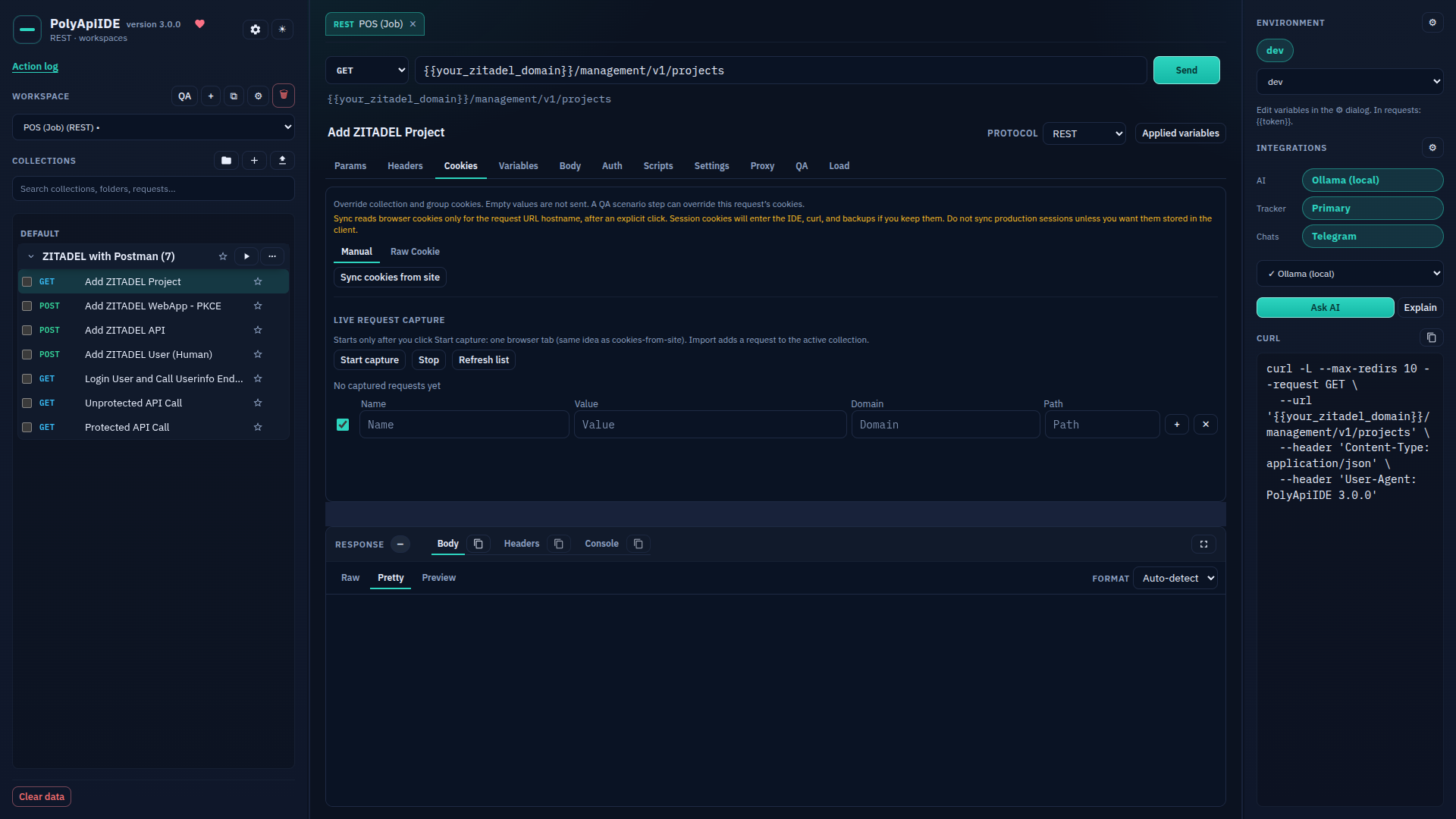
Request: Cookies
Free Free · The request's "Cookies" tab.
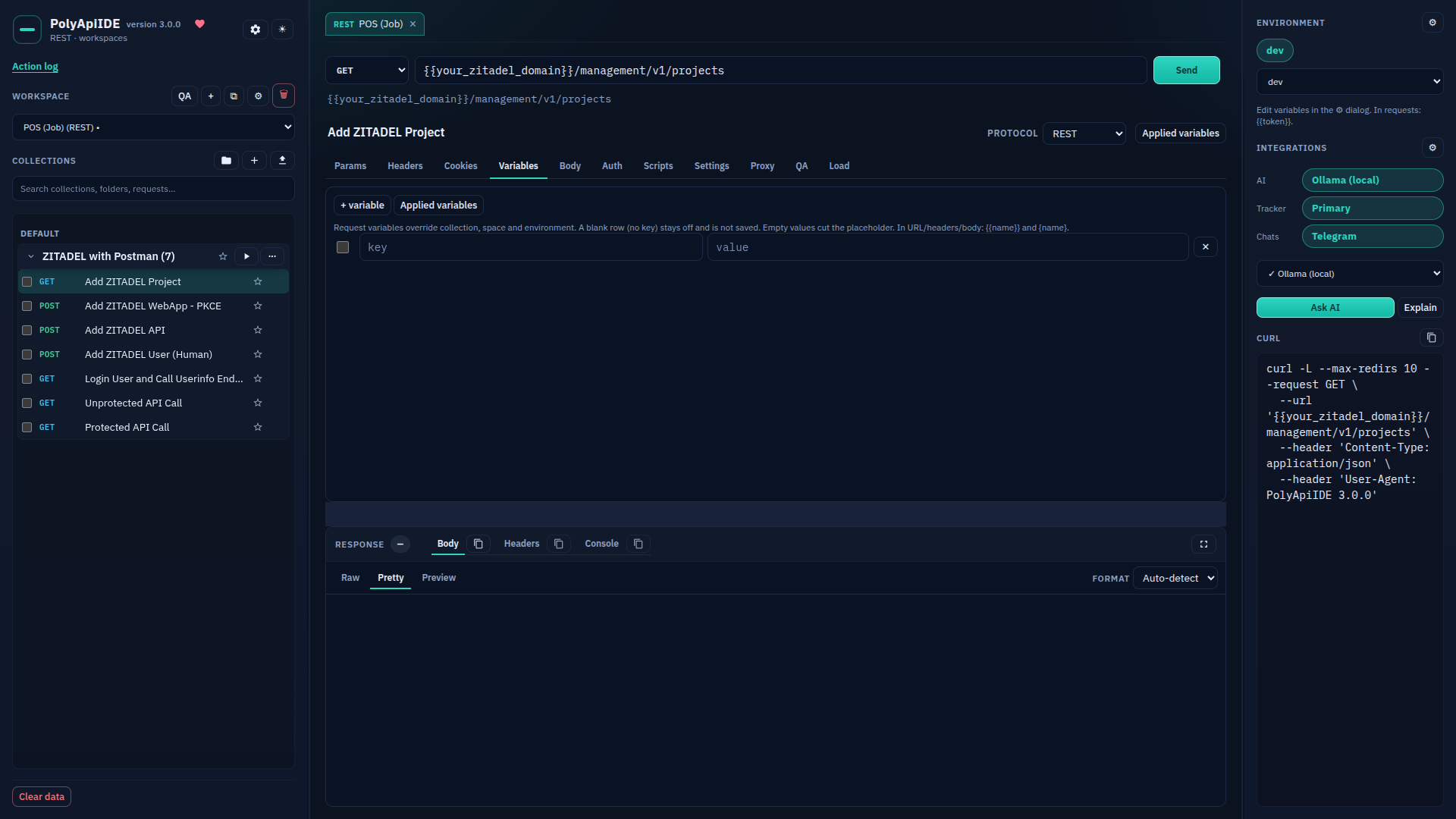
Request: Variables
Free Free · The request's "Variables" tab.
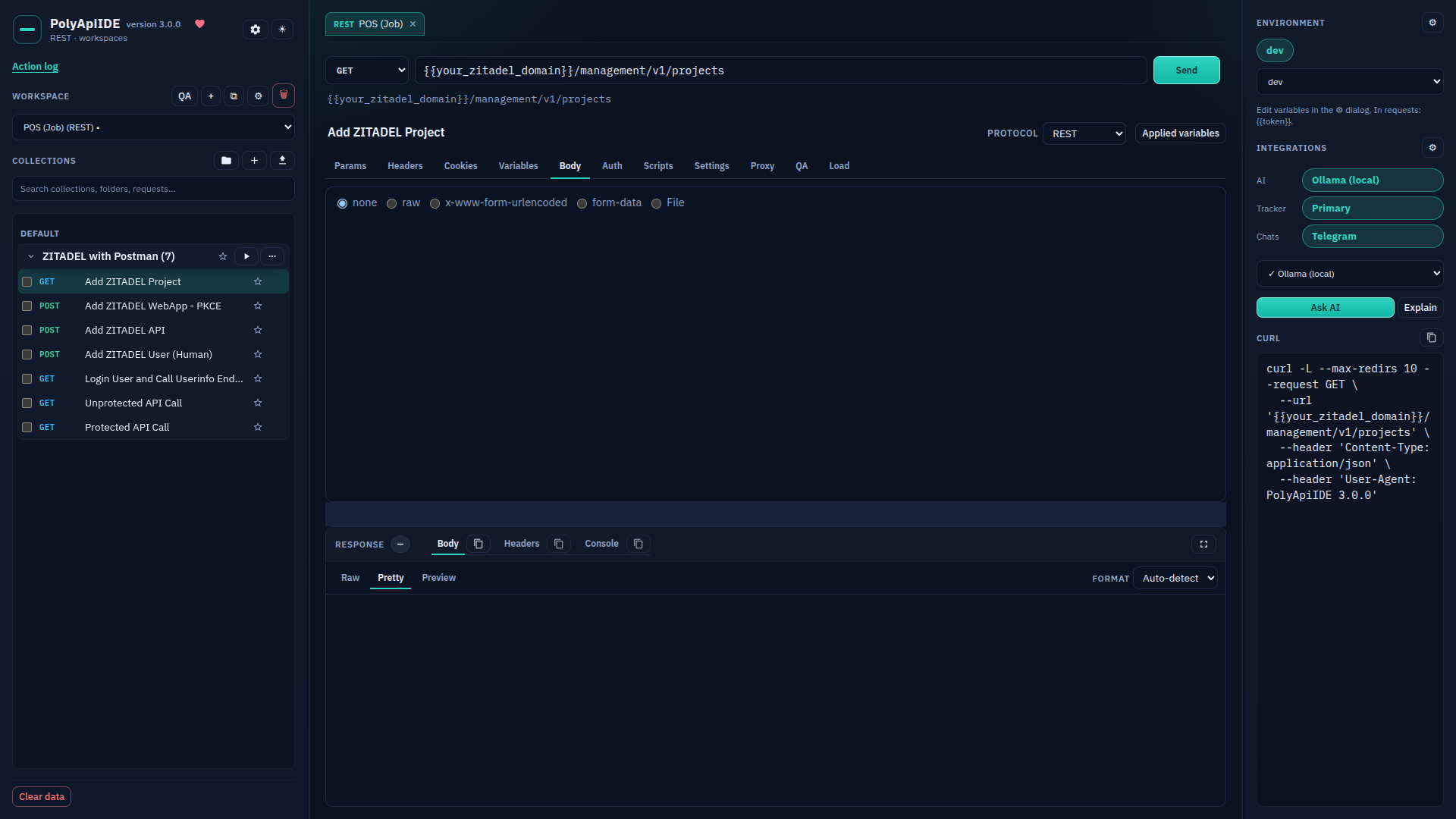
Request: Body
Free Free · The request's "Body" tab.
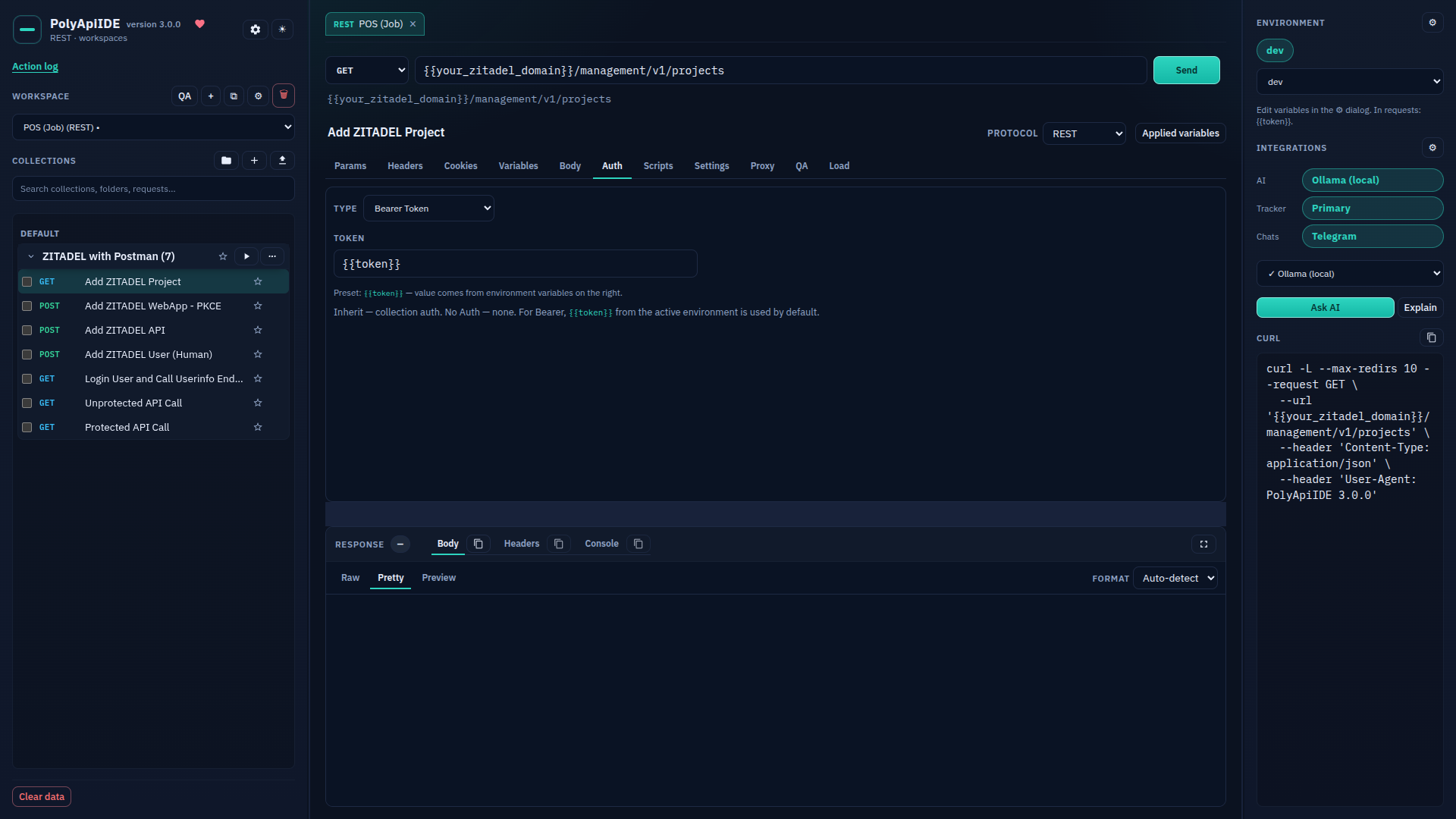
Request: Auth
Free Free · The request's "Auth" tab.
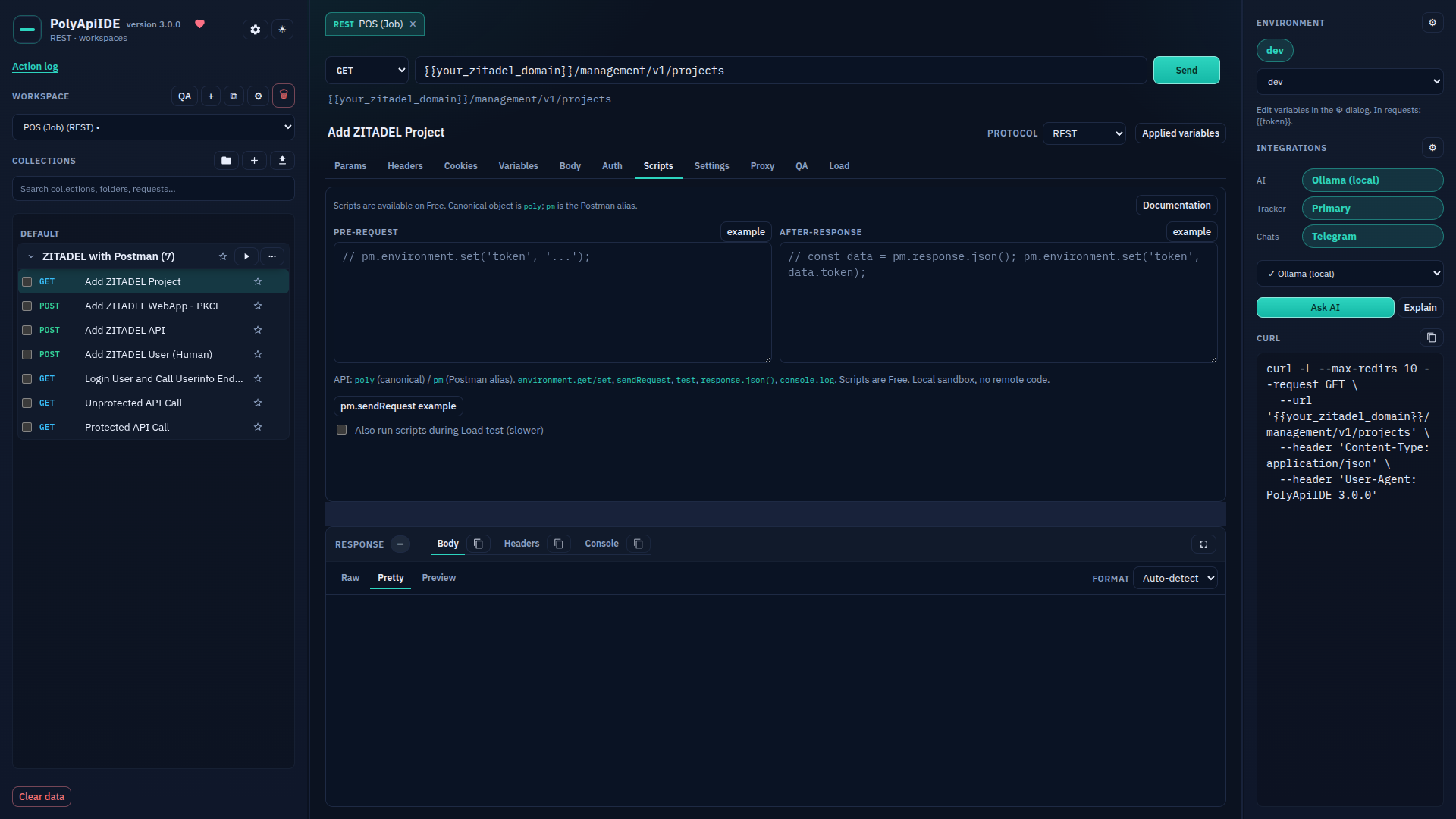
Request: Scripts
Free Free · The request's "Scripts" tab.
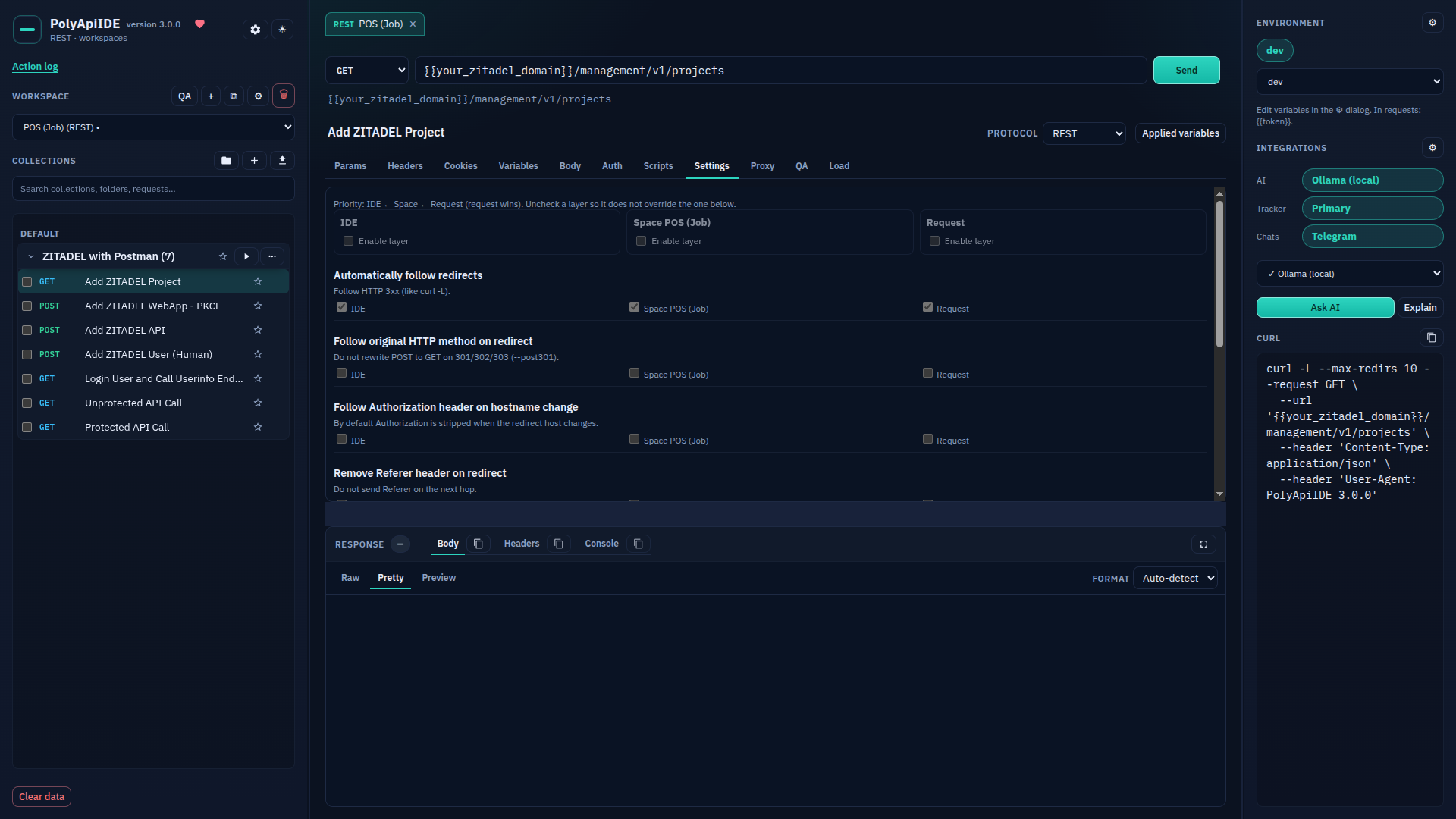
Request: Settings
Free Free · The request's "Settings" tab.
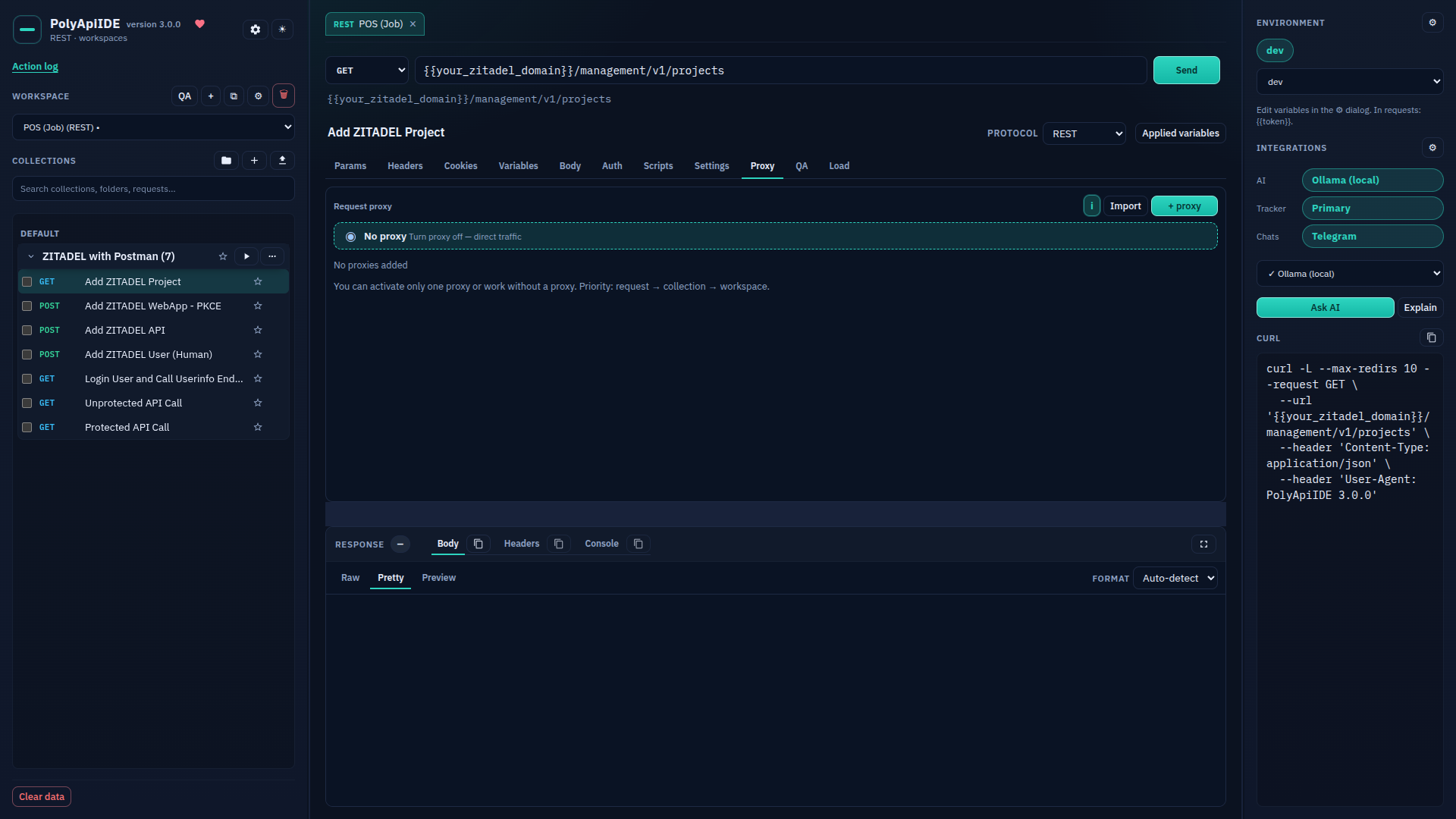
Request: Proxy
Paid · Paid: the request's "Proxy" tab.
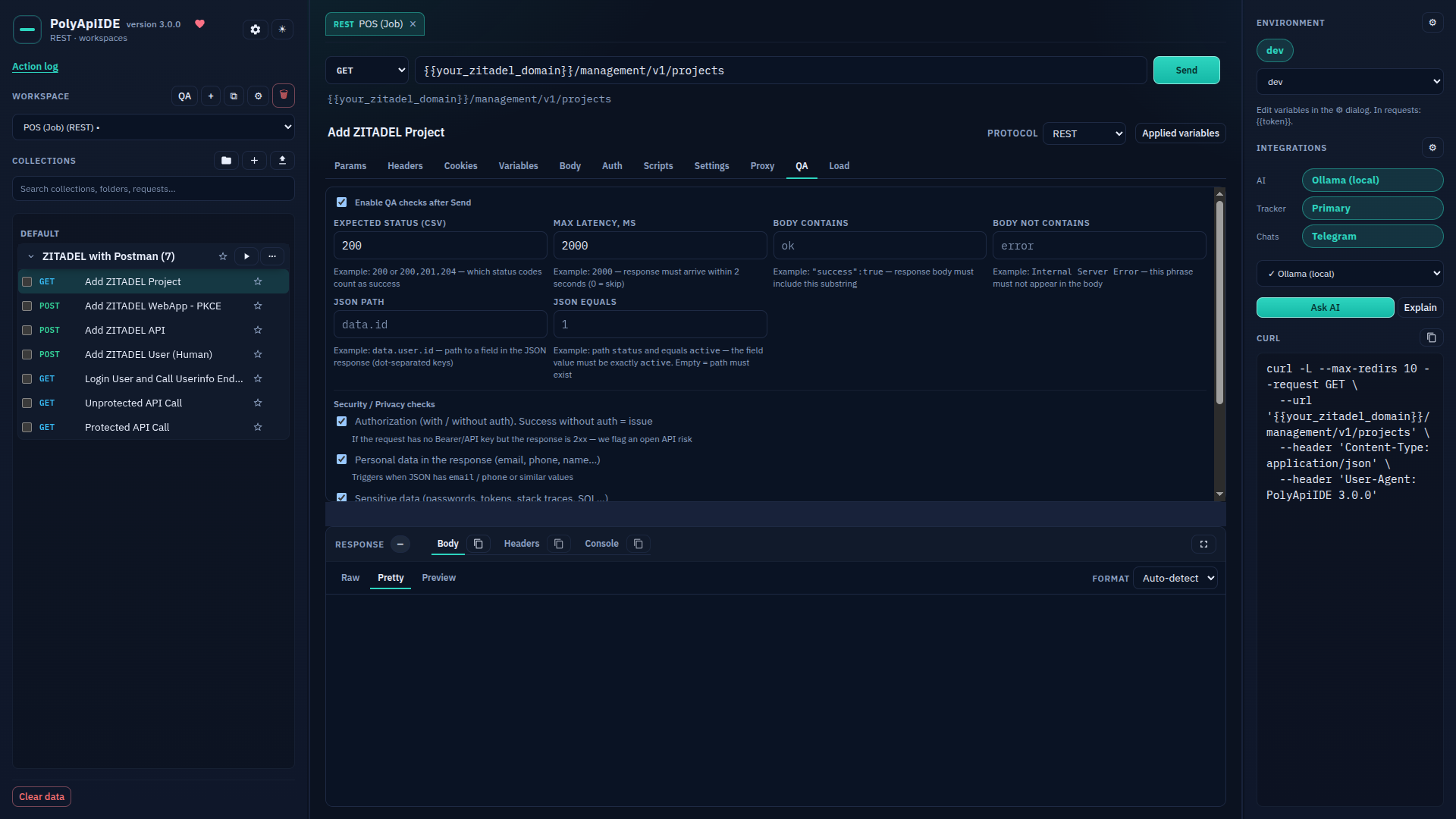
Request: QA
Paid · Paid: the request's "QA" tab.
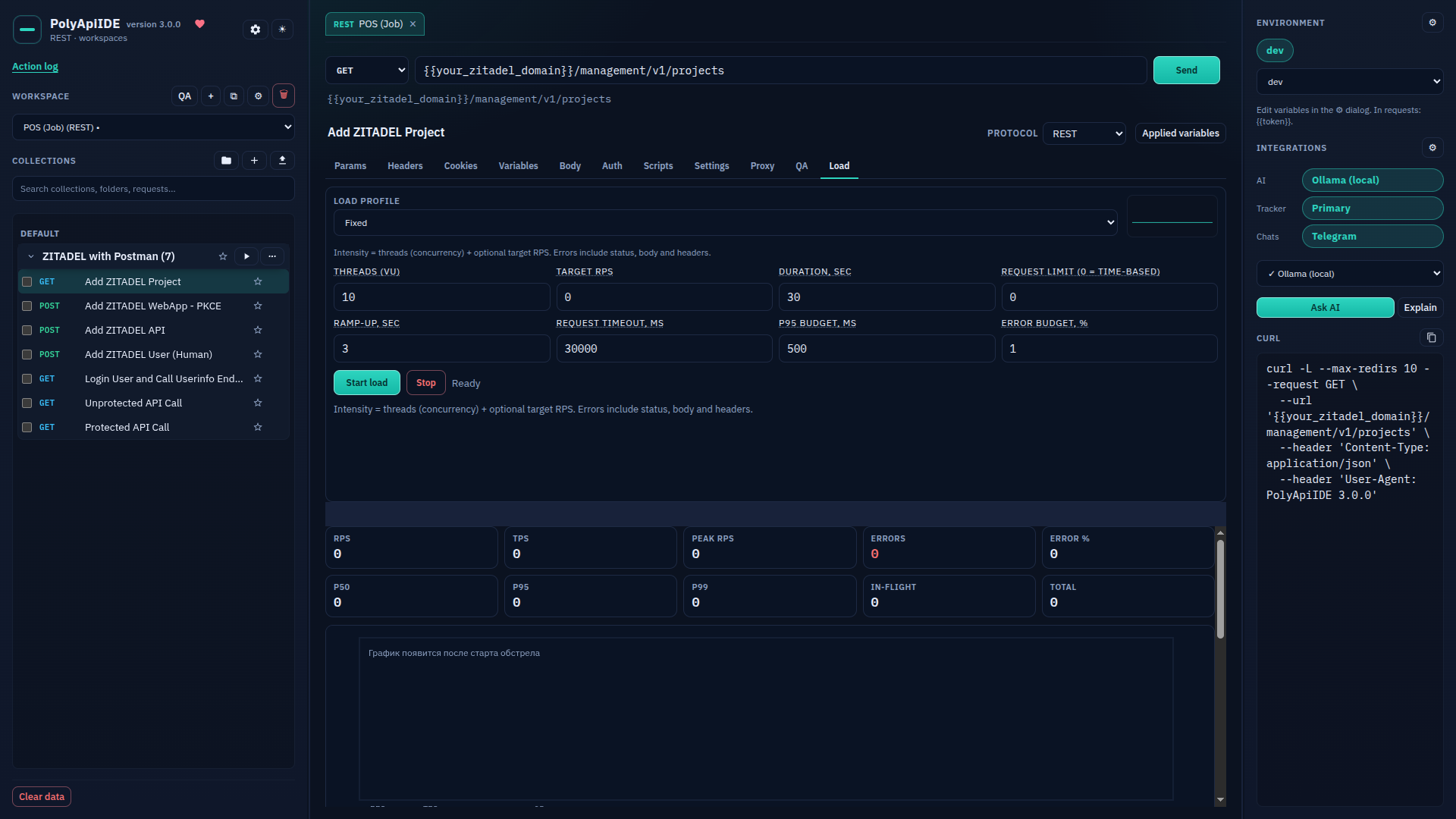
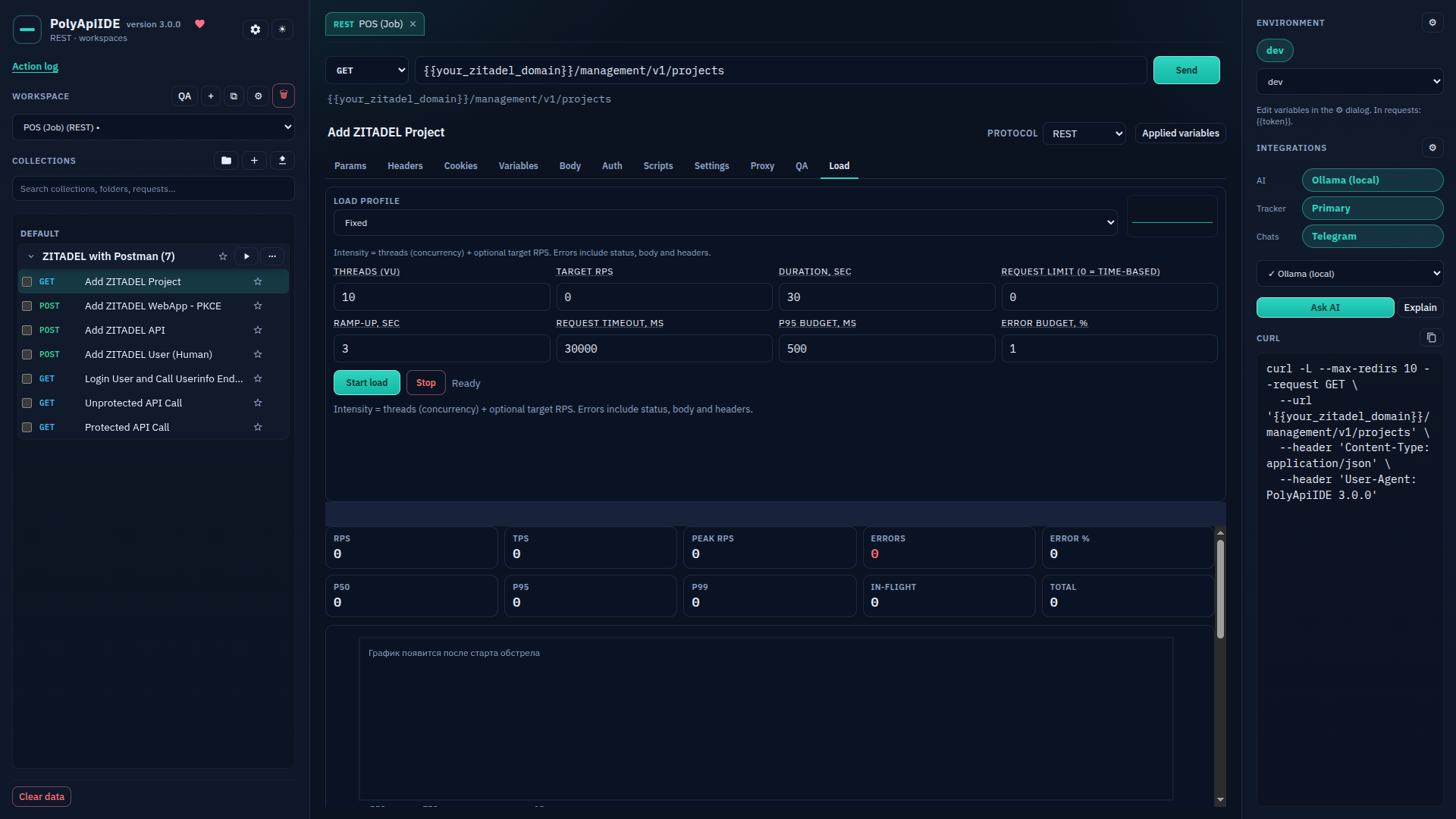
Request: Load
Paid · Paid: the request's "Load" tab.
Integrations: overview
Paid · Paid: the integrations panel — AI, issue tracker, messengers.
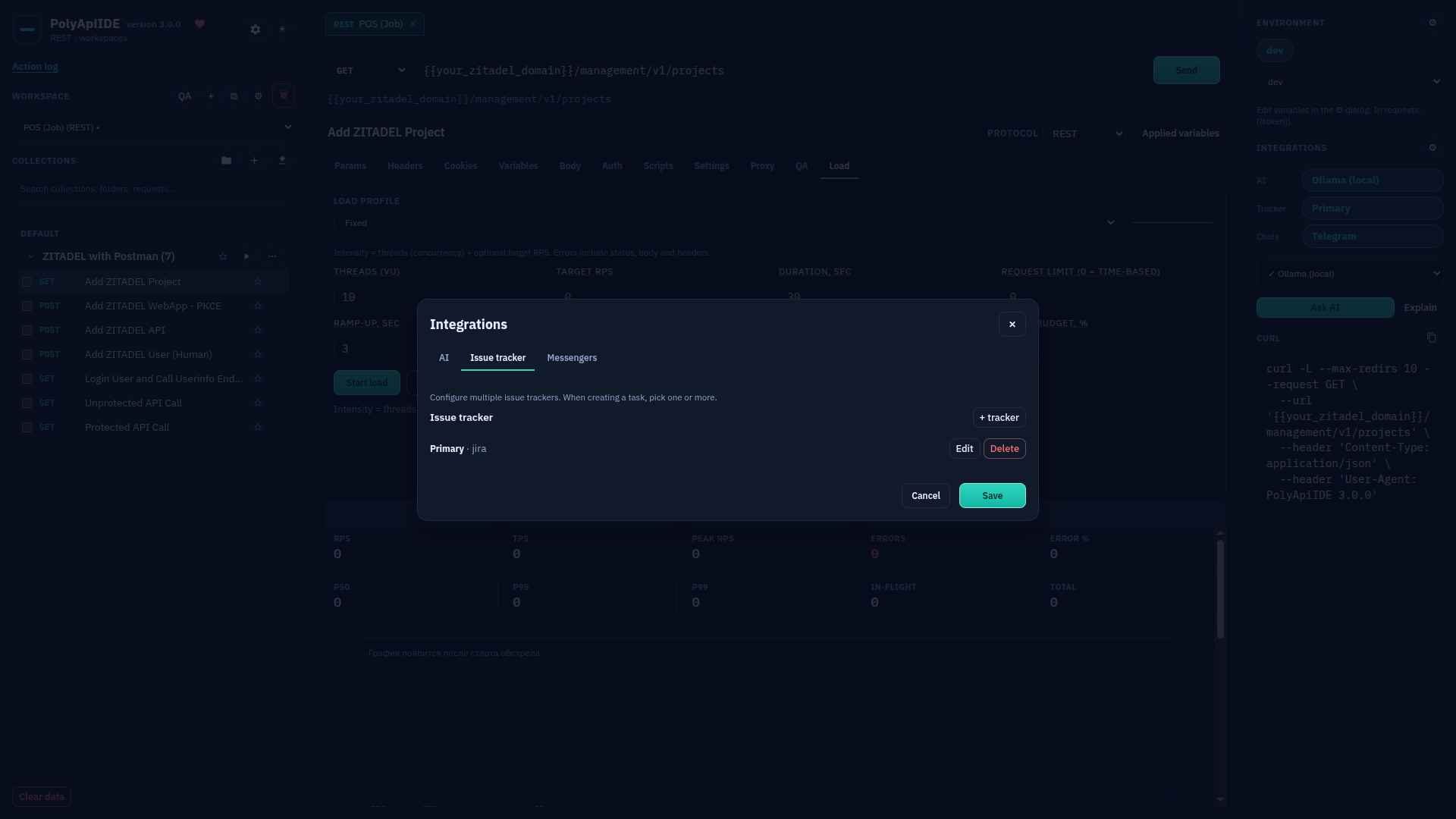
Integrations: issue tracker
Paid · Paid: configuring the issue tracker integration.
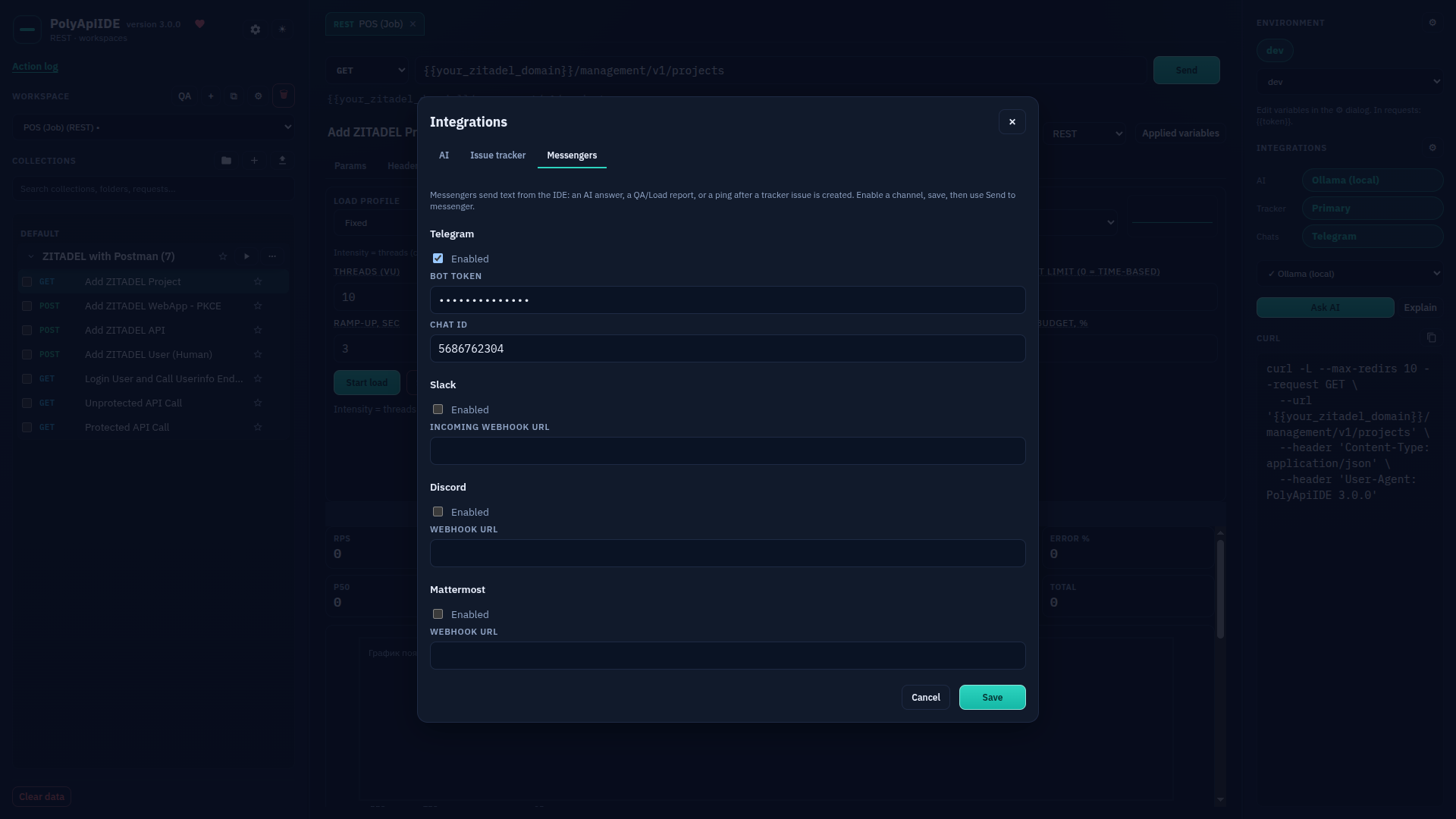
Integrations: messengers
Paid · Paid: configuring messenger integrations.
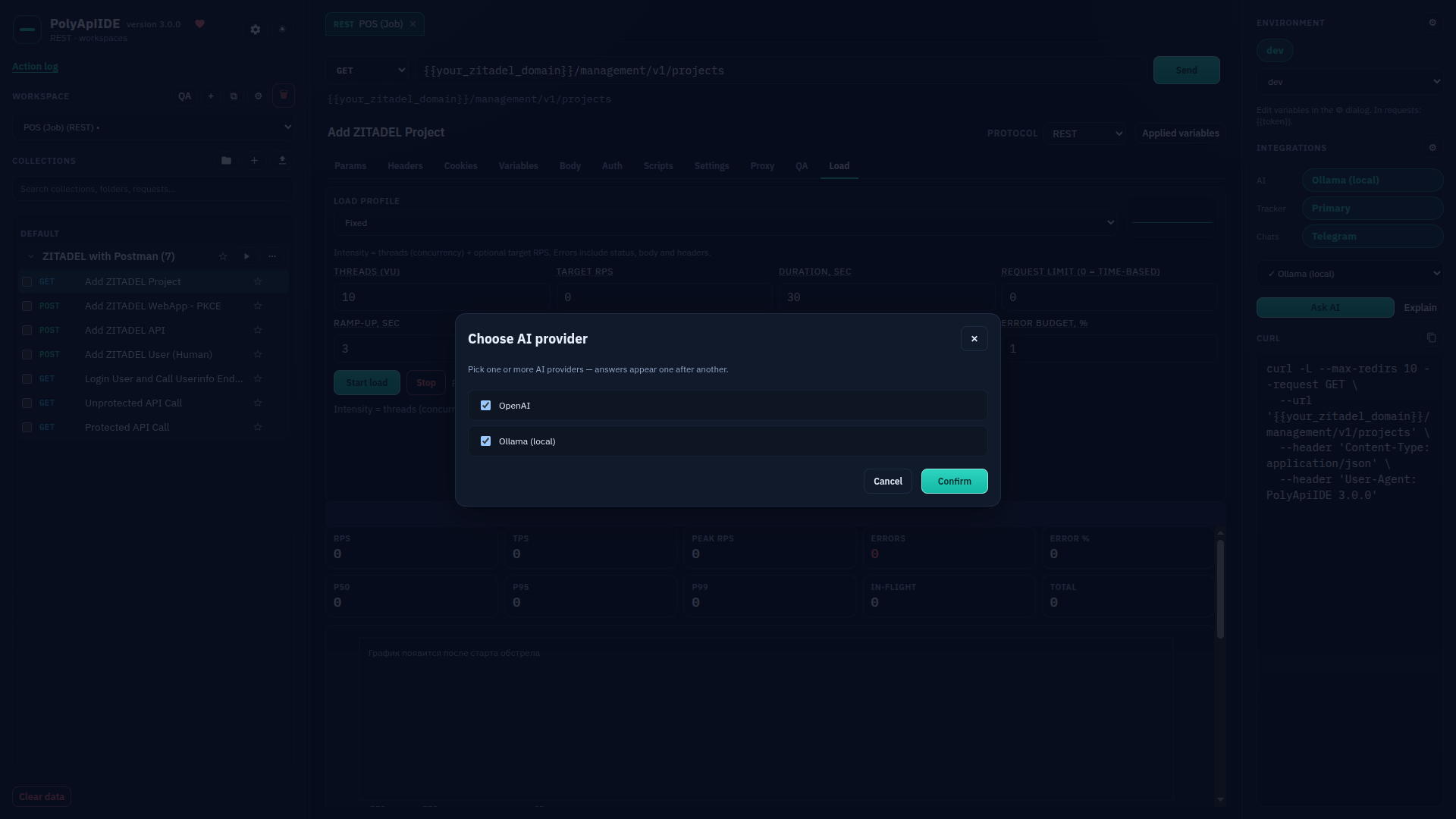
Ask AI: choosing a provider
Paid · Paid: choosing an AI provider before asking the AI.
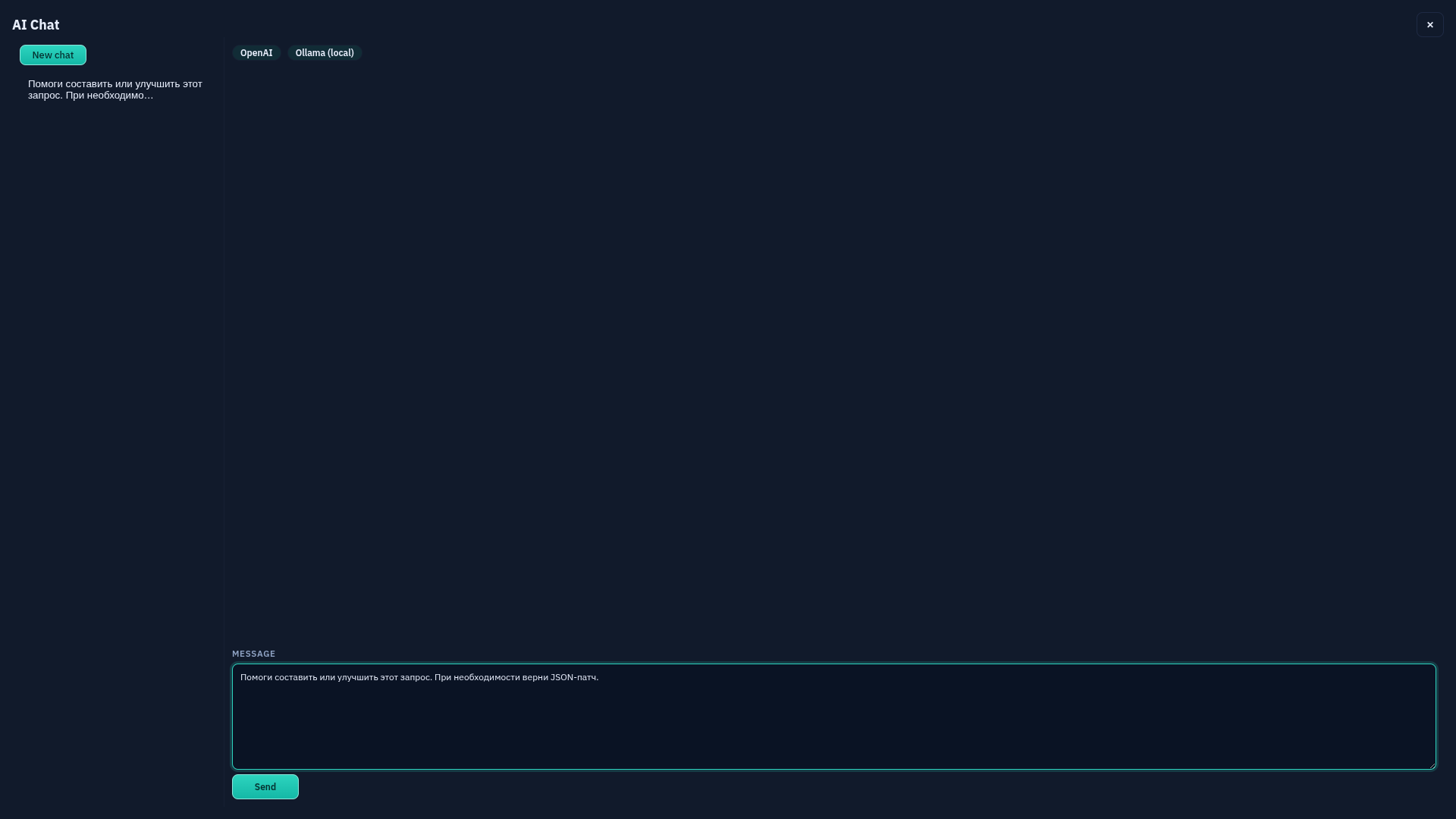
Ask AI: chat
Paid · Paid: the AI chat screen.